Controls - Available to Administrators only
Add user : Click this button to bring up the screen to add a user.
Username : Click on a user name (e.g. Administrator) to bring up the Modify User
screen for editing user details.
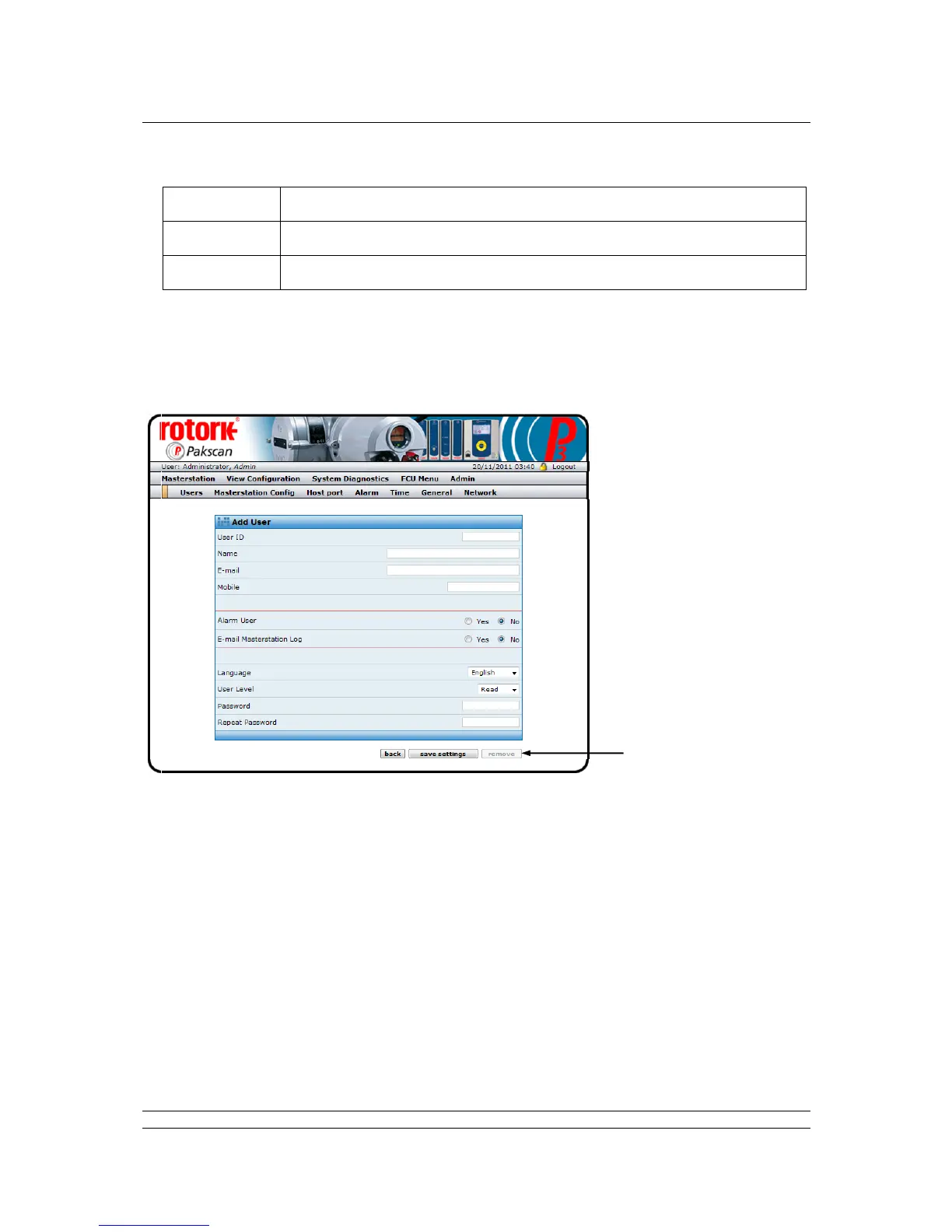
Fig 70: Add User web page
The Add User screen contains the fields to be completed for each permitted user, either by completing
the data box, selecting from a drop-down box or selecting a radio button.
User ID : Enter a unique name to use when logging in to the system.
Name : Enter a name to be used in all emails and on the system logs.
Several users can have the same name, but this is not recommended.
Email : If Email messages concerning the system alarms are to be sent to this
user, enter a valid Email address.
Mobile : If text messages are to be sent to a mobile phone associated with this
user, enter the complete phone number here.
Alarm User : Select ‘Yes’ or ‘No’ for the choice of sending Emails and Text messages to
this user.



 To Next Page