MRD 3187B - User Manual
Page 113 (245)
Note: A maximum of 64 IP addresses may be added to the list.
Edit/Remove an IP
Note: Existing IP addresses are shown before the “Add IP” option.
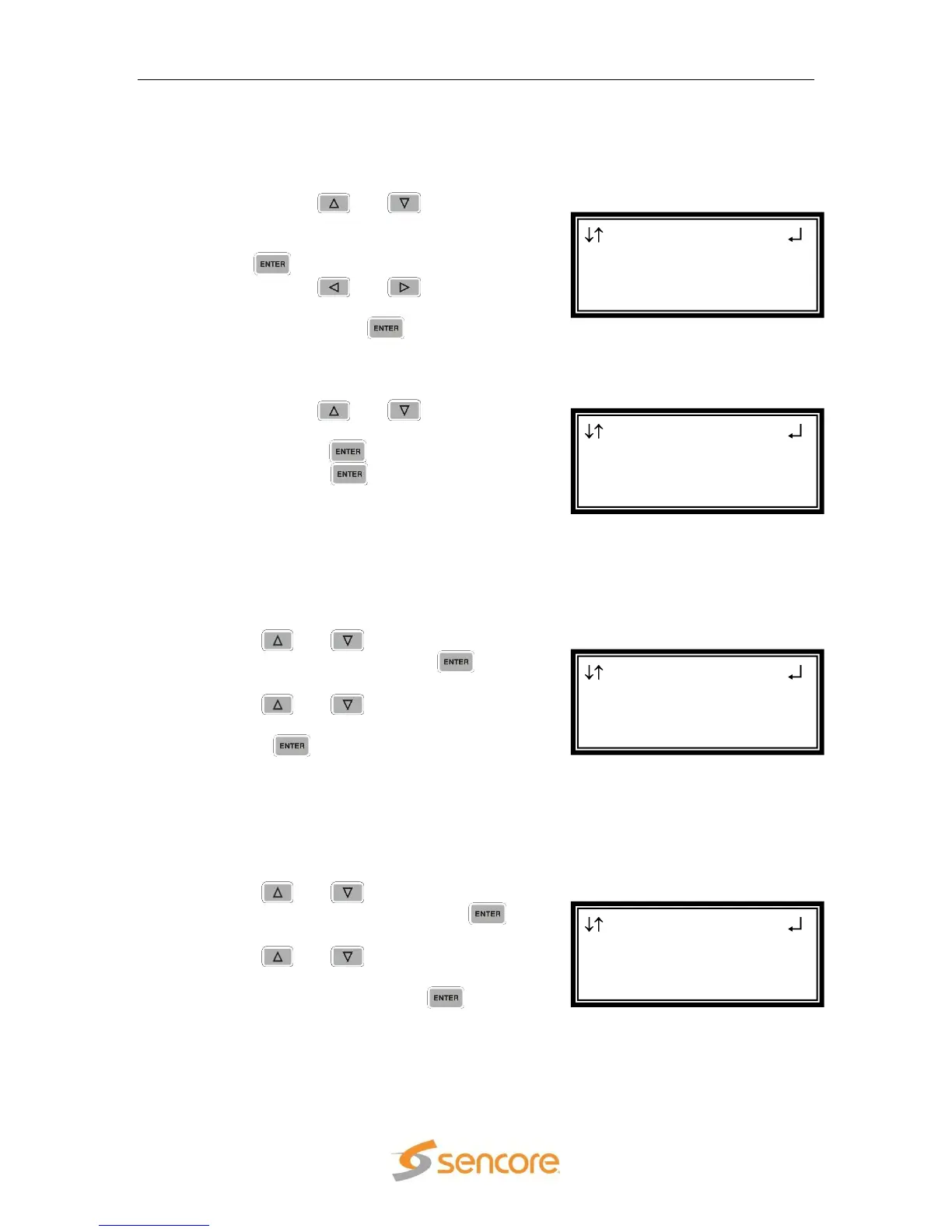
1. Use the and buttons to
move the cursor to the desired IP
address to edit, then press the
button.
2. Use the and buttons to
select either “Edit” or “Remove”,
then press the button.
Clear All
This option will clear all IP addresses in the filter list.
1. Use the and buttons to
move the cursor to “Clear All”, then
press the button.
2. Press the button one more
time to clear all the IP addresses in
the list.
Forward Error Correction
This setting lets the decoder know if it should be expecting FEC data with the active
receive group. If no FEC data is expected, this setting can be disabled to allow
multicasts closer together on the same IP.
1. Use the and buttons to move the
cursor to “FEC:” then press the
button.
2. Use the and buttons to either
“Enable” or “Disable” the setting, then
press the button to save the
selection.
Jitter Tolerance
This setting is used to set the number of IP packets that the unit needs to receive
before starting to decode video. Most closed networks should use a setting of Low or
Medium unless the network is especially prone to severe jitter.
1. Use the and buttons to move the
cursor to “Jitter Tol:” then press the
button.
2. Use the and buttons to set the
desired jitter tolerance mode (“Low”,
“Med”, “High”), then press the button
to save the selection.
MPEG/IP 1-3
Receive 2
FEC:Disable
►Jitter Tol:Low
MPEG/IP 1-3
Receive 2
►FEC:Disable
Jitter Tol:Low
MPEG/IP 1-3 2
239.192.20.3
Add IP
►Clear All
MPEG/IP 1-3 2
Filter Mode:Include
Edit Remove
Add IP



 To Next Page