MRD 3187B - User Manual
Page 192 (245)
Note: Using the front panel (see Section 4.13) uses the following names for the
Splice Requests:
“Splice Event Source” for “Event Source”
“Program ID” for “Unique Program ID”
“Preroll” for “Pre-Roll Time”
“Avail Expect” for “Avails Expected”
“Splice Type” for “Splice Insert Type”, with values:
“OON” for “Start Normal”
“OON Imm” for “Start Immediate”
“RTN” for “End Normal”
“RTN Imm” for “End Immediate”
5.3.3 Output Setup
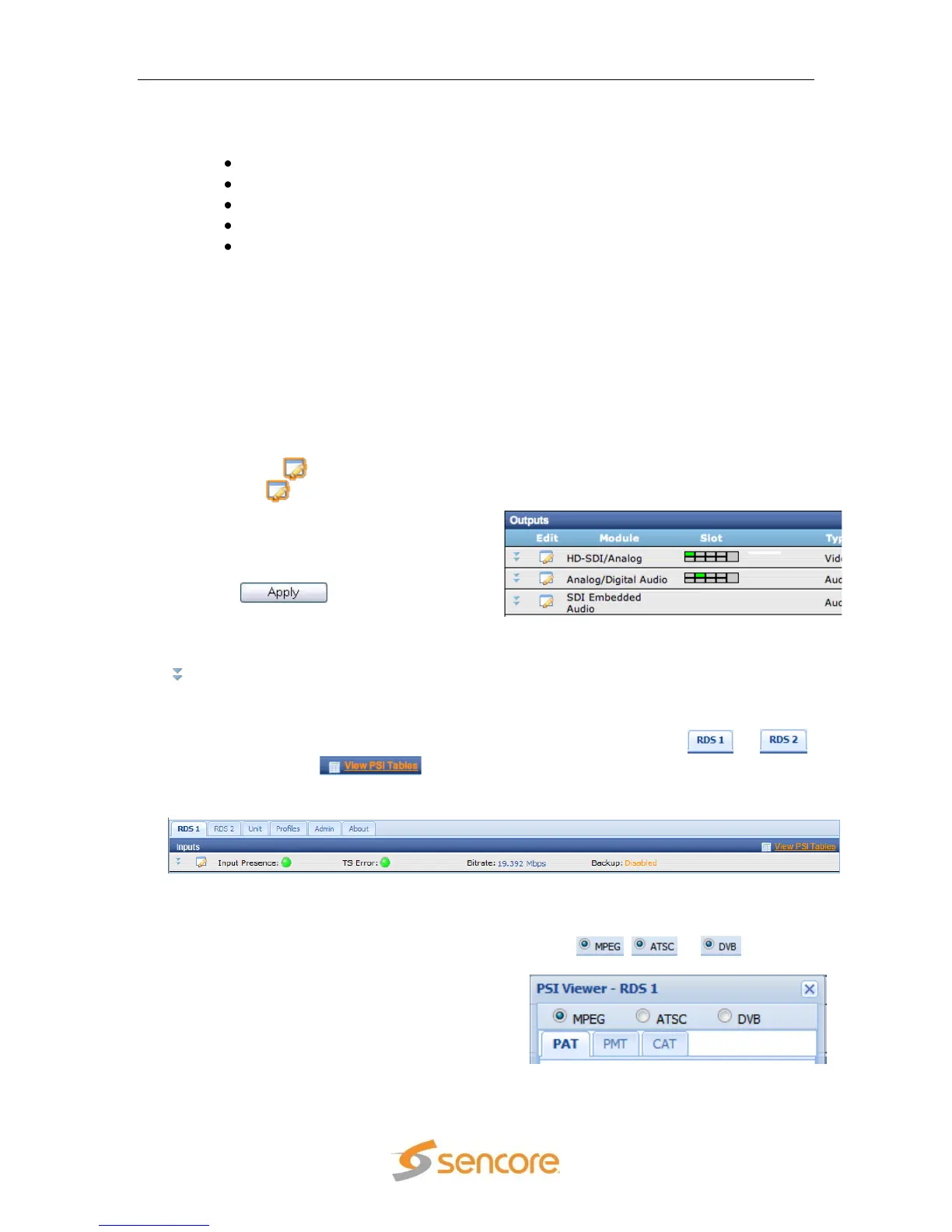
All of the installed output option cards are listed under the “Outputs” heading. This
section includes the options for the installed output cards (e.g. Video, Audio).
Each output card can be configured by
clicking on the button that is next to
it. When the button is clicked it will
bring up another window, in the middle of
the screen, with the specific options for
that card. Use the drop down menus and
input boxes to complete the edit form.
Click the button, at the
bottom of the form, to save the settings.
The current settings for any of the output
cards can be verified by clicking on the
button next to the desired output.
5.3.4 PSIP Information
To view the PSIP information for the applied TS, select the RDS ( or )
and then click the button which is located right next to the “Inputs”
heading towards the top of the page.
This will open a new window that displays all of the PSIP information for the applied
TS. The PSIP Tables are grouped into “MPEG”, “ATSC” and “DVB” tables. The table
groups are selected using the selection radial buttons , or .
The MPEG table grouping includes
displaying the PAT, PMT or CAT. Click the
tabs at the top of the window to view the
corresponding table.



 To Next Page