MRD 3187B - User Manual
Page 180 (245)
4.32 System Information
Description: The unit information for MRD 3187B can be shown using the System
menu. The system information contains the unit version, saving and loading of
unit profiles (the configuration of the unit and its options), viewing the options that
are installed in the unit, the unit temperature and the unit time.
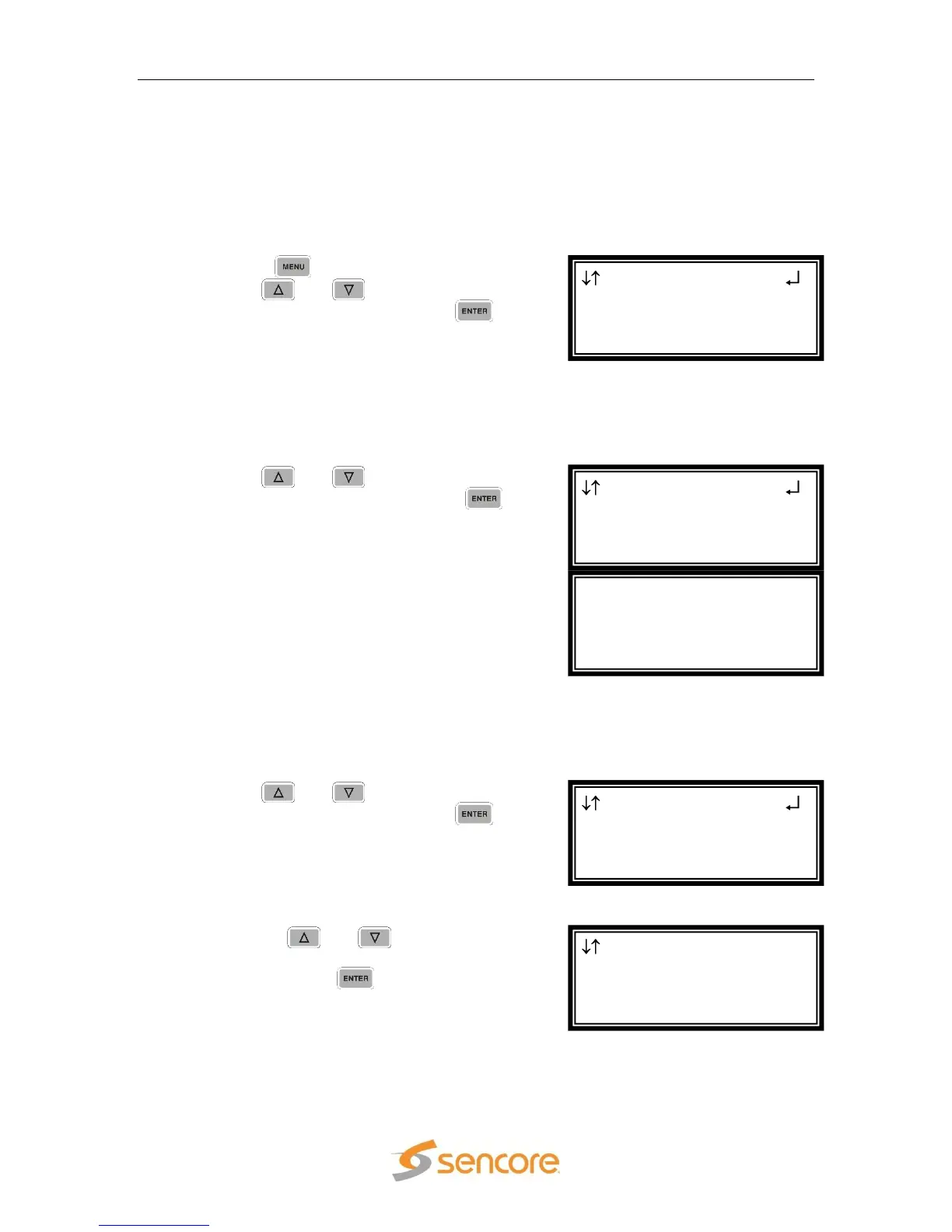
The System information is accessed using the following steps:
1. Press the
button.
2. Use the
and
button to move the
cursor to “System” then press the
button.
Versions
This displays the unit‟s software version and the software versions of options that
have versions enumerated separately from the unit‟s version.
1. Use the
and
button to move the
cursor to “Versions” then press the
button.
2. The versions of the unit and its options are
listed.
Profiles
This allows the user to save the configuration of the unit and its options. It also allows
the user to load a previously saved profile or to delete a saved profile.
1. Use the
and
button to move the
cursor to “Profiles” then press the
button.
Saving a Profile
1. Use the
and
button to move
the cursor to “Save Current Profile”
then press the
button.
Profiles
►Save Current Profile
Stored Profiles
profile1
System
Versions
►Profiles
Hardware
Versions
Unit 7.3.1
Decoder 1 7.3.1
MpegIp 1-3 2.0.4.50309
System
►Versions
Profiles
Hardware
Menu
Genlock Reference
SMPTE 333M
►System



 To Next Page