MRD 3187B - User Manual
Page 166 (245)
4.24 Password Strength
Description: Determines the password strength for access through the Web Client
Character Type
If set to enable, the Web Client Password will contain at least three of the following
classes : lower case letters, upper case letters, digits, or special characters
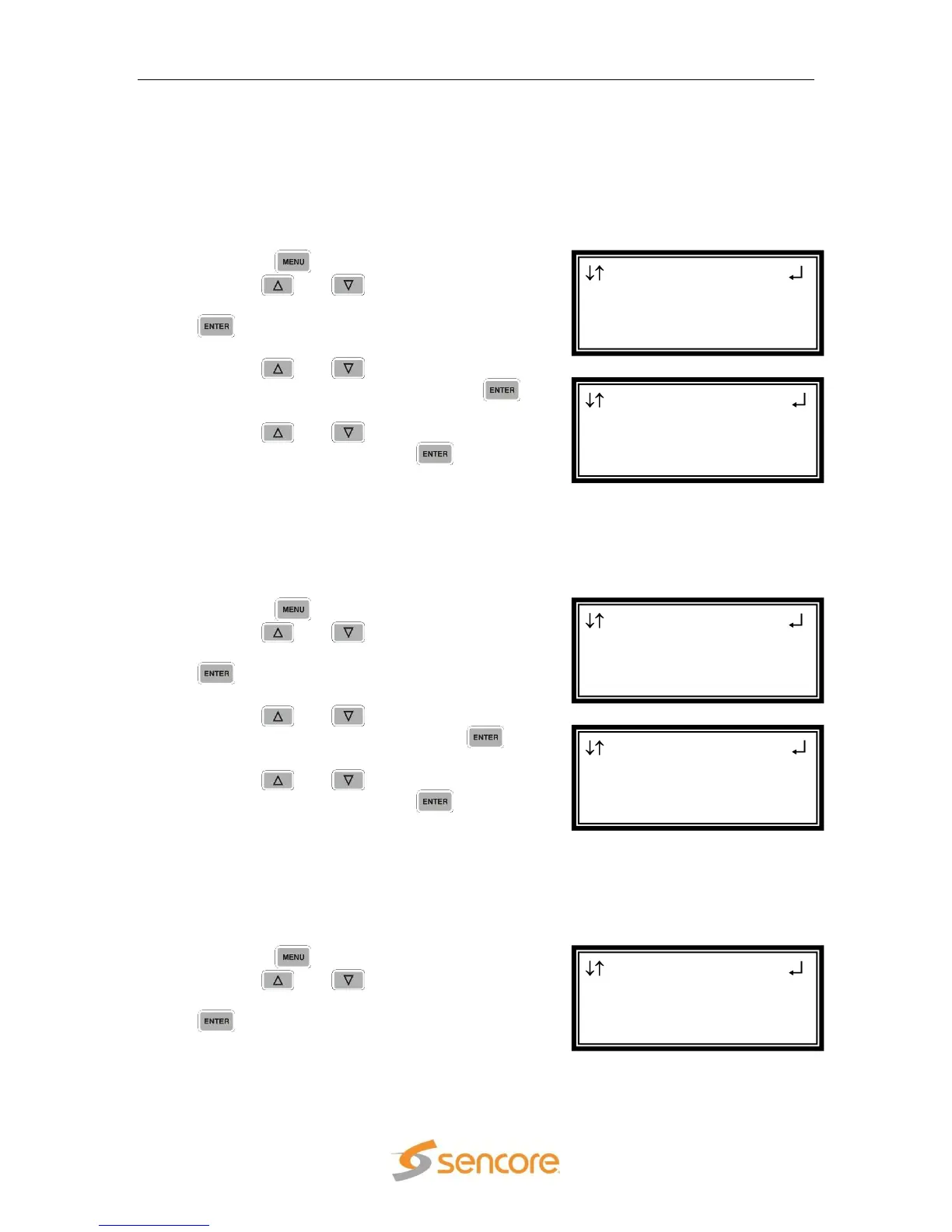
To enable/disable Character Type password requirement, use the following steps:
1. Press the button.
2. Use the and buttons to move the
cursor to “Pwd Strength”, then press the
button.
3. Use the and buttons to move the
cursor to “Char Type:” then press the
button.
4. Use the and buttons to change
the selection, then press the button
to save the selection.
Repeats
If set to enable, no character in the password can be repeated more than three times
consecutively
To enable/disable No Repeats password requirement, use the following steps:
1. Press the button.
2. Use the and buttons to move the
cursor to “Pwd Strength”, then press the
button.
3. Use the and buttons to move the
cursor to “Repeats:” then press the
button.
4. Use the and buttons to change
the selection, then press the button
to save the selection.
Not User ID
If set to enable, the password cannot be the same as the user ID or the user ID
reversed
To enable/disable Not User ID password requirement, use the following steps:
5. Press the button.
6. Use the and buttons to move the
cursor to “Pwd Strength”, then press the
button.
Menu
►Pwd Strength
Network Services
Network Interface
Pwd Strength
Char Type :Disabled
►Repeats :Disabled
Not UID :Disabled
Menu
►Pwd Strength
Network Services
Network Interface
Pwd Strength
►Char Type :Disabled
Repeats :Disabled
Not UID :Disabled
Menu
►Pwd Strength
Network Services
Network Interface



 To Next Page