MRD 3187B - User Manual
Page 195 (245)
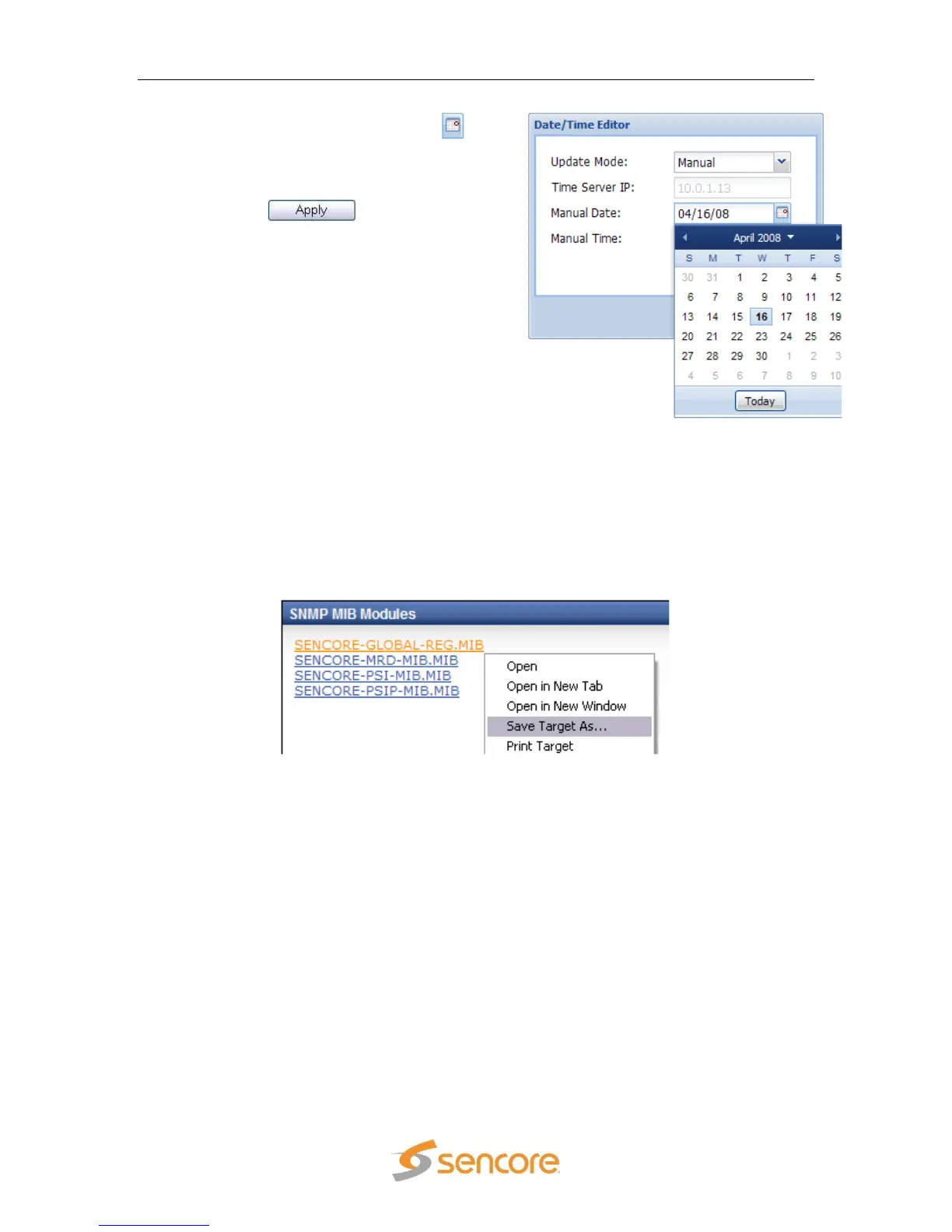
5. If “Manual” is selected, click the
button to choose the date.
6. Then enter the time manually in the
space provided.
7. Click the button to save the
changes.
5.4.4 SNMP MIB Modules
In order to control the MRD 3187B using SNMP, the MIB modules need to be
downloaded. The Sencore specific MIB modules are displayed under the “SNMP MIB
Modules” heading. The generic MIB modules can be viewed and downloaded by clicking
on the “View All MIB Modules…” hyperlink. That will bring up a new window displaying
all the generic MIB modules. To download these, right-click on the desired MIB module
under the “SNMP MIB Modules” heading and select “Save Target As…”
5.4.5 SNMP Settings
The next section is the SNMP settings. This section gives an overview of all the
SNMP settings as well as the configuration of SNMP. To edit the SNMP settings use
the following steps:



 To Next Page