MRD 3187B - User Manual
Page 61 (245)
4.8 Audio Output (DolbyE, AES Digital, Analog) – Option 8707A
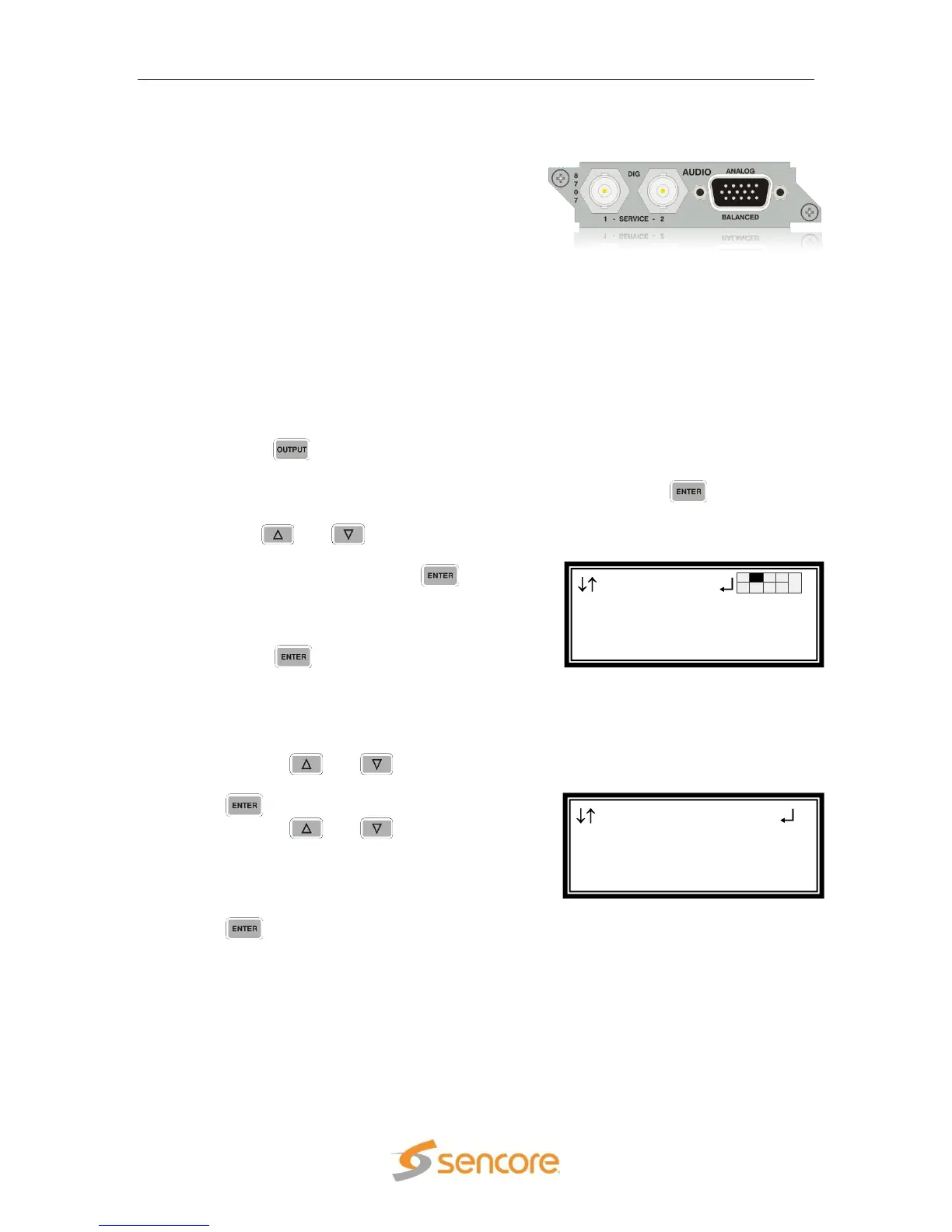
General Information
Install Location: Any slot except 1-1 and 2-1.
I/O: (2) 75Ω Female BNC digital outputs, (1)
15-pin D-sub Male analog output
Supported Formats: Raw, PCM, Dolby E
Description: This card provides two digital audio outputs, and two analog audio pair
outputs. The 8707A also adds the ability to parsed DolbyE compressed audio. It
provides the audio from two audio decoder processors. Two 8707/8707A cards
can be installed to provide Raw and PCM digital audio outputs from four audio
decoder processors (Only in Configuration 2 or Configuration 1 Dual Decoder
units).
Output Control
1. Press the button.
Note: For Configuration 2 units, select RDS1 or RDS2, then press .
2. Use the and buttons to move the
cursor to the “Audio” card of the specific
slot (e.g. 2-2), then press the button.
Notice the location diagram in the upper
right corner of the screen changes as the
cursor moves by each card.
3. Press the button one more time to
move from the Status screen to the Edit
screen.
Digital Audio Settings
1. Use the
and
buttons to move
the cursor to “Out1:” then press the
button.
2. Use the
and
buttons to
select the audio decoder and output
format desired (“Audio 1 – PCM”,
“Audio 1 – Raw”, “Audio 2 – PCM”,
“Audio 2 - Raw”, “Off”), then press the
button to save the selection.
Note: The above steps apply to “Out2:” as well.
Note: The above formats apply to a Configuration 1 Single Decoder unit or any
Configuration 2 unit. For a Configuration 1 Dual Decoder unit, the additional
values of “Audio 3 – PCM”, “Audio 3 – Raw”, “Audio 4 – PCM”, “Audio 4 -
Raw” are available.
Audio 2-2
Digital Audio:
► Out1:Audio 1 – PCM
Out2:Audio 2 – PCM
Output
Anlg Video 1-1
►Audio 2-2



 To Next Page