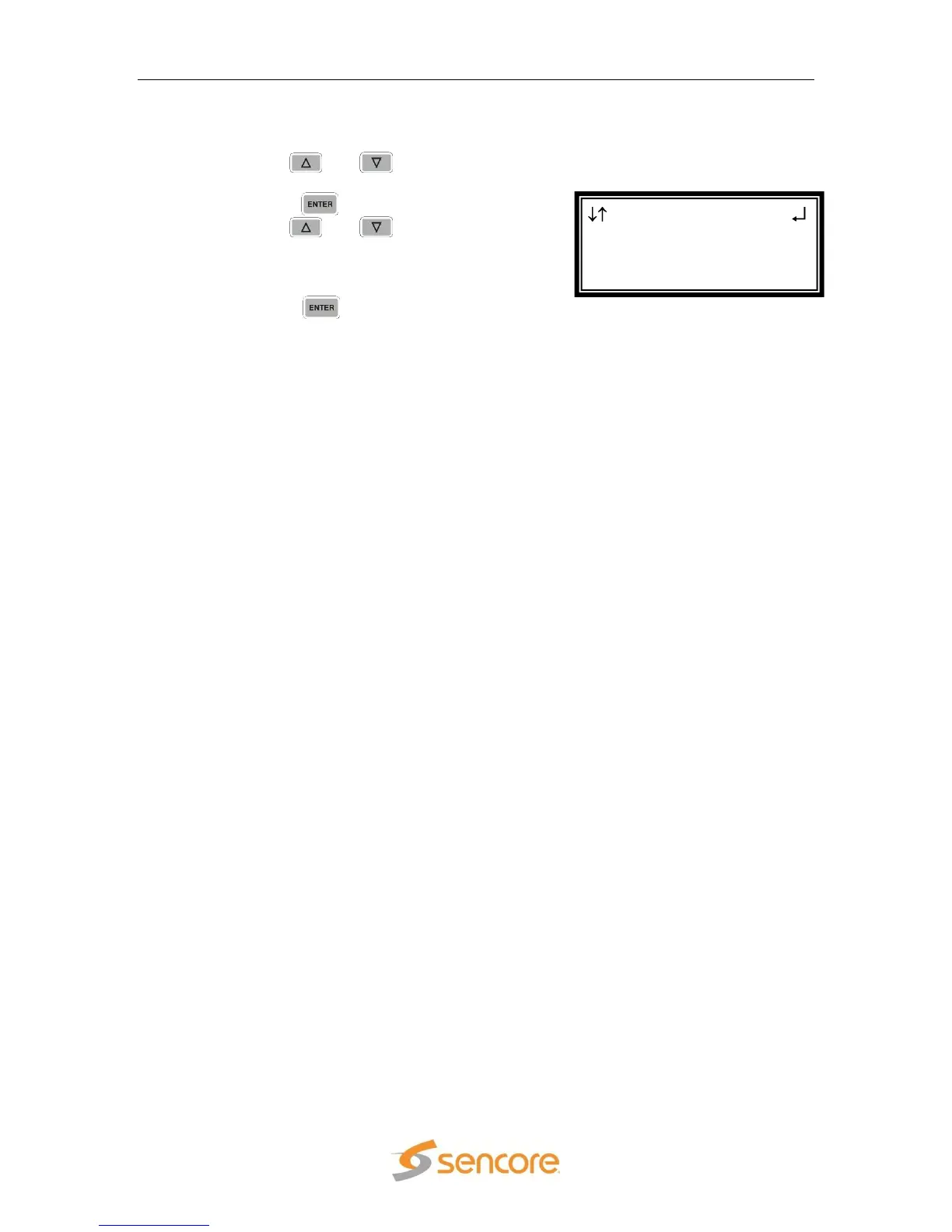
1. Use the and button to move
the cursor to “SFD Location:” and then
press the button.
2. Use the and buttons to
select one of “Top-Lt”, “Mid-Lt”, “Btm-
Lt”, Top-Rt”, “Mid-Rt”, “Btm-Rt”, Top-
Ctr”, “Mid-Ctr”, “Btm-Ctr”.
3. Press the button to save the
settings.



 To Next Page