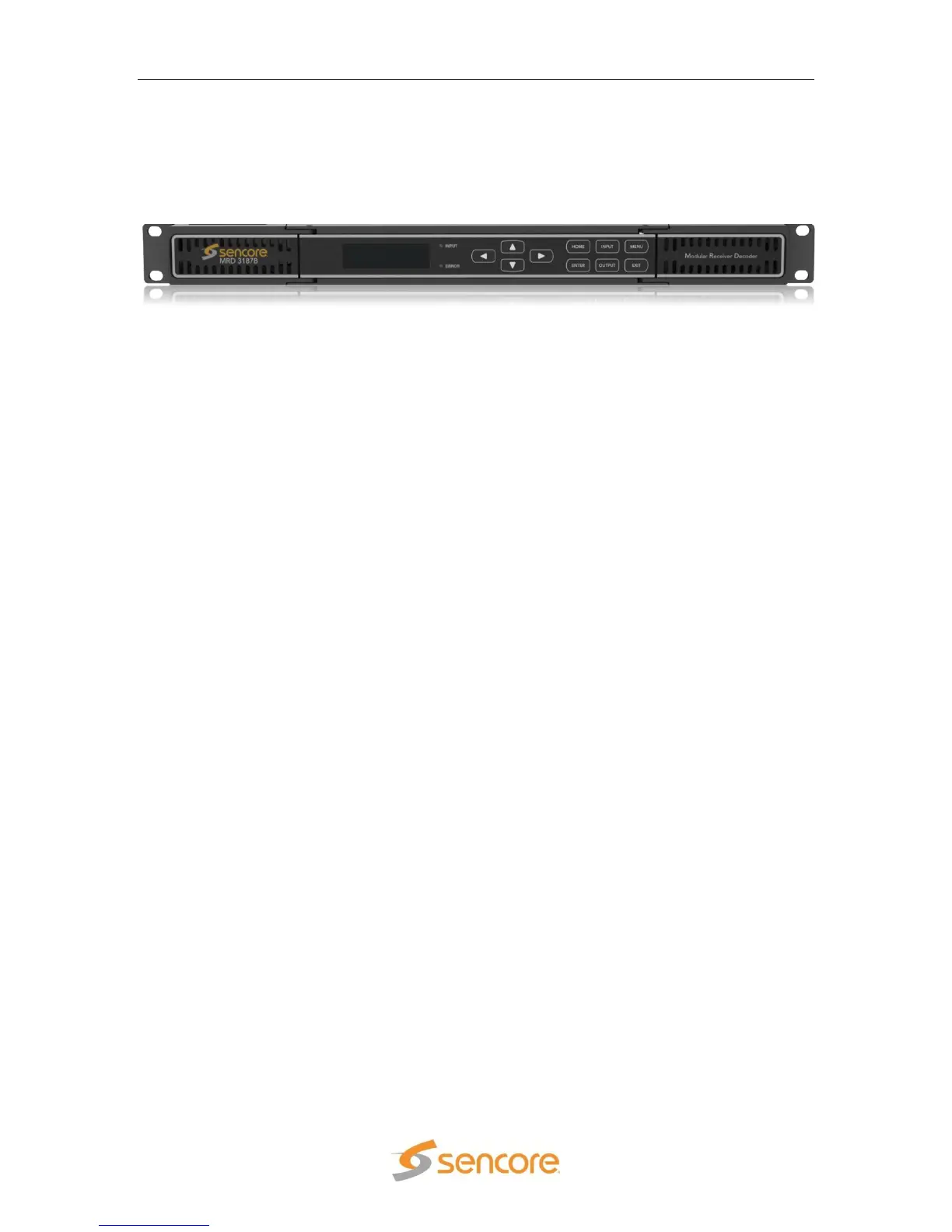
MRD 3187B - User Manual
Page 185 (245)
Section 5 – Using the Web Client
to Configure the MRD 3187B
Introduction
This section describes how to navigate through the configuration menus on the web
client of the MRD 3187B.
Note: All instructions in this manual are based on unit software 7.3.x. Newer versions of
software, when released, may operate slightly different in regards to menus and
configuration.
5.1 Login ........................................................................................................................ 186
5.2 Status Indicators ...................................................................................................... 186
5.3 Configuration ........................................................................................................... 186
5.4 Unit ........................................................................................................................... 193
5.5 Profiles ..................................................................................................................... 196
5.6 Web Passwords ....................................................................................................... 200
5.7 Password Strength .................................................................................................. 201
5.8 Network Services ..................................................................................................... 201
5.9 Reset Unit ................................................................................................................ 202
5.10 Software Updates .................................................................................................... 202
5.11 Diagnostics .............................................................................................................. 202
5.12 About ........................................................................................................................ 204
5.13 Feature Licensing .................................................................................................... 204



 To Next Page