MRD 3187B - User Manual
Page 178 (245)
4.31 SCTE35 to SCTE104 Setup
Description: The SCTE35 to SCTE104 is used in an application where the MRD
3187B it is receiving a transport stream with SCTE35 DPI splice messages. The
MRD extracts those messages from the transport stream and converts them to
SCTE104 messages, and embeds them as VANC packets on the SDI output.
Enabling SCTE35 to SCTE104 Capabilities
This is enabled with a “SCTE 35/104” license, see Section 4.33 and 5.13. The
license is enabled by entering a License Key and the status of the License is noted in
the License “Feature List”. The “SCTE 35/104” license is available whenever an
8730A, 8731A, 8732 or 8734 decoder are installed, and any of the 8704A/8704B,
8705/8705A or 8708 output option card is installed in the MRD 3187B. The license
enables the “SCTE 35/104” capabilities for the entire MRD.
When licensed, the “SCTE35 Setup” setting will be available.
Use the following steps to setup SCTE35 to SCTE104 conversion.
SCTE35 PID
There are two modes that the SCTE35 PID(s) can be entered in, Auto or Manual. In
Auto mode the unit attempts to discover the SCTE35 PID(s) as they are signaled in
the stream. In Manual mode the user must enter the PID(s) manually using each
PID‟s HEX PID number. To setup the SCTE35 PID(s) use the following steps.
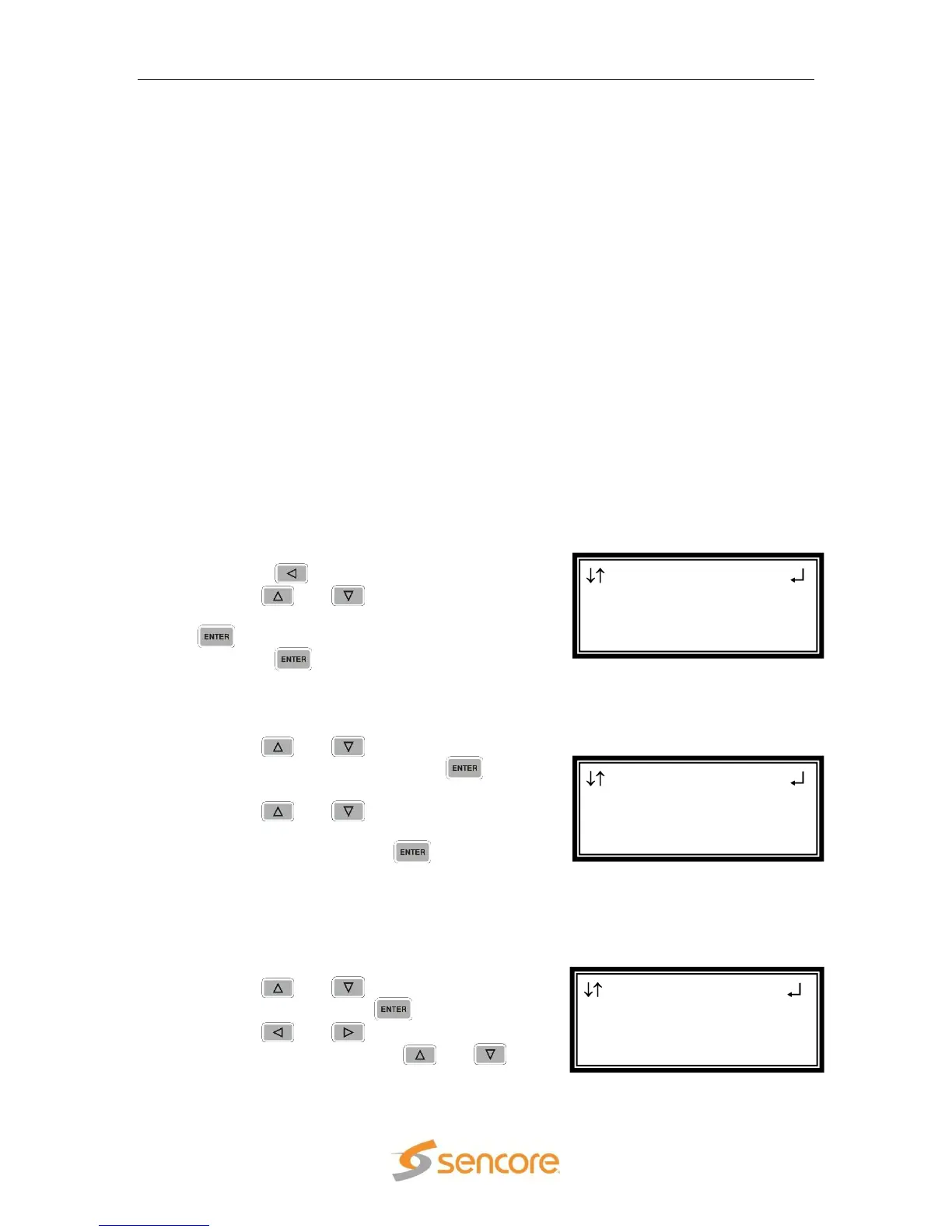
1. Start out at the home screen (where it
shows the TS bit rate).
2. Press the button.
3. Use the and buttons to move the
cursor to “SCTE35 Setup”, then press the
button.
4. Press the button again to get to the
edit screen.
Setting Mode
1. Use the and buttons to move the
cursor to “Mode”, then press the
button.
2. Use the and buttons to select
the desired mode of operation (“Auto” or
“Manual”), then press the button to
save the selection.
Manual Mode
The following steps are only applicable to “Manual” mode.
1. Use the and button to select
“PID 1:” then press the button.
2. Use the and arrows to select the
column to edit and use the and
SCTE35
►Mode:Manual
Heartbeat TO:10
PID 1:0x0016
SCTE35
►Mode:Auto
Heartbeat TO:10
RDS 1 ←→
Audio 2 Setup
►SCTE35 Setup
Source ID



 To Next Page