MRD 3187B - User Manual
Page 179 (245)
arrows to enter the PID, then press the
button to save the selection.
Note: Use steps 1 and 2 above to enter the SCTE35 PIDs for fields “PID 2:” and PID
3:” if applicable.
SCTE104 VANC Embedding
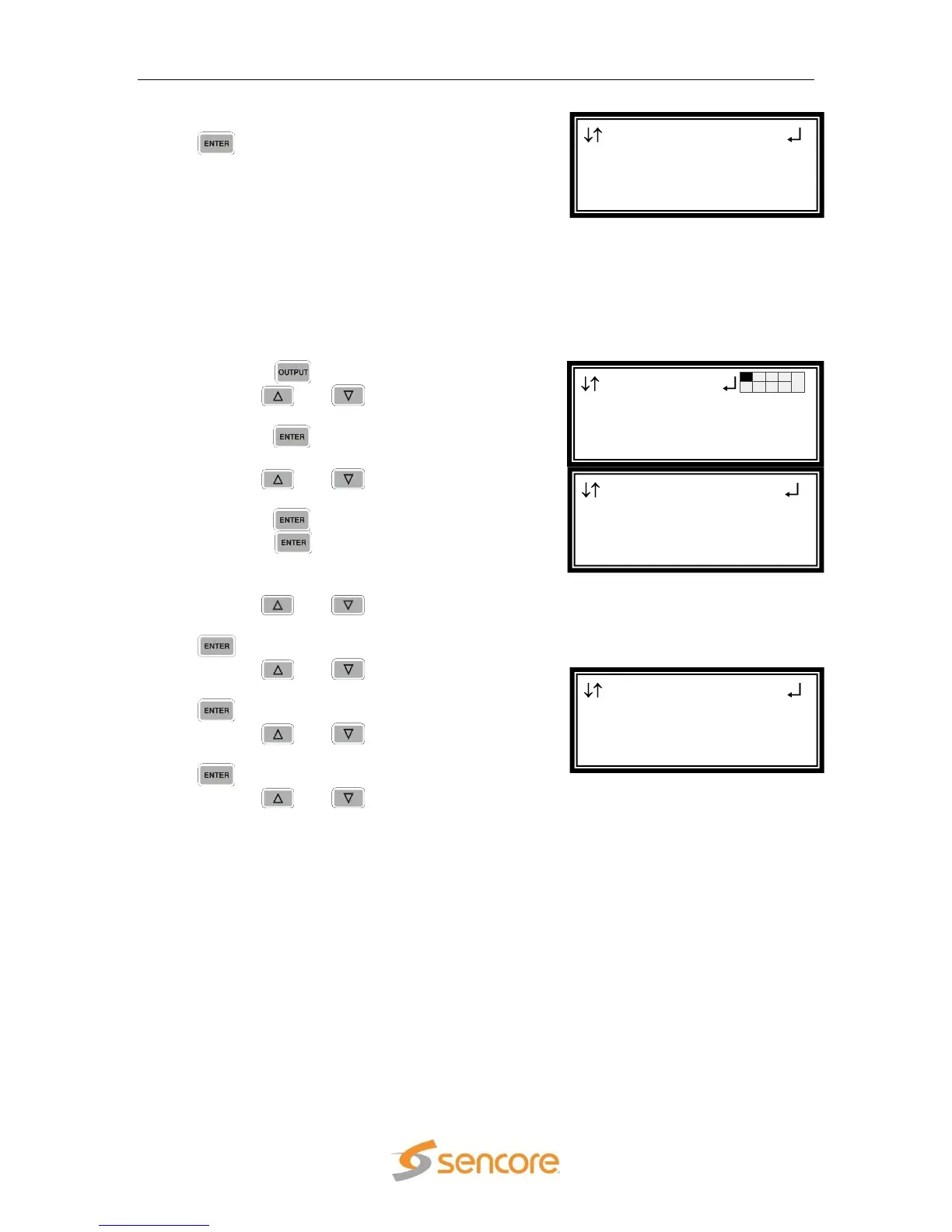
To setup the MRD 3187B to embed the SCTE104 message into the SDI VANC use
the following steps:
1. Press the button.
2. Use the and buttons to move the
cursor to the HD Video selection, then
press the button.
3. Use the and buttons to move the
cursor to “SDI VANC Assignment”, then
press the button.
4. Press the button again to display the
edit menu.
5. Use the and buttons to move the
cursor to “SCTE 104 Msg:”, then press the
button.
6. Use the and buttons to choose
“Enabled” or “Disabled”, then press the
button to save the selection.
7. Use the and buttons to select
“Line:” for SCTE104 Msg and press the
button.
8. Use the and buttons to change
the line number (4 – 15) in which the
ancillary data will be located.
SDI VANC 2-1
Line:9
SCTE104 Msg:Enabled
► Line:10
HD Video 2-1
Video
►SDI VANC Assignment
Genlock Offset
Output
►HD Video 2-1
Audio 2-2
SCTE35 ←→
Mode:Manual
Heartbeat TO:10
►PID 1:0x0016



 To Next Page