MRD 3187B - User Manual
Page 43 (245)
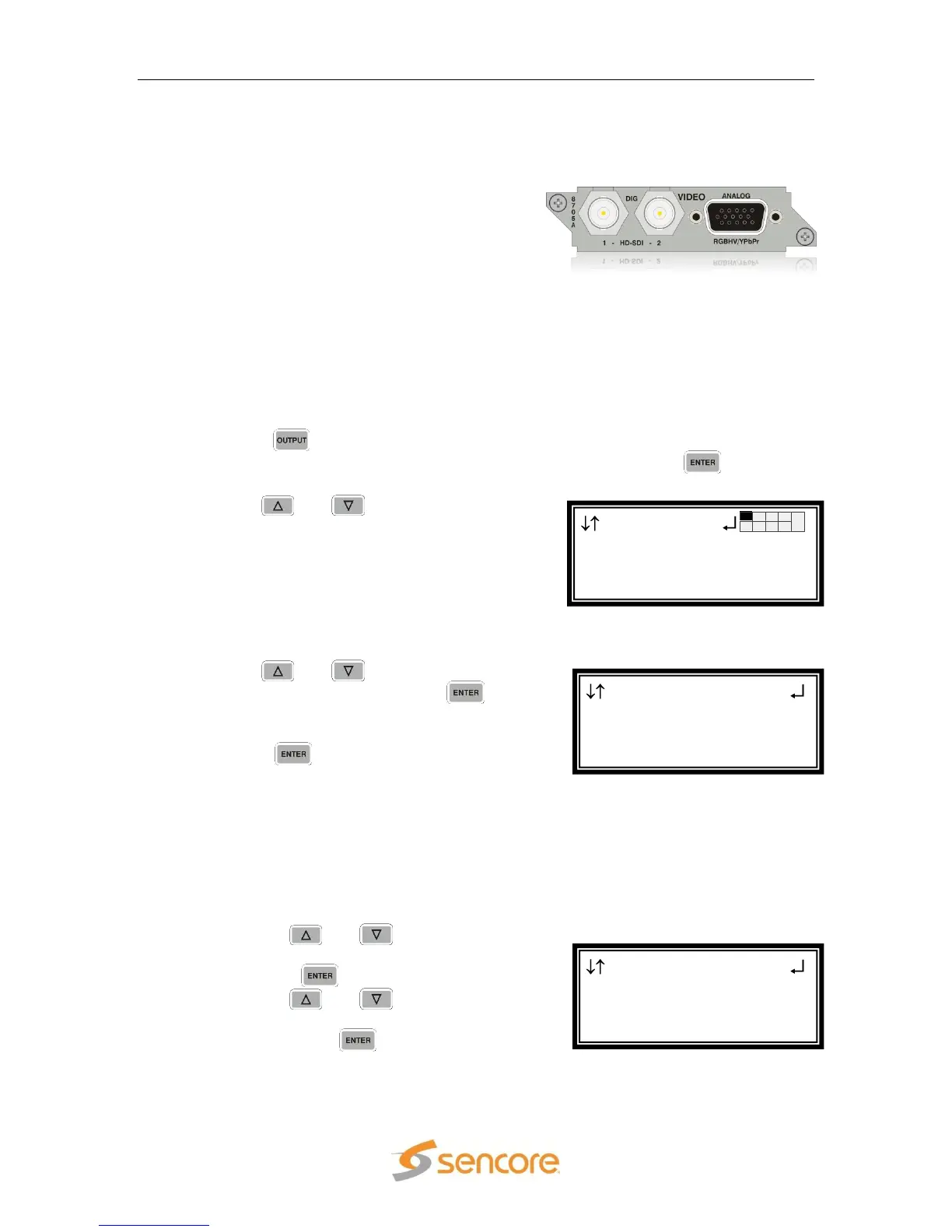
4.6 Video Output (2 HD-SDI, 1 RGBHV/YPbPr) – Option
8705/8705A
General Information
Install Location: 1-1 or (2-1, only on
Configuration 2 units or Configuration 1
with dual decoders)
I/O: (2) 75Ω HD-SDI Female BNC outputs, (1)
15-pin D-sub Female analog output
Supported Formats: HD-SDI, YPbPr,
RGBHV
Description: This card provides three mirrored outputs from any of the available
input option cards. Two of the outputs are HD-SDI and one is analog
YPbPr/RGBHV.
Output Control
1. Press the button.
Note: For Configuration 2 units, select RDS1 or RDS2, then press .
2. Use the and buttons to move the
cursor to the “HD Video” card of the
specific slot (e.g. 2-1). Notice the location
diagram in the upper right corner of the
screen changes as the cursor moves by
each card.
Video Settings
1. Use the and buttons to move the
cursor to “Video”, then press the
button to display the Video Status screen
for the video output card.
2. Press the button again to display the
Edit screen for the video output card.
Select Format Setting
When in “Auto” mode, the unit will automatically pick the format which is closest
to the native format of the decoded video in the elementary stream. When in
“Manual” mode, the format may be selected from the list of available output
formats listed under “Video Format” below.
1. Use the and buttons to move
the cursor to “Select Format:” then
press the button.
2. Use the and buttons to
select either “Auto” or “Manual” mode,
then press the button to save the
selection.
HD Video 2-1
►Select Format:Manual
Format:1920x1080i
16x9 29.97
HD Video 2-1
►Video
SDI VANC Assignment
Genlock Offset
Output
►HD Video 2-1
Audio 2-2



 To Next Page