MRD 3187B - User Manual
Page 173 (245)
4.28 SNMP Configuration
Description: The trap reporting to SNMP allows the user to set which traps will be
sent. SNMP control of the MRD 3187B requires the unit to identify the
“Community” for read only and read/write access. These are configured using the
steps below.
To access the SNMP configuration, use the
following steps:
1. Press the
button.
2. Use the
and
buttons to move the
cursor to “SNMP”, then press the
button.
RO Community Setup
To change the RO Community, follow the steps below:
1. Use the
and
buttons to move the
cursor to “RO Community”, then press the
button.
Name
1. Use the
and
buttons to select
“Name:”, then press the
button.
2. Use the
and
buttons to
change the character and then the
and
buttons to change the
Name, then press the
button to
save the selection.
Connection 1
1. Use the
and
buttons to select
“Ip1:”, then press the
button.
2. Use the
and
buttons to
change the character and then the
and
buttons to change the IP
address, then press the
button to
save the selection.
3. Use the
and
buttons to select
“Port1:”, then press the
button.
4. Use the
and
buttons to
change the character and then the
and
buttons to change the
Port1 value, then press the
button to save the selection.
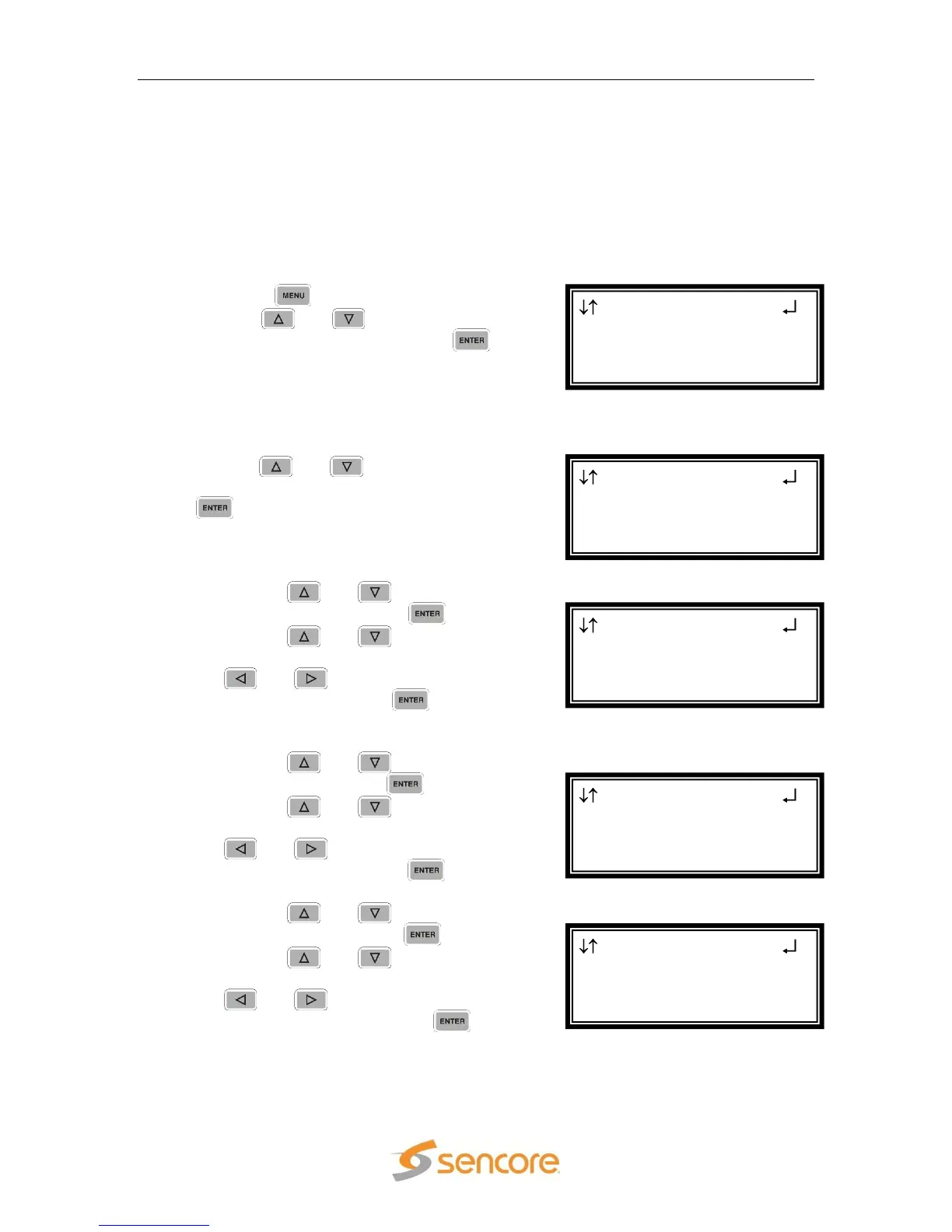
RO Community ←→
Name:public
----
Ip1:10.0.15.10
►Port1:0162
RO Community ←→
Name:public
----
►Ip1:010.000.015.010
Port1:0162
RO Community ←→
►Name:public
----
Ip1:10.0.15.10
Port1:0162
SNMP
►RO Community
RW Community
Trap Setup
Menu
Lock Panel
►SNMP
MPEG/IP NetCfg



 To Next Page