MRD 3187B - User Manual
Page 163 (245)
4.22 Active Errors
Description: Whenever an error occurs on any of the four internal status indicators
in the MRD 3187B, the Error LED will illuminate on the front panel and the details
of the error will be listed in the Active Errors. An extensive listing of errors and
their definitions is included in Appendix B.
Active Errors Display
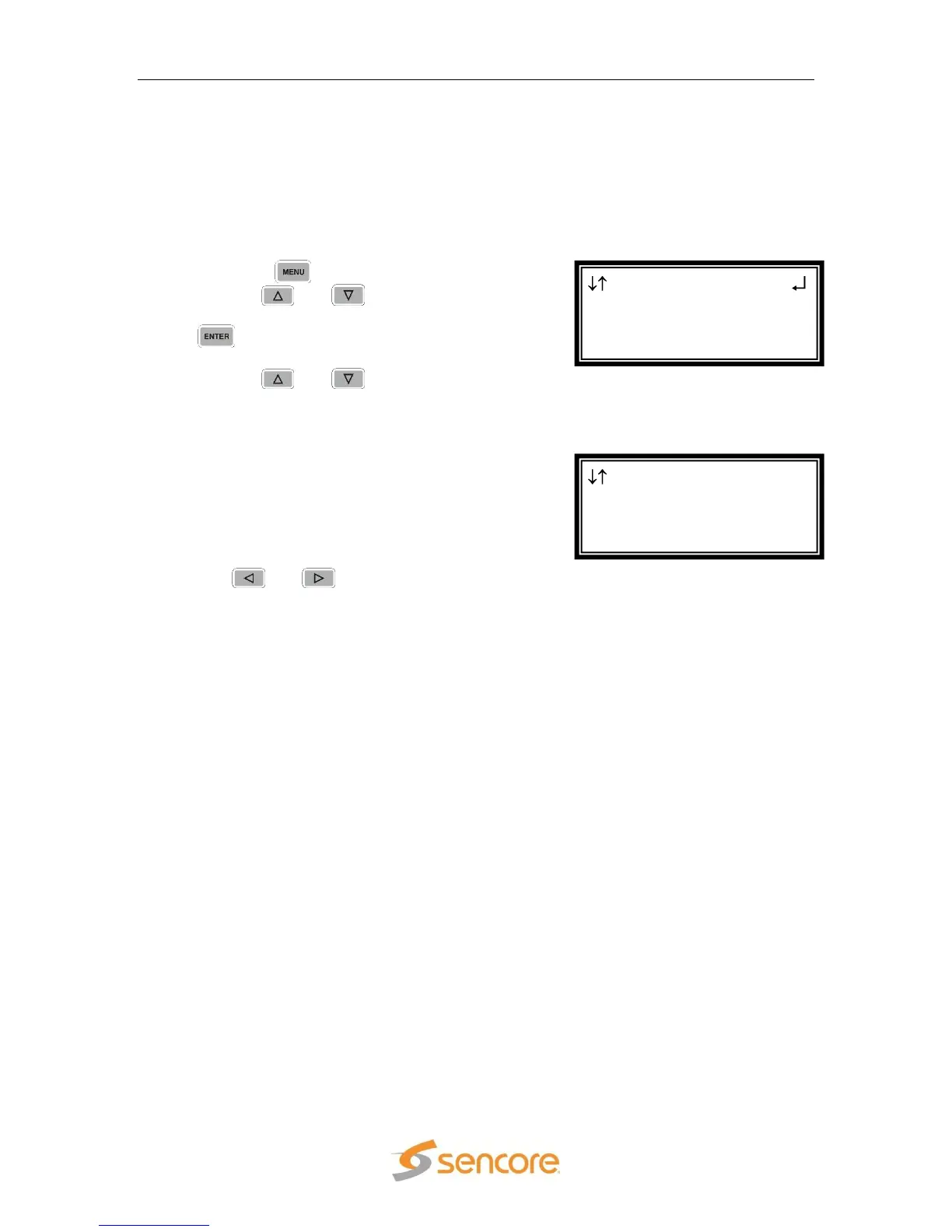
To display the current errors on the unit use the following steps:
1. Press the button.
2. Use the and buttons to move the
cursor to “Active Errors”, then press the
button.
3. Use the and buttons to scroll
through the list of errors.
4. The active errors are listed. The “1-3”
means RDS-Slot. In the example, the
8727 Option card is not receiving packets,
and is located in slot 1-3 (RDS 1, slot 3).
“0” is used if the error is not related to an
RDS (the “Fan Error” which is for the unit)
or to a particular option card (the “No TS
Present Error” which is for the decoder).
5. The and buttons can be used to
scroll left or right if the error listing text
cannot be entirely displayed on the front
panel.
Active Errors
0-0 Fan Error
1-0 No TS Present Er
1-3 Not Rcving IPPck
Menu
►Active Errors
Event Log
Splice Requests



 To Next Page