MRD 3187B - User Manual
Page 162 (245)
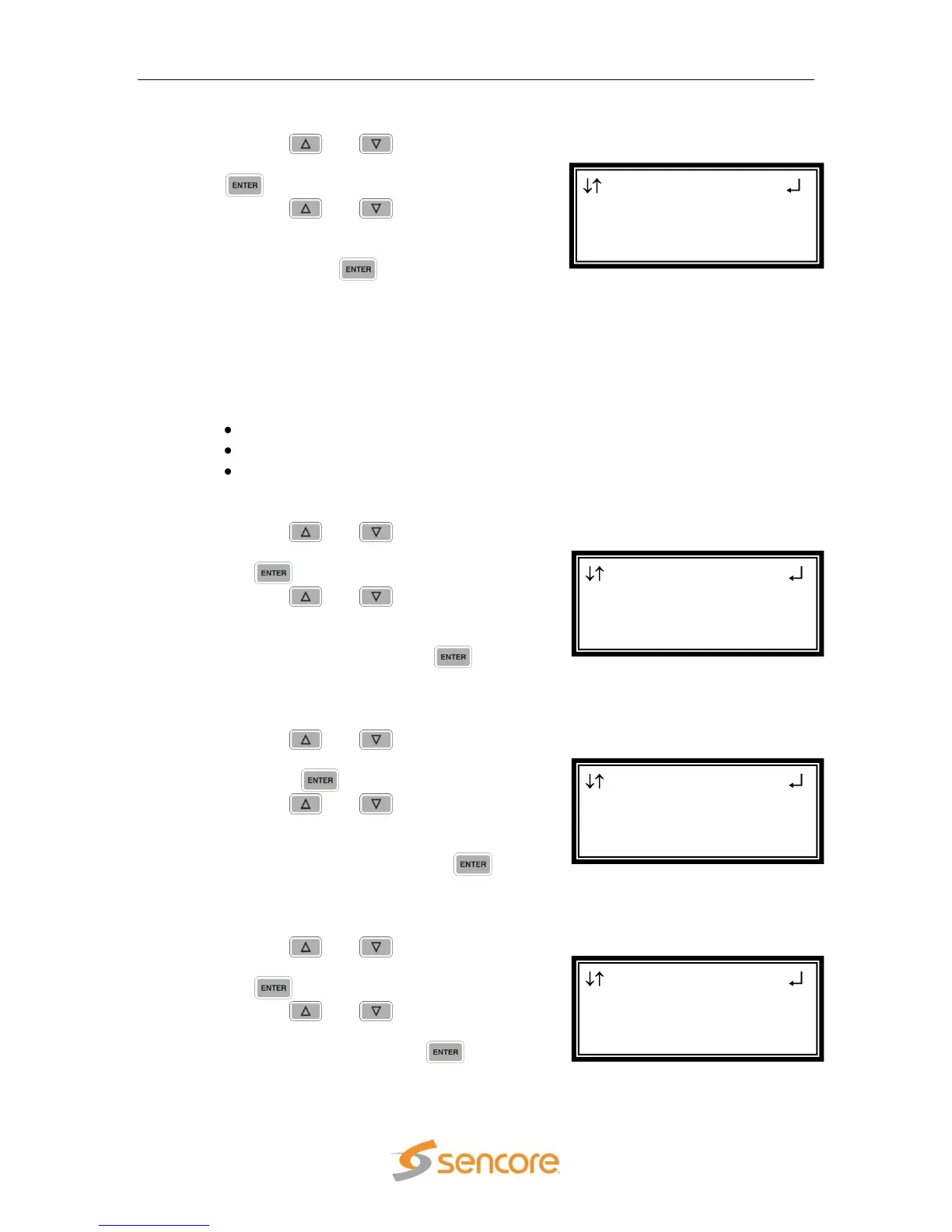
Mode
1. Use the and buttons to move
the cursor to “Mode:” then press the
button.
2. Use the and buttons to
select the desired downmix type
(“Monitor”, “Transmission”, and User”)
then press the button to save the
selection.
Note: The following are set for each Mode:
Each Mode allows the following to be changed:
User: Compression, Downmix, Dynamic Range
Monitor: Compression
Transmission: no changes
Compression
1. Use the and buttons to move
the cursor to “Compress:” then press
the button.
2. Use the and buttons to
select the desired compression (“RF
Mode”, “Line Mode”, “Custom 0”,
“Custom 1”) then press the
button to save the selection.
Downmix
1. Use the and buttons to move
the cursor to “Ch Downmix:” then
press the button.
2. Use the and buttons to
select the desired downmix (“2/0 LR”,
“2/0 LtRt”, “MonoChan1”,
“MonoChan2”) then press the
button to save the selection.
Dynamic Range
1. Use the and buttons to move
the cursor to “Dyn Range:” then press
the button.
2. Use the and buttons to set
the Dynamic Range to “Enabled” or
“Disabled”, then press the button
to save the selection.
Aud 1 Setup
Compress:RF Mode
Ch Downmix:2/0 LR
►Dyn Range:Enabled
Aud 1 Setup
Mode:User
Compress:RF Mode
►Ch Downmix:2/0 LR
Aud 1 Setup
Mode:User
►Compress:RF Mode
Ch Downmix:2/0 LR
Aud 1 Setup
►Mode:User
Compress:Custom 1
Downmix:2/0 LR



 To Next Page