MRD 3187B - User Manual
Page 16 (245)
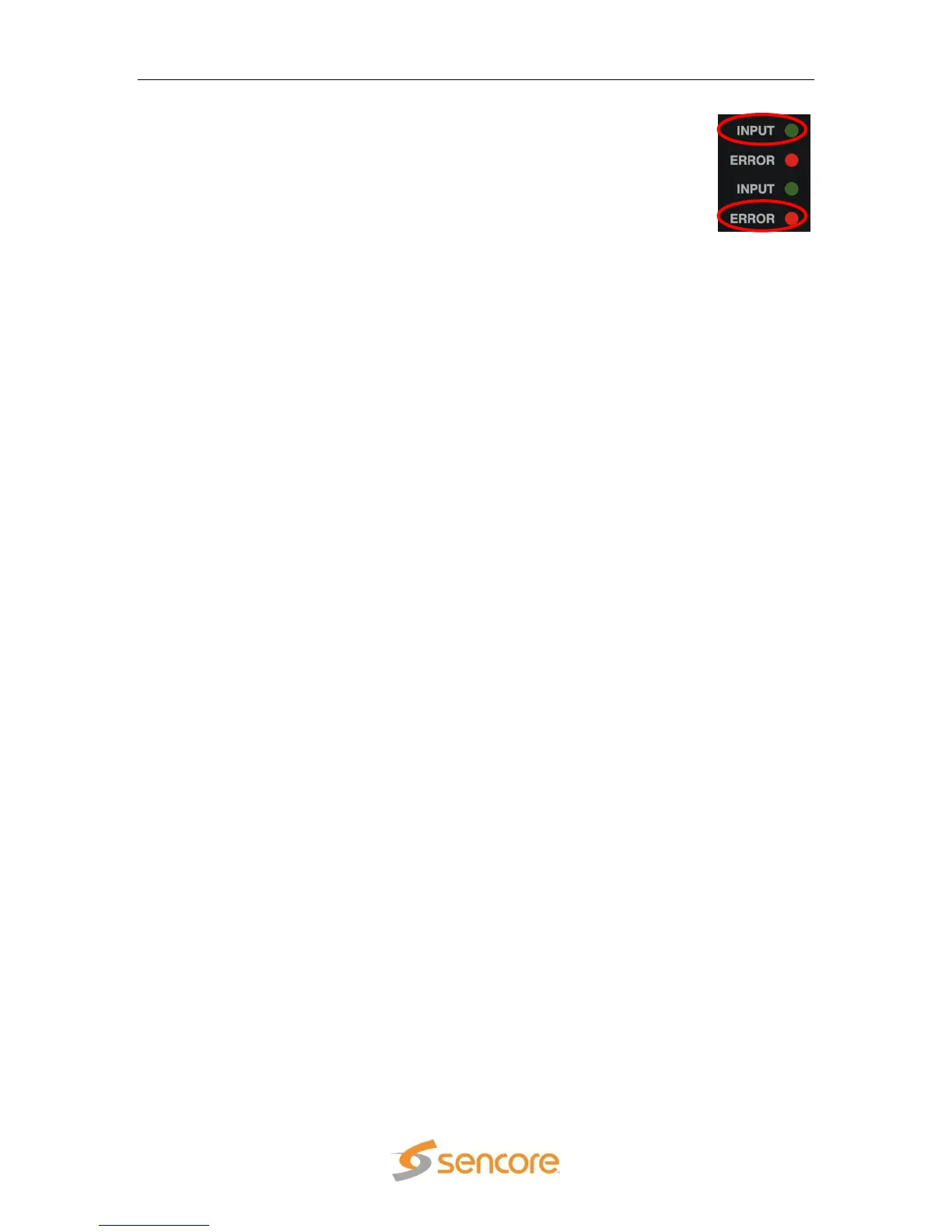
The INPUT LED indicates the presence of a stream at the user-selected
input. “Stream present” is represented by a green INPUT LED while
“stream NOT present” is represented by a dark INPUT LED.
The ERROR LED represents the combined status of the unit‟s error
indicators. If INPUT, DECODER, TEMP, or FAN status is in the error
state, the LED will be red. If all error indicators are good, the LED will be
dark.
2.5 Input Error Logic
The input status is based on the selected input card‟s status and the transport error
indicator bit in the transport stream being decoded. For example if the current input is
VSB, the input status is based on: VSB receiver lock, RF channel level, and the MER
level. The RF channel and MER thresholds can be set by the user. If the unit detects the
presence of the transport error bit in a transport packet header, the input status will be
an error for 0.5 seconds each time the TS error bit is set. The system must detect a
constant cadence of sync bytes (0x47h) every 188 bytes and detect a valid PAT at least
every 500 ms in order for the INPUT LED to illuminate.
2.6 Decoder Error Logic
The decoder error indicator is based on the decoder‟s ability to decode what the user
has requested. The input status will be alarmed differently depending on the current
decoding mode:
In “Auto Mode”, the decoder status will be good unless the Video or Audio decoders
cannot decode a stream. For example: a stream defines program 4 to have video on
PID 52. If PID 52 is not actually present in the stream, or is un-decodable, the
decoder status will be in the error state. This is true for all modes.
In “PID Lock Mode”, the decoder status will be good if all of the PIDs entered by the
user, for video and audio, are being decoded by the unit. If the user wants nothing to
be decoded, they can set a PID to 0. If the user enters a PID which is not present or
cannot be decoded the decoder status will be in the error state.
In “Program Priority Mode”, the decoder status will be good if any priority is
currently active and the Audio and Video represented by that priority are being
decoded. If the PMT for a selected program lists a video or audio PID, but the
decoder cannot decode that PID, the indicator will be in the error state. If the user
enters an index for a priority that does not exist in the PMT, the indicator will still be
good because the decoder will be set to decode nothing on that audio output.
2.7 Temperature Error Logic
The temperature error indicator is based on the correct operation of the unit. If the unit‟s
internal temperature exceeds 70 degrees C, the temperature status will be in the error
state.
2.8 Fan Error Logic
If the fan in the unit fails, the fan status will be in the error state. The fan status will be
good as long as the fan is spinning at the proper RPM.
2.9 SNMP Traps
The unit contains separate SNMP Traps for Fan Status, Temperature Status, Decoder
Status, Input Status, and IP Receive Group. Whenever any item changes state, a trap is
sent to the configured host.
2.10 Input/Output Slot Organization
The MRD 3187B‟s modular design allows many different input/output configurations. An
indexing system is used to identify module slots for configuration and monitoring



 To Next Page