EasyManua.ls Logo

Sencore MRD 3187B - Page 43

Sencore MRD 3187B
247 pages
Print Icon
To Next Page IconTo Next Page
To Previous Page IconTo Previous Page
Loading...
MRD 3187B - User Manual
Page 42 (245)
SFD Location
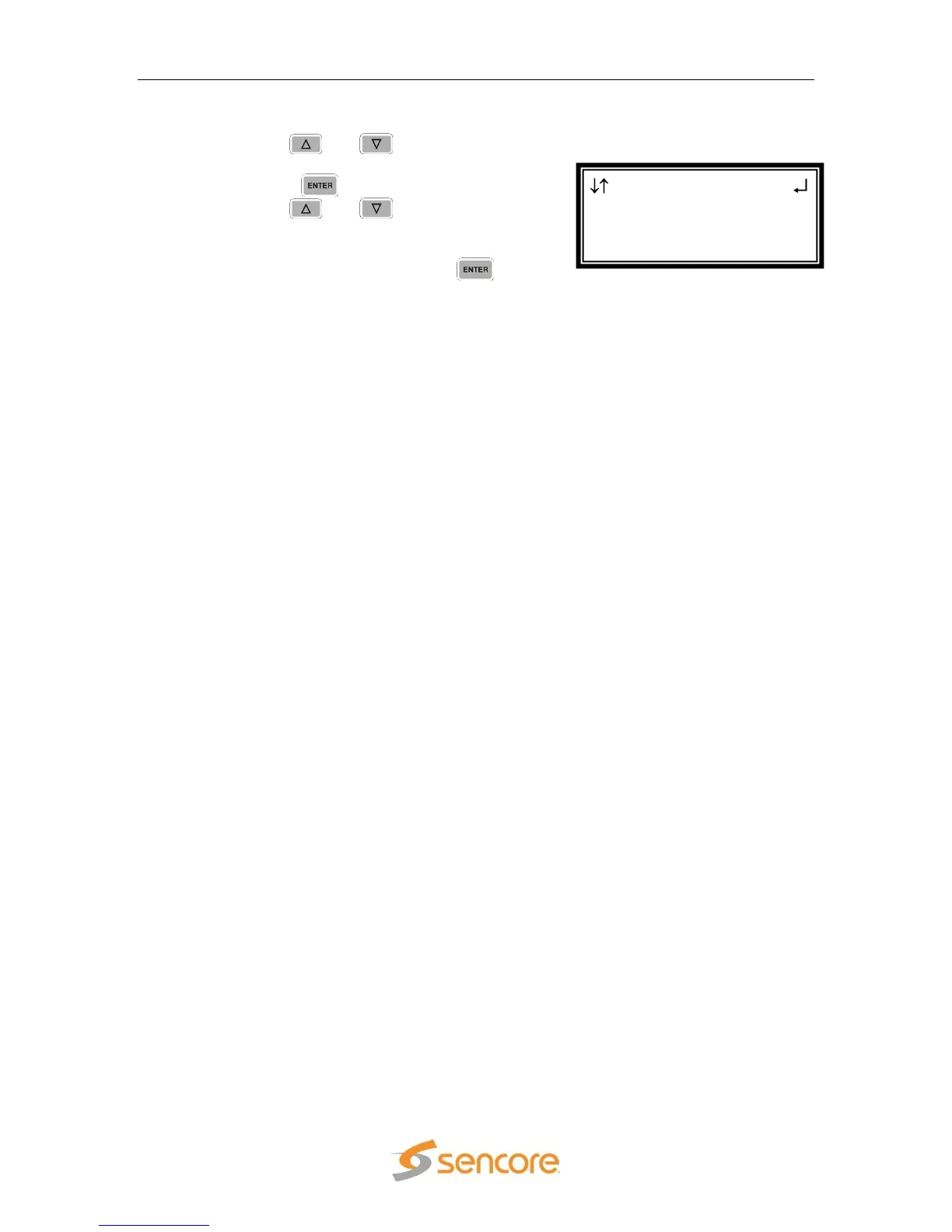
1. Use the and button to move
the cursor to “SFD Location:” and then
press the button.
2. Use the and buttons to select
one “Top-Lt”, “Mid-Lt”, “Btm-Lt”, “Top-
Rt”, “Mid-Rt”, “Btm-Rt”, “Top-Ctr”, “Mid-
Ctr”, “Btm-Ctr”, then press the
button to save the settings.

SFD 1-1
Format:720x480i
4x3 29.97
►SFD Location:Top-Lt

Table of Contents

Related product manuals