MRD 3187B - User Manual
Page 167 (245)
7. Use the and buttons to move the
cursor to “Not UID:” then press the
button.
8. Use the and buttons to change
the selection, then press the button
to save the selection.
Not In List
If set to enable, the password cannot be any of the following English words or these
variants : reversed spelling, changed capitalization of the letters, 1 for i, | for i, ! for i,
1 for l, | for l, ! for l, 0 for o, or $ for s
The following is a list of the words that are disallowed as passwords.
admin
decoder
mrd
mrd3187
mrd3187a
mrd3187b
password
sencore
transcoder
user
root
To enable/disable Not In List password requirement, use the following steps:
1. Press the button.
2. Use the and buttons to move the
cursor to “Pwd Strength”, then press the
button.
3. Use the and buttons to move the
cursor to “Not In List:” then press the
button.
4. Use the and buttons to change
the selection, then press the button
to save the selection.
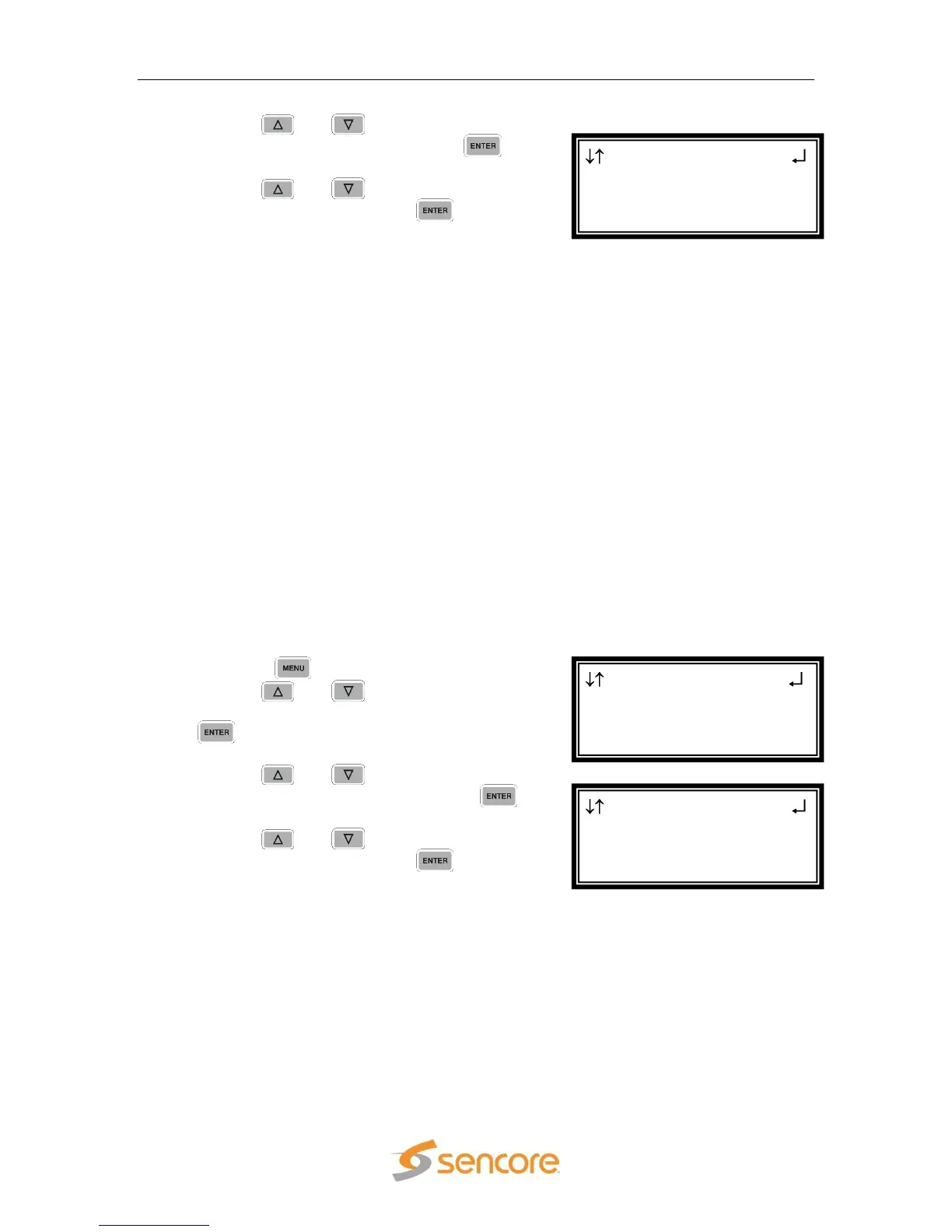
Pwd Strength
Repeats :Disabled
Not UID :Disabled
►Not In List:Disabled
Menu
►Pwd Strength
Network Services
Network Interface
Pwd Strength
Char Type :Disabled
Repeats :Disabled
►Not UID :Disabled



 To Next Page