MRD 3187B - User Manual
Page 115 (245)
Transmit 1
1. Use the and buttons to move
the cursor to “Transmit 1”, then press
the button. This displays the
status screen.
2. Press the button one more time
to get to the Edit screen.
3. Use the and buttons to move
the cursor to “Transmit:” then press
the button.
4. Use the and buttons to set
Transmit 1 to “Enabled” or “Disabled”,
then press the button to save the
selection.
IP
1. Use the and buttons to
move the cursor to “IP:” then press
the button.
2. Use the and buttons to
select the column to edit and use
the and buttons to
change the IP, then press the
button to save the selection.
Destination Port
1. Use the and buttons to
move the cursor to “Dest Port:”
then press the button.
2. Use the and buttons to
select the column to edit and use
the and buttons to
change the destination port (1025
– 65536), then press the
button to save the selection.
RTP
1. Use the and buttons to
move the cursor to “RTP:” then
press the button.
2. Use the and buttons to
“Enable” or “Disable” RTP, then
press the button to save the
selection.
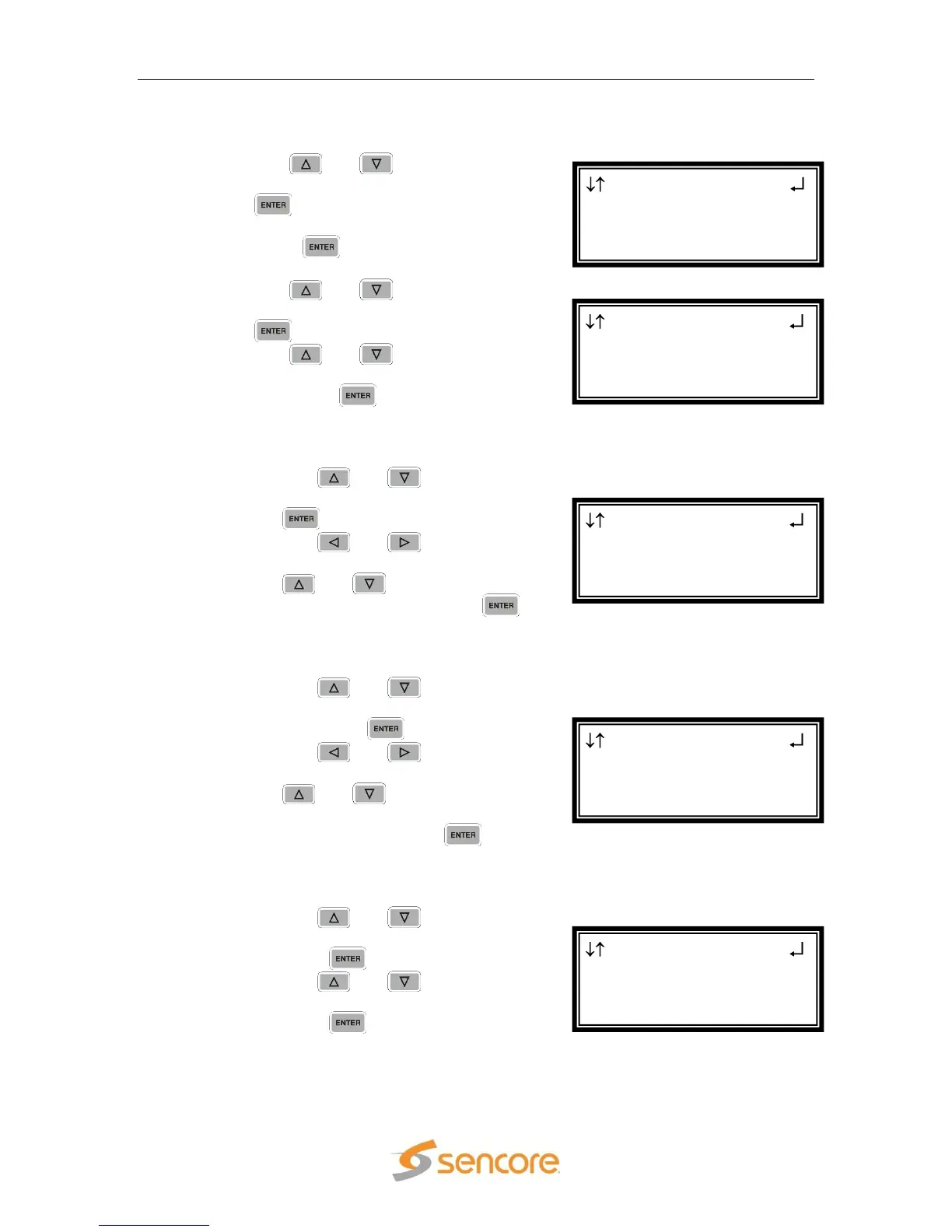
MPEG/IP 1-3
IP:239.192.0.1
Dest Port:01030
►RTP:Enabled
MPEG/IP 1-3 ←→
Transmit:Enabled
IP:239.192.0.1
►Dest Port:01030
MPEG/IP 1-3 ←→
Transmit:Enabled
►IP:239.192.000.001
Dest Port:01030
MPEG/IP 1-3
►Transmit:Enabled
IP:239.192.0.1
Dest Port:01030
MPEG/IP 1-3
►Transmit 1
Transmit 2
Transmit 3



 To Next Page