MRD 3187B - User Manual
Page 171 (245)
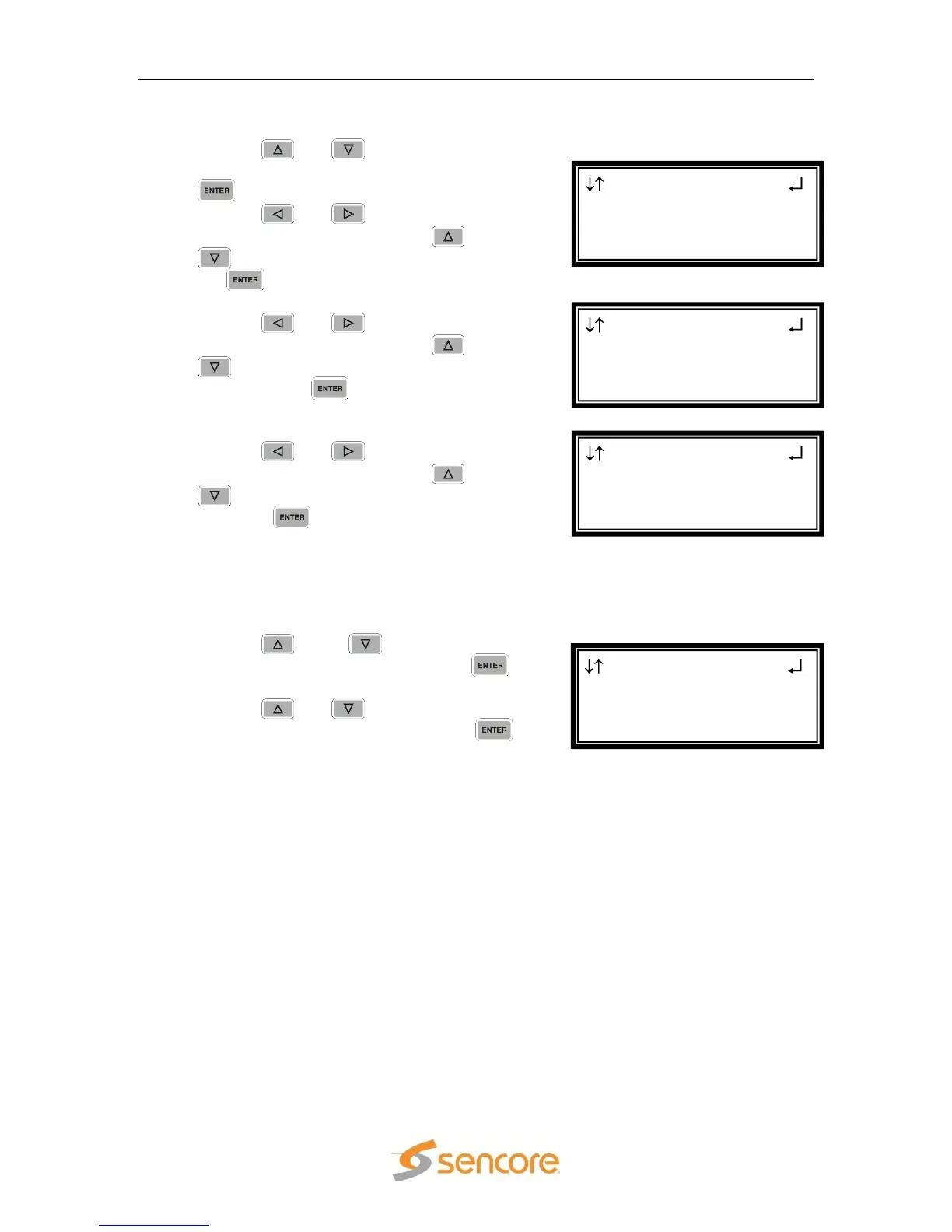
IP Address/Subnet Mask/Gateway
1. Use the and buttons to move the
cursor to “IP Address”, then press the
button.
2. Use the and buttons to select
the column to edit and use the and
buttons to change the IP, then press
the button to save the selection.
3. The cursor will now be on, “Subnet Mask.”
4. Use the and buttons to select
the column to edit and use the and
buttons to change the Subnet Mask,
then press the button to save the
selection.
5. The cursor will now be on, “Gateway.”
6. Use the and buttons to select
the column to edit and use the and
buttons to change the Gateway, then
press the button to save the
selection.
DHCP
The MRD 3187B can be configured to use DHCP to obtain an IP address/Subnet
Mask/Gateway.
1. Use the and ™ buttons to move
the cursor to “Dhcp:” then press the
button.
2. Use the and buttons to change
the selection to, “on”, then press the
button to save the selection.
Note: It may take up to a minute for the MRD 3187B to obtain an IP address. During
this time the unit will display a “busy” message next to DHCP.
Network
►Dhcp:on
IP Address
10.0.0.50
Network ←→
255.0.0.0
Gateway
► 000.000.000.000
Network ←→
10.0.0.50
Subnet Mask
► 255.000.000.000
Network ←→
Dhcp:off
IP Address
► 000.000.000.000



 To Next Page