MRD 3187B - User Manual
Page 29 (245)
Modulation
1. Use the and buttons to move the
cursor to “Modulation:” then press the
button.
2. Use the and buttons to choose
the appropriate modulation type (“8VSB”,
“QAM64B”, “QAM256B”), then press the
button to save the selection.
Channel Bands
1. Use the and buttons to move the
cursor to “Air/CATV:” then press the
button.
2. Use the and buttons to choose
the appropriate channel band (“OffAir”,
“Cable-FCC”, “Cable-HRC”, “Cable-IRC”),
then press the button to save the
selection.
Set Low Signal and MER Error Levels
These two values are user defined threshold levels for the signal level and MER
level. Once these values are set, if the input levels drops below the defined value, an
error will be triggered which will cause the red “Error” LED to illuminate on the front
panel, a description of the error will be shown in the “Active Errors” menu under the
button, and an entry will be logged in the event log.
1. Use the and buttons to move the
cursor to “Low:” then press the button.
2. Use the and buttons to select the
column to edit and use the and
buttons to set the value of the low signal
alarm threshold (-30dBmV - +40dBmV),
then press the button to save the
selection.
1. Use the and buttons to move the
cursor to “MER:” then press the
button.
2. Use the and buttons to select the
column to edit and use the and
buttons to set the value of the low MER
alarm threshold (0dB – 40dB), then press
the button to save the selection.
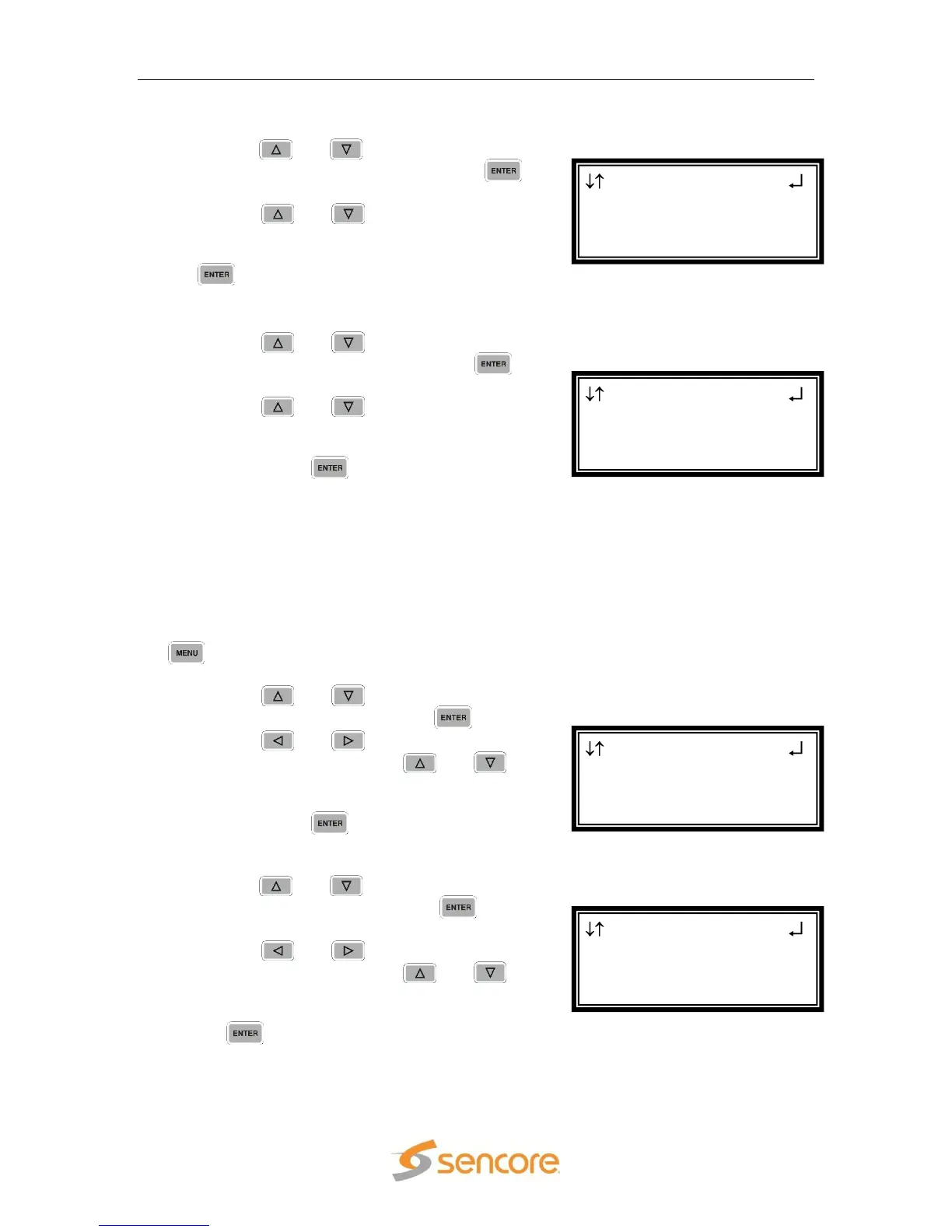
VSB/QAM 1-4
Air/CATV:OffAir
Low:+00dBmV
►MER:10dB
VSB/QAM 1-4
Modulation:8VSB
Air/CATV:OffAir
►Low:+00dBmV
VSB/QAM 1-4
Modulation:8VSB
►Air/CATV:OffAir
Low:+00dBmV
VSB/QAM 1-4
Chan:32
►Modulation:8VSB
Air/CATV:OffAir



 To Next Page