MRD 3187B - User Manual
Page 80 (245)
Source
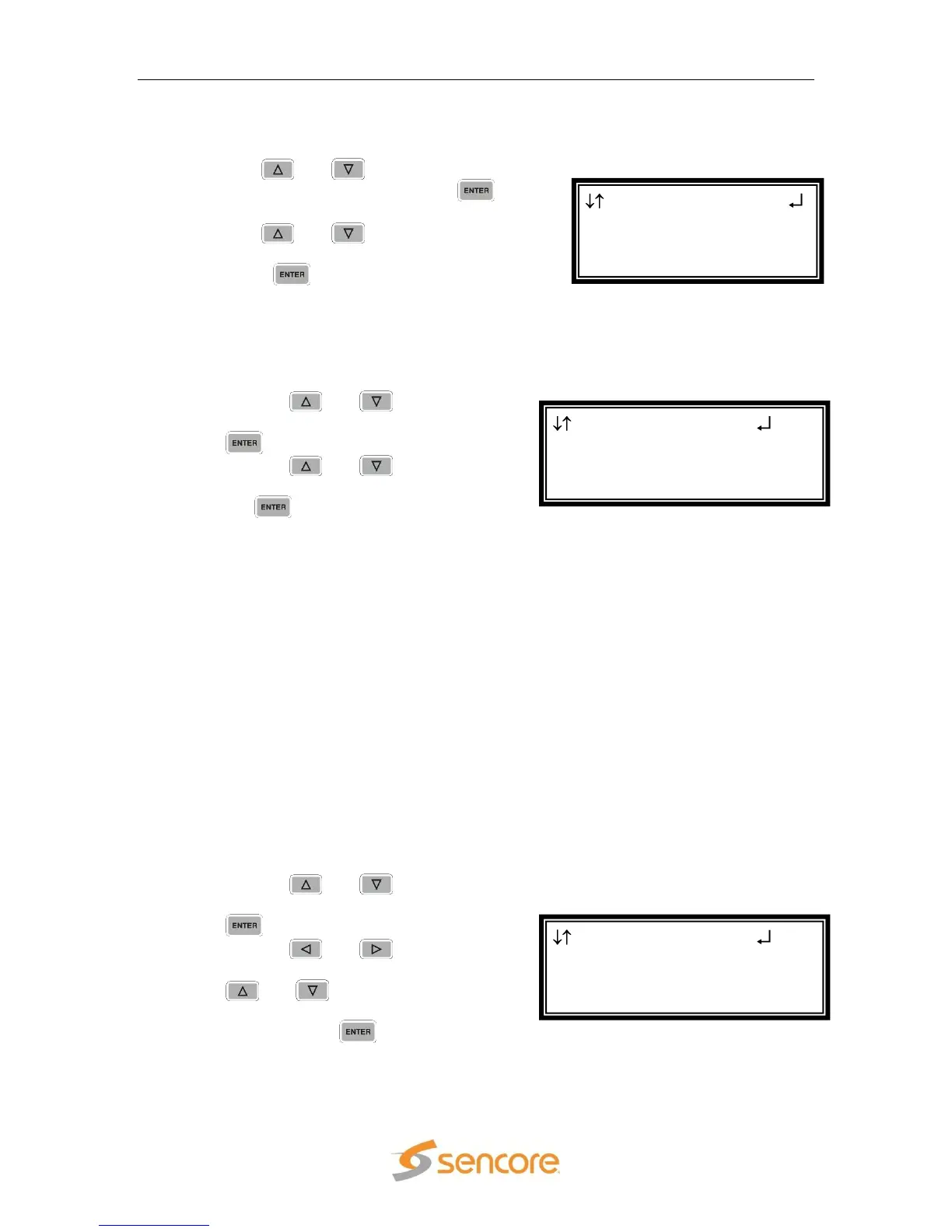
This option will select which input, on the back of the card, will be active.
1. Use the and buttons to move the
cursor to “Source:” then press the
button.
2. Use the and buttons to select
which input to be active (“A”, “B”), then
press the button to save the
selection.
Input A
These settings correspond to the input on “Source A.”
Modulation Type A
1. Use the and buttons to move
the cursor to “Mod:” then press the
button.
2. Use the and buttons to
select the Modulation type, then press
the button to save the selection.
Note: The following Modulation types are settable:
Frequency A
The ASM card tunes by the L-band frequency rather than the transponder
frequency or local oscillator value. The L-band frequency (950 – 2150 MHz) is
the difference between the downlink transponder frequency and the LNB local
oscillator frequency.
Note: If the values of “Freq:” and “LO Off” result in a frequency that is out of the
L-Band, an active error (“Band Freq Error”) will be present while the tuning
setting is outside of the L-Band.
1. Use the and buttons to move
the cursor to “Freq:” then press the
button.
2. Use the and buttons to
select the column to edit and use the
and buttons to change the
frequency (950 MHz – 14500 MHz),
then press the button to save the
selection.
AdvPSK 2-2
Mod:Adv QPSK 2/3
► Freq:01250.0 MHz
LO Off:00000.0 MHz
AdvPSK 2-2
Input A
► Mod:Adv QPSK 2/3
Freq:01250.0 MHz
AdvPSK 2-2
►Source:A
Input A
Mod:DVB-QPSK 1/2



 To Next Page