Application Setup CDHD
144 User Manual
Procedu re - Resolve r Calibrat ion Usin g Se rvoStudio
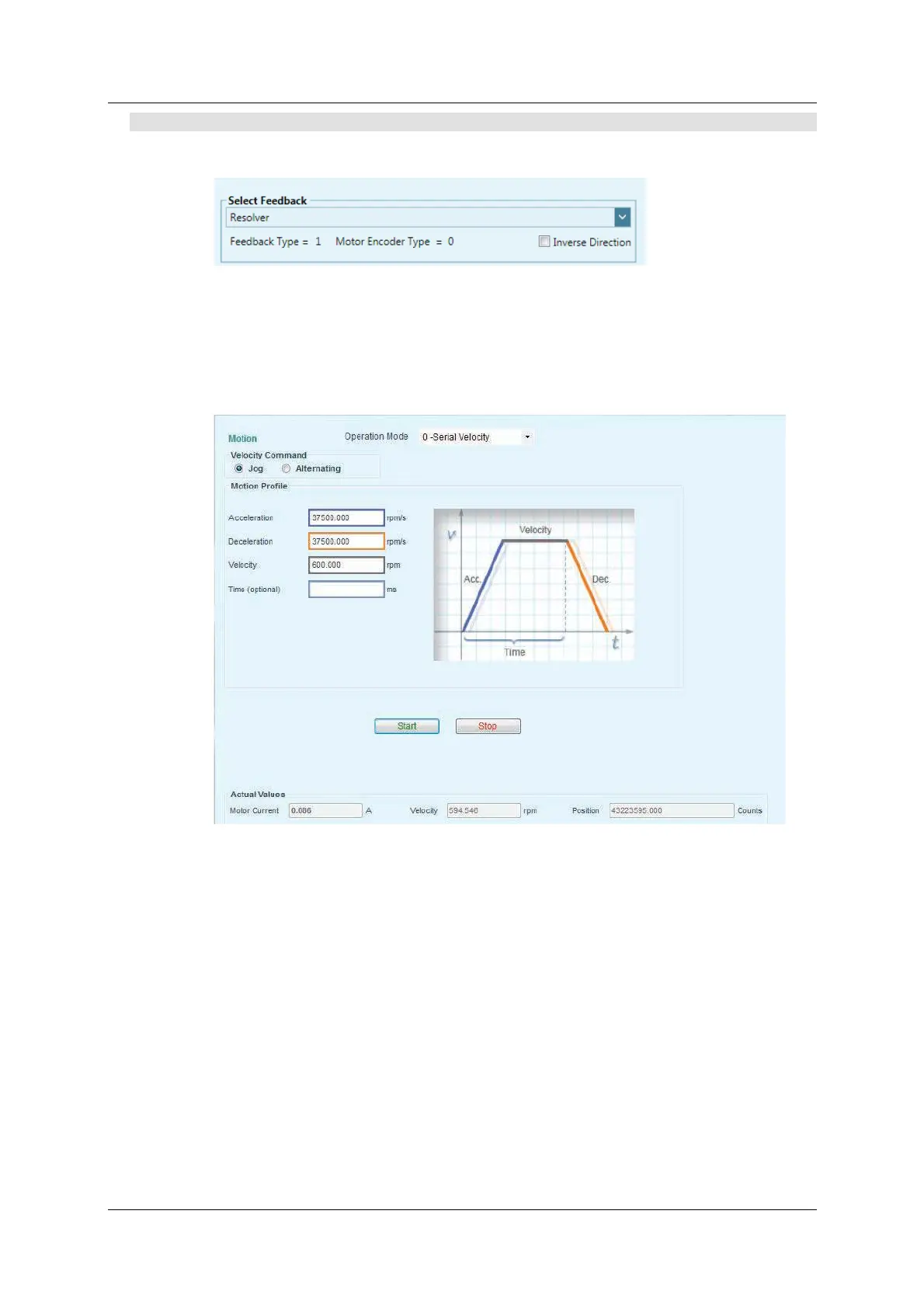
1 . I n the Fee dba ck screen, select Feedback > Resolve r .
Figure 6 - 6 .
2 . I n the M ot ion screen, set the param et ers, for exam ple:
Select Operat ion Mode> 0 - Serial Velocit y.
Set Velocity t o 6 0 0 rpm .
Figure 6 - 7 .


 To Next Page
 Loading...

