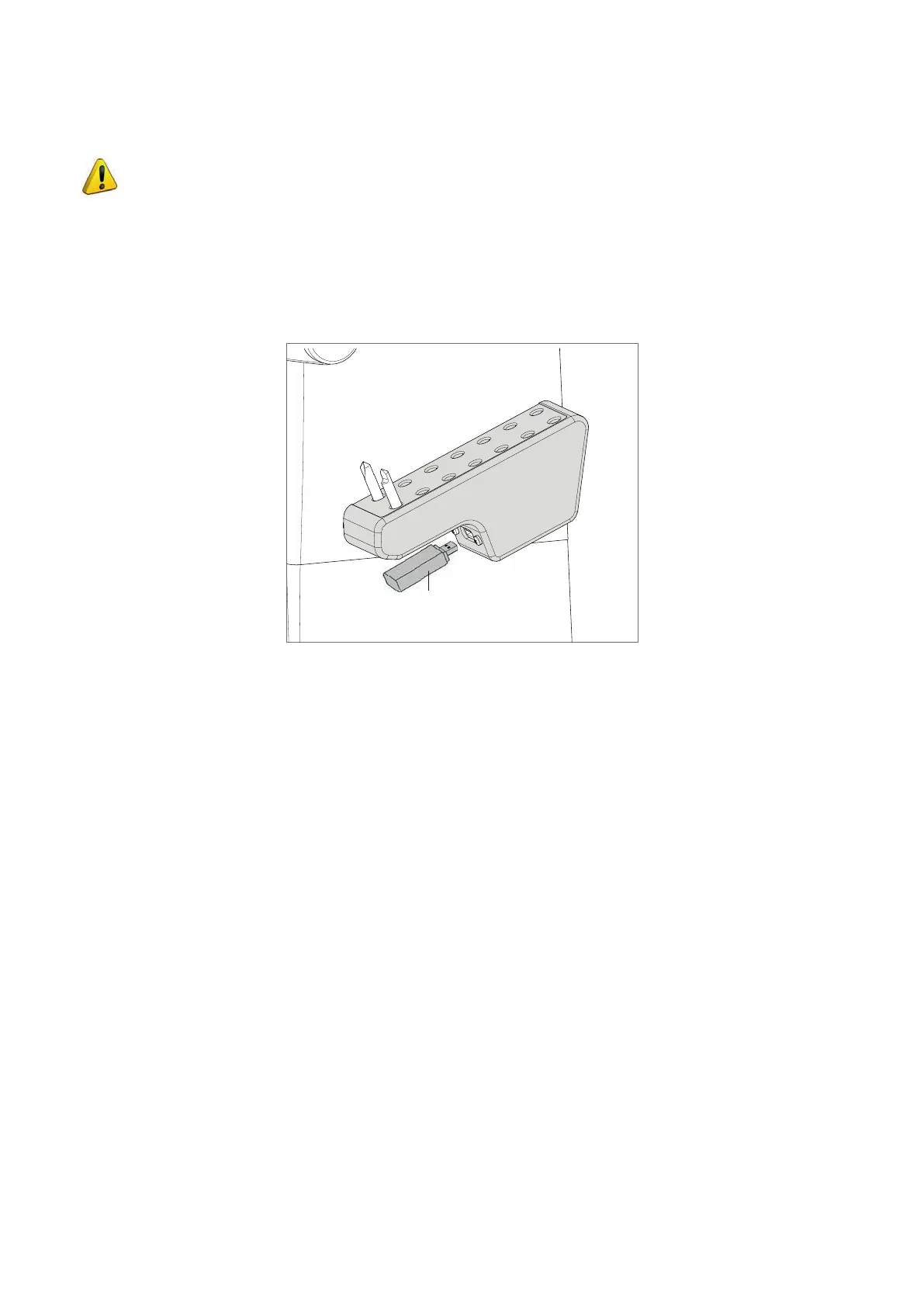
4.6 USING THE USB PEN
ATTENTION: the USB pen can be removed and/or inserted in its holder on the key-cutting machine in one
of the following ways:
PROCEDURE:
1) With the key-cutting machine off the USB PEN can be removed or inserted.
2) With the key-cutting machine on the USB PEN must be disabled. This operation is possible from the main menu
(with numerical key 2) or from the sub-menus where a USB pen icon appears (function button). USB pen status
goes to OFF and the luminous LED on the pen goes off.
Fig. 29
USB pen
Operating manual TRIAX PRO
Copyright Silca 2016
25



 To Next Page