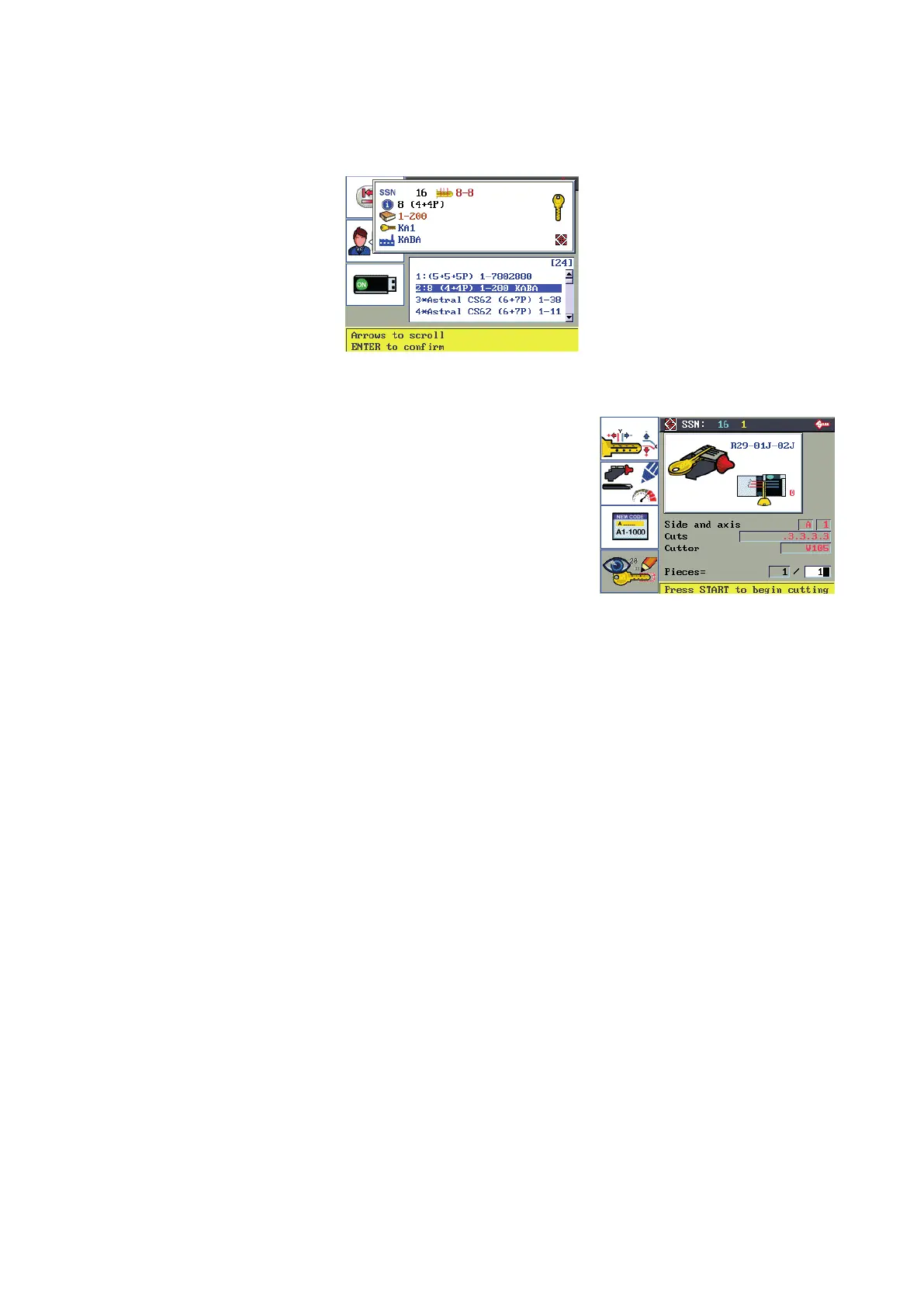
6.4.2.3 KEY CUTTING BY CODE
From the Search menu enter the indirect cutting code into the eld and press ENTER.
Use the up-down arrow keys to scroll the list, select the required series and press ENTER.
F1 for Manual adjustments
F2 for User parameters
F3 for Code entry
(see Ch. 6.5)
F1
F2
F3
F4
INDICATIONS on display and key-cutting PROCEDURE
The code in use is shown next to the window header: “SSN: 16 1 ”
At the end of the cutting operation press F3 to enter a new code.
For the full cutting ow see paragraph 6.4.2.1
Operating manual TRIAX PRO
Copyright Silca 2016
36



 To Next Page