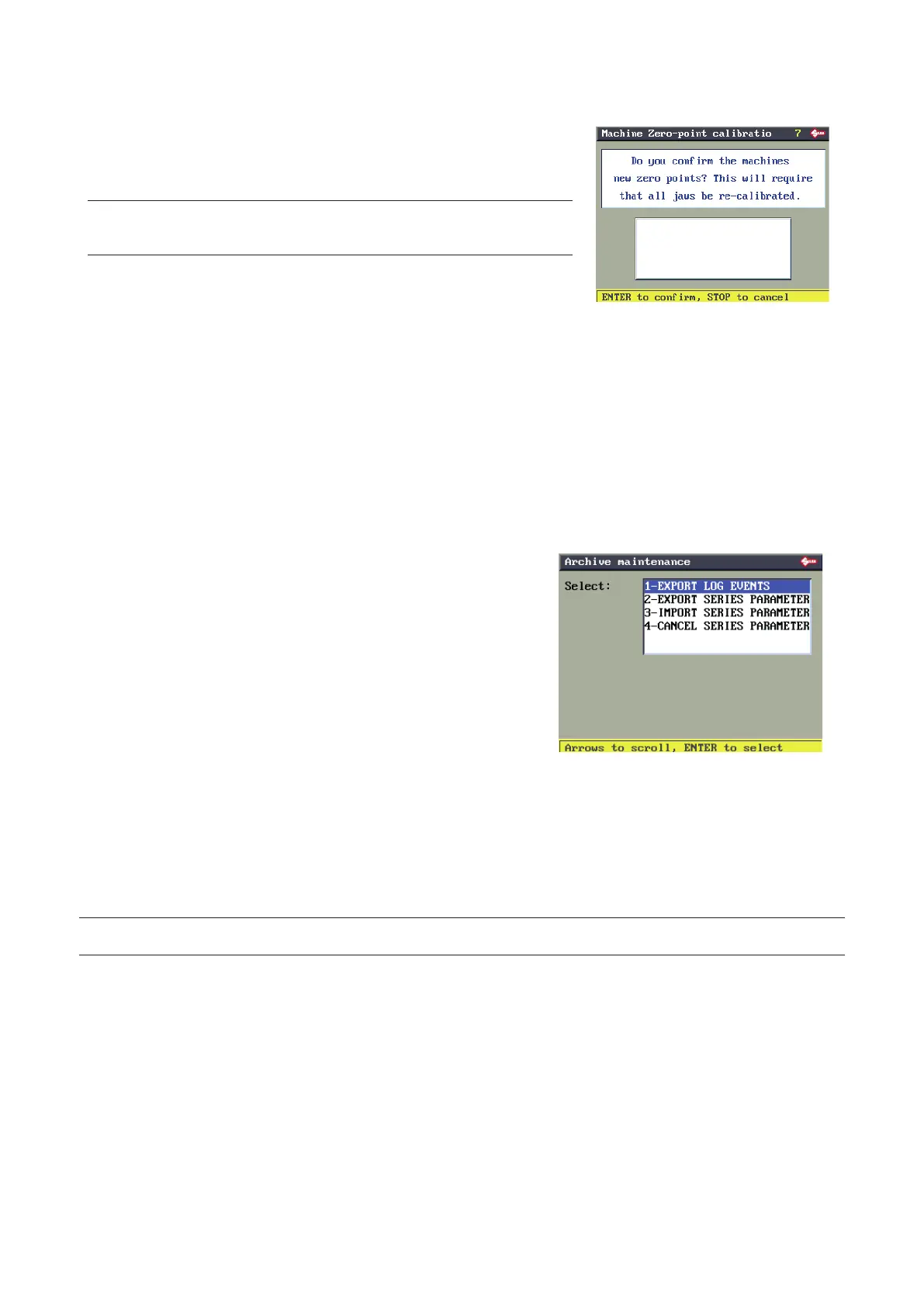
ENTER to conrm, only if the previous parameters were all ON.
STOP to cancel the operation and not conrm the edited data. The
previous values remain valid (already in the machine memory).
NOTE: If the calibration values read exceed the limits allowed, an
error message will appear. Repeat the Machine Zeros procedure more
carefully.
ENTER to conrm the MACHINE ZEROS procedure.
All the clamps in your possession must be re-calibrated.
6.13.9 ARCHIVE MANAGEMENT
The ARCHIVE MANAGEMENT function is used to manage the
data employed for machine diagnosis:
HISTORIC EVENTS
or to save/reset:
SERIES PARAMETERS
During its normal operation the machine records many events
relating to the main ERRORS/ALARMS that occur.
This information can be downloaded to an EVENT.LOG le in the
USB PEN by means of the EXPORT HISTORIC EVENTS function.
The EVENT.LOG le can be sent to the After-Sales Service so any
problems when operating the key-cutting machine can be better
understood.
When using SILCA or User series the operator can edit some of
the parameters, such as the cutter, clamp, manual adjustments,
etc.
The EXPORT PARAM. function can be used to save these
parameters on the USB PEN (as a backup copy) and load them
onto the machine memory with the IMPORT SERIES PARAM.
function, or use them on another TRIAX PRO key-cutting machine.
The DELETE SERIES PARAM. function eliminates all these data.
NOTE: Perform the “HISTORIC EVENTS” operation ONLY if the MACHINE IS NOT WORKING PROPERLY and
after consulting the After-Sales Service.
Operating manual TRIAX PRO
Copyright Silca 2016
67



 To Next Page