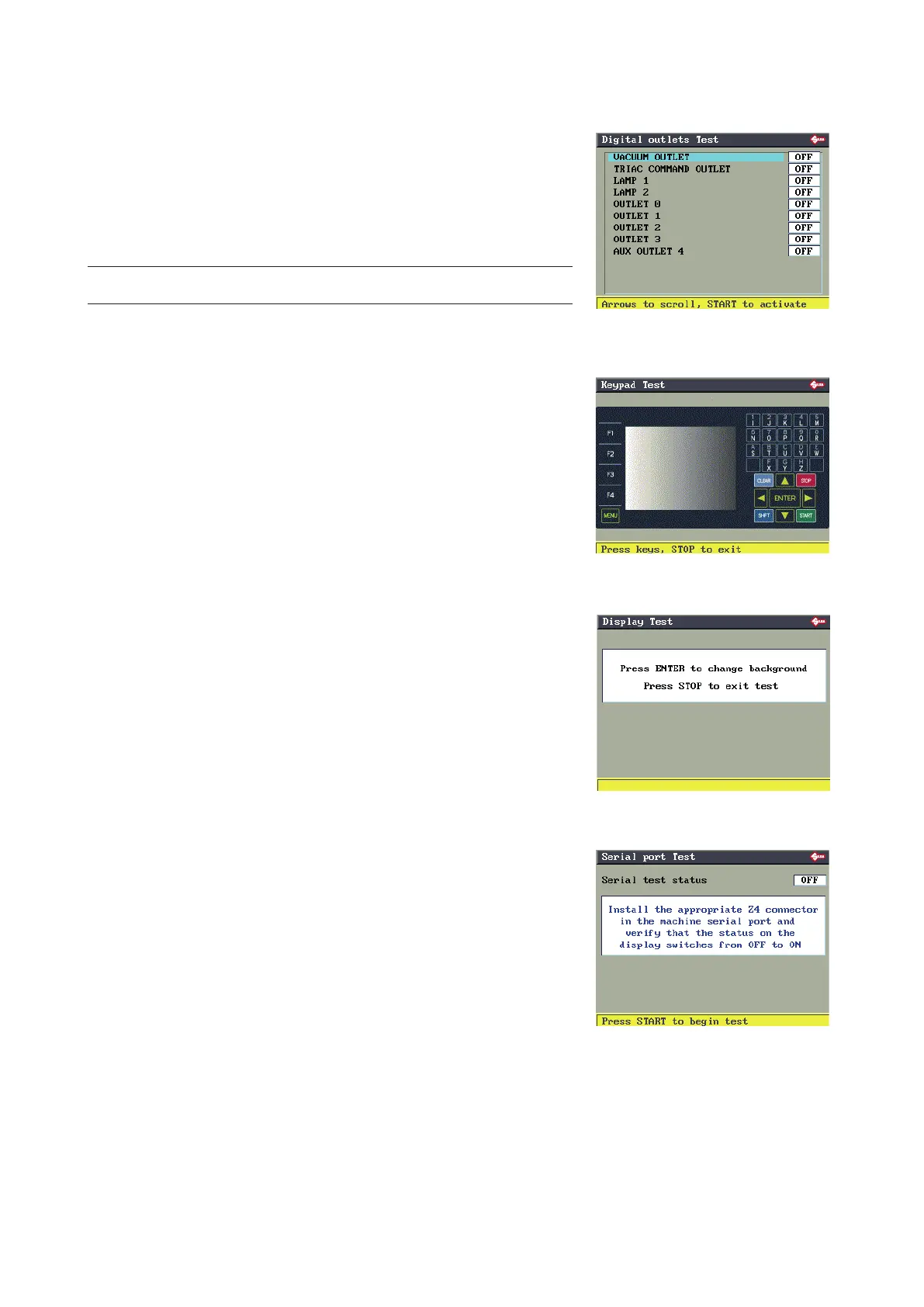
6.13.4 DIGITAL OUTLETS (TEST)
Up-down keys to go to the required elds.
START to go from OFF to ON.
For Lamp 1/Lamp 2 the lamp (comprising two rows of leds) will go on
momentarily).
NOTE: Test (Output…) can only be performed with feeder (or other
optional devices) fitted.
6.13.5 KEYPAD (TEST)
Press all the buttons, one at a time (except STOP), and check on the
display that the same circled button appears for each button pressed.
Press the STOP button last to quit the test.
6.13.6 DISPLAY (TEST)
Press ENTER a number of times to check that the background colour
changes.
Press STOP to quit the test.
6.13.7 SERIAL PORT (TEST)
Check that the indication on the display is OFF.
Fit the special connector (Z4) provided into the machine serial port.
Press START and check on the display that the indication goes from
OFF to ON.
Operating manual TRIAX PRO
Copyright Silca 2016
63



 To Next Page