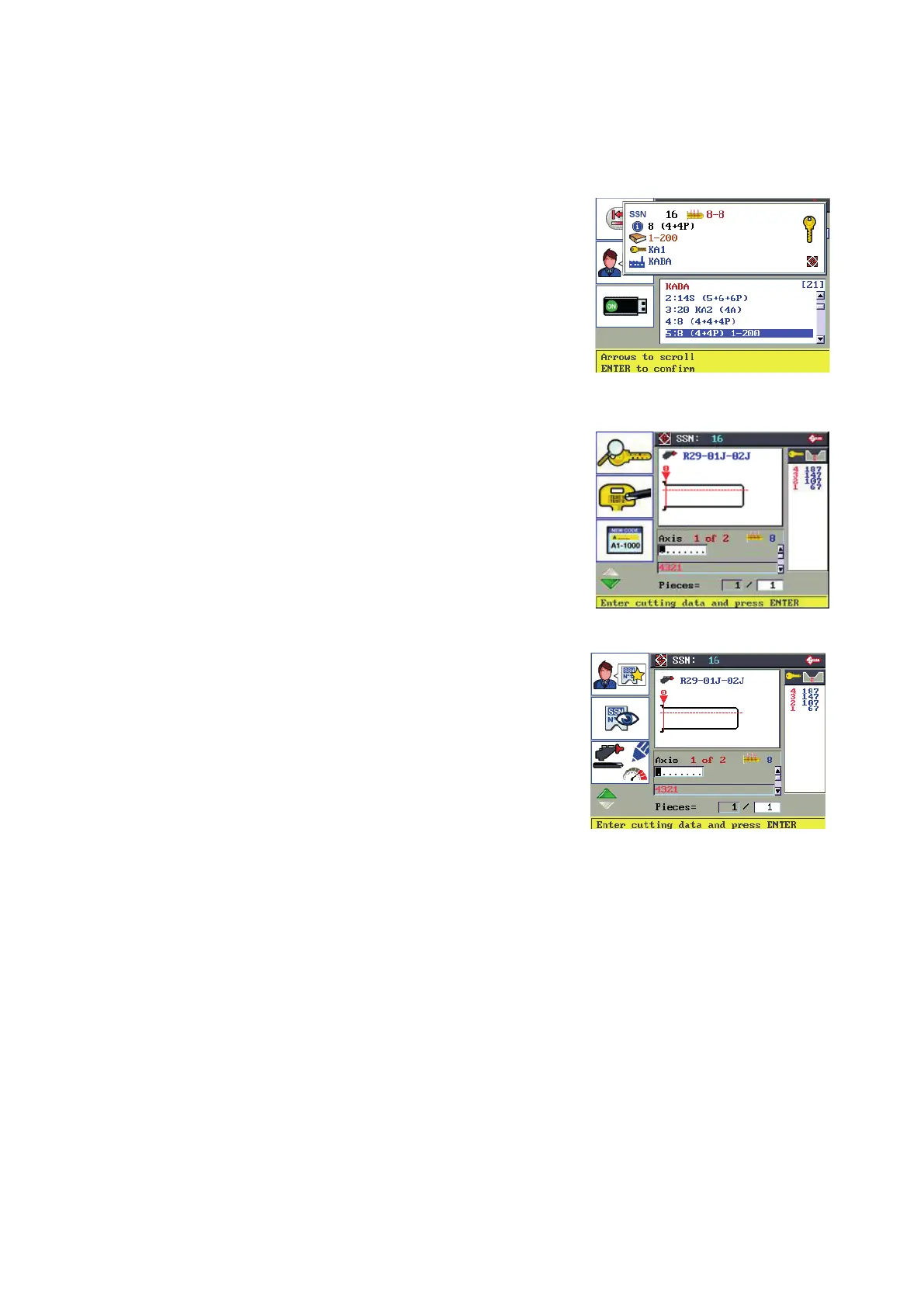
6.4 LOCK SYSTEM FUNCTIONS (SSN)
From a search:
1) Highlight the required system.
2) Press ENTER to conrm and enter into the selected Lock
System (SSN).
F1
F2
F3
Description graphics in Table 2
F1 Key decoding function.
F2 Engraving function.
F3 Indirect Code Entry (if applicable).
F4 to access other Functions (see Ch.6.5)
F1
F2
F3
F4
F1 to add the system used to the Favorite Series List.
F2 to view the key parameters in relation to the current axis.
F3 to access the User Parameters menu.
F1
F2
F3
F4
Operating manual TRIAX PRO
Copyright Silca 2016
32



 To Next Page