4.2 USING THE R29+R28 CLAMP
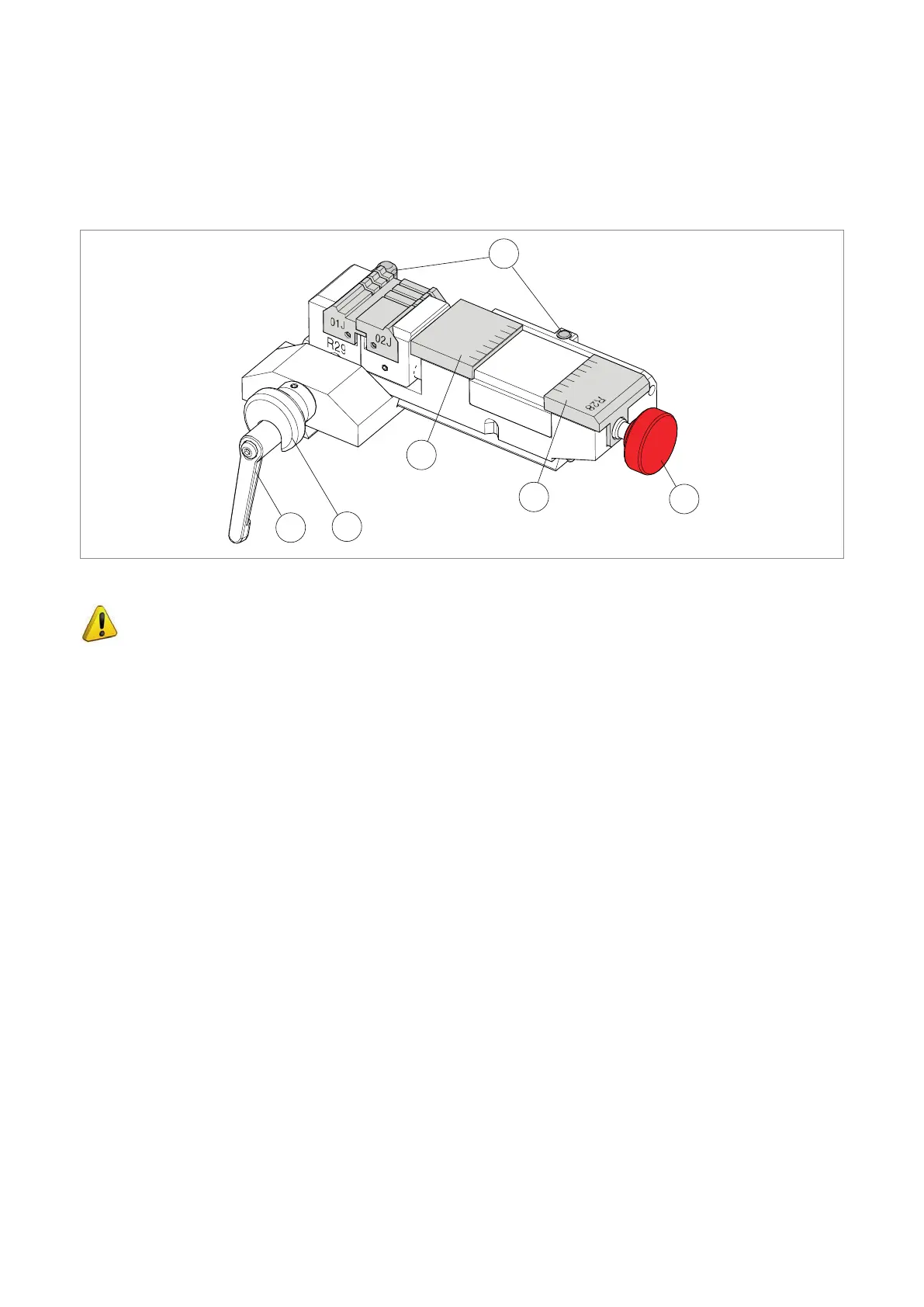
The machine is supplied with a set of clamps “R29+R28”, illustrated in Fig. 14.
R29: for CUTTING dimple and track keys
R28: for ENGRAVING keys and medals
S
A1
A3
A4
A6
A8
2
1
3
4
5
6
7
8
0
Fig. 14
ATTENTION: to calibrate the R28 clamp, turn the knob (S) anticlockwise to fully close
the 2 jaws (A3) and (A4).
• The clamp set comes with 2 locking notches that allow proper positioning for the operation involved (clamp
R29 and R28).
-
loosen the handle (A6) by one turn and pull the anatomical grip (A8) towards the operator to release the clamp
so that it can slide from side to side.
-
release the anatomical grip (A8) and move the clamp manually so that the positioner locks the clamp on the rst
notch it nds. When the required clamp (R29 or R28) position is reached, close the grip (A6).
• The clamp is also provided with 2 calibration plates (A1) for the Z axis (sprung), one for R29 and one for R28
which the cutter uses to home itself at the beginning of the cutting or engraving process for a new key or medal.
Operating manual TRIAX PRO
Copyright Silca 2016
17



 To Next Page