6.6 SPECIAL CASES
6.6.1 CUTTING NOT ALLOWED
Some Serial Numbers do not allow certain combinations of cuts. These can be combinations:
• Entered by the operator:
this can happen only when there are no original codes or Silca tables and cuts are entered with depths that
even if included in the data card values are not compatible in the order given, as they do not agree with the
manufacturer’s original parameters.
• Read by the decoding procedure:
In this case the SSN selected for decoding is not compatible with the decoded key.
Example:
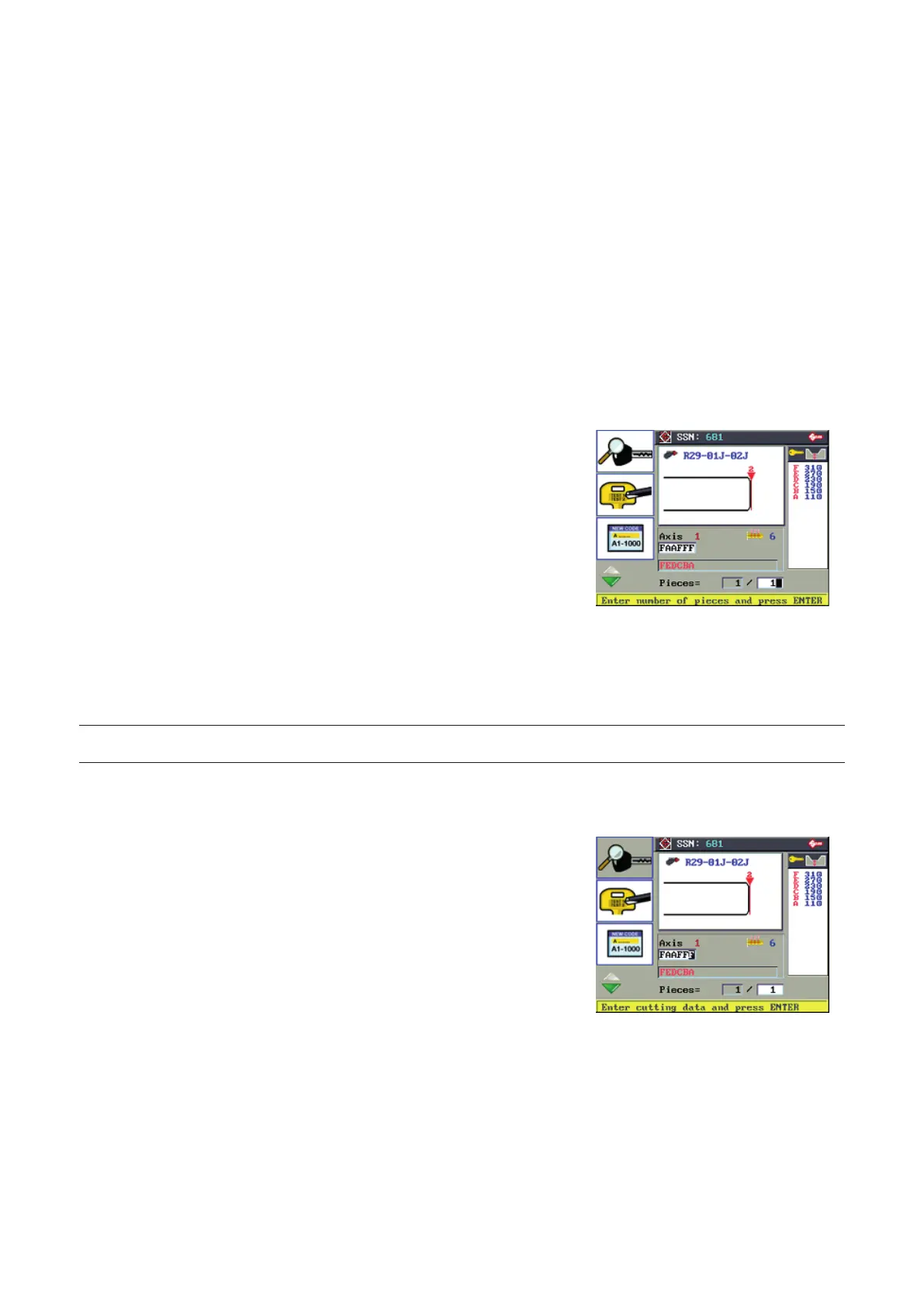
Enter SSN (681)
Press ENTER.
Enter cutting data (FAAFFF).
Press ENTER
The Silca software calculates the validity of the data entered or decoded.
If there is an inconsistency the following message appears:
COMBINATION
NOT ALLOWED
6.6.2 DECODING NOT ALLOWED
NOTE: IT IS NOT POSSIBLE to decode anodized aluminium keys, plastic keys or any other key that does not
conduct electricity!
The decoding function is not enabled for some series. The icon on the display is not active.
Why?
• Agreement between manufacturer and Silca to reproduce exclusively
by code.
• To ensure the machine and tools work perfectly.
• Critical decoding software parameters.
Operating manual TRIAX PRO
Copyright Silca 2016
41



 To Next Page