6.12.2 CUTTER CALIBRATION
F2 to enable the cutter calibration function.
NOTE: CUTTERS do not need an automatic calibration
system.
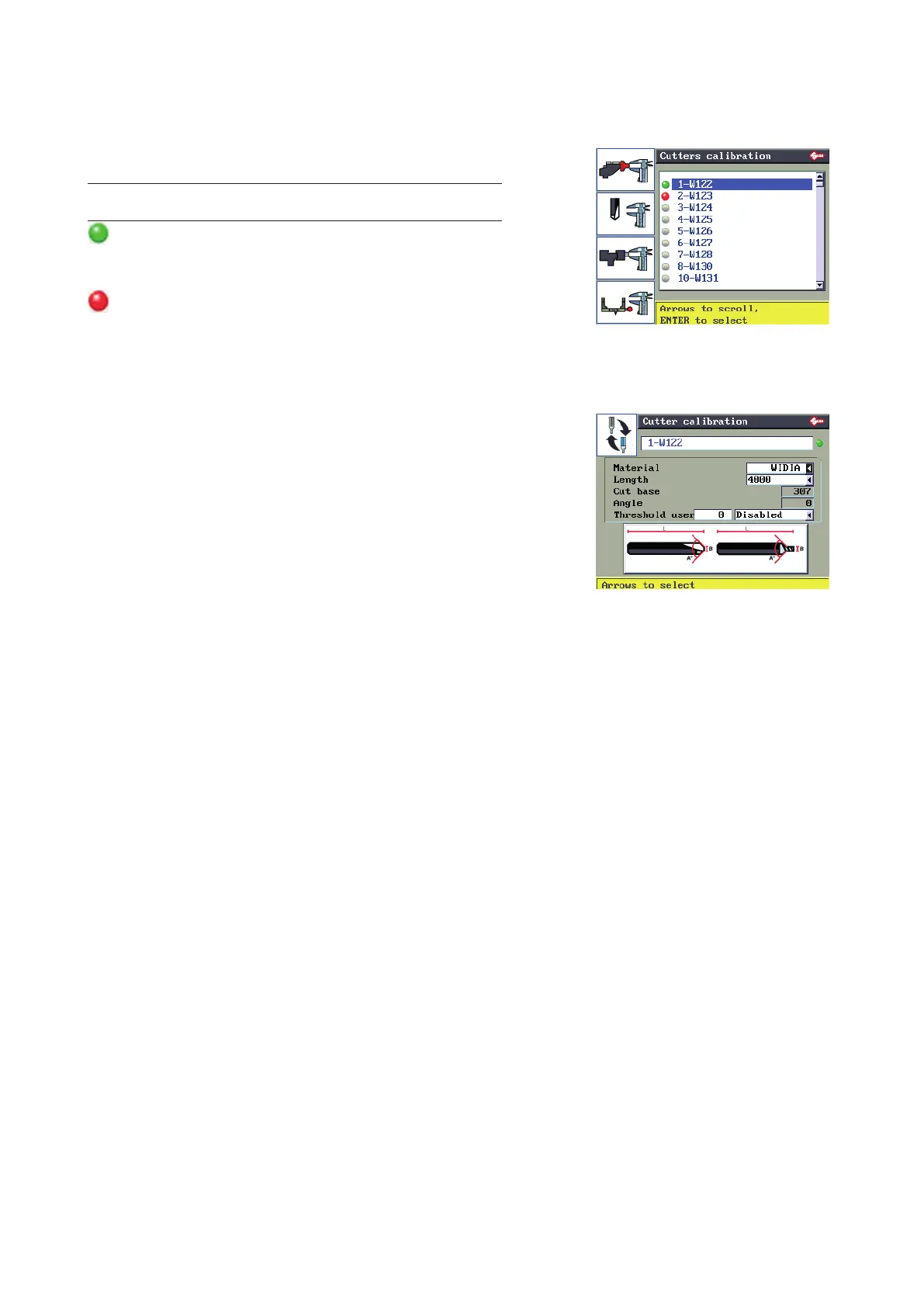
GREEN: the cutter has not yet reached its limit (max
number of keys to be cut) set and enabled on the next screen
(Fig. 31).
RED: the set limit has been reached; in this case it is
advisable to replace the “worn” cutter with a new one.
F1
F2
F3
F4
Fig. 31
When the worn cutter is replaced press “F1” to conrm
replacement.
The set User Limit remains active and the counter starts
again.
Note:
• The User Limit can be varied and, if applicable, the
type of material and key length.
• it is good practice to set the type of material for the
cutters in your possession. In this way spindle speed
will be appropriate for the cutter required by the SSN
in use.
• The User Limit (optional) is user denable and
indicates the maximum number of keys to be cut (at
user’s discretion) with the selected cutter.
F1
Fig. 32
Operating manual TRIAX PRO
Copyright Silca 2016
59



 To Next Page