6.12 CALIBRATION FUNCTIONS
For the following components the machine comes with a “self-calibration” system which uses special templates
and procedures:
CLAMPS
TRACER TOWER
The CUTTERS do not need an automatic calibration system; however, if the operator wishes s/he can make
certain variations (see CUTTER CALIBRATION).
The ADAPTERS do not need an automatic calibration system; however, if the operator wishes s/he can adjust
key cutting values (see ADAPTER CALIBRATION).
In the events shown in the table it may be necessary to repeat one or all the calibration operations on the clamps
in your possession. This operation is semi-automatic and requires careful attention to the instructions below.
These adjustments must be made when the following events occur:
CALIBRATION TABLE
EVENT
CLAMP
calibration
TRACER TOWER
calibration
Photocell replacement
YES YES
Electronic circuit board replacement
YES YES
Sensor replacement
YES YES
Ball screw replacement *
YES YES
Tracer Tower decoder replacement or maintenance
NO YES
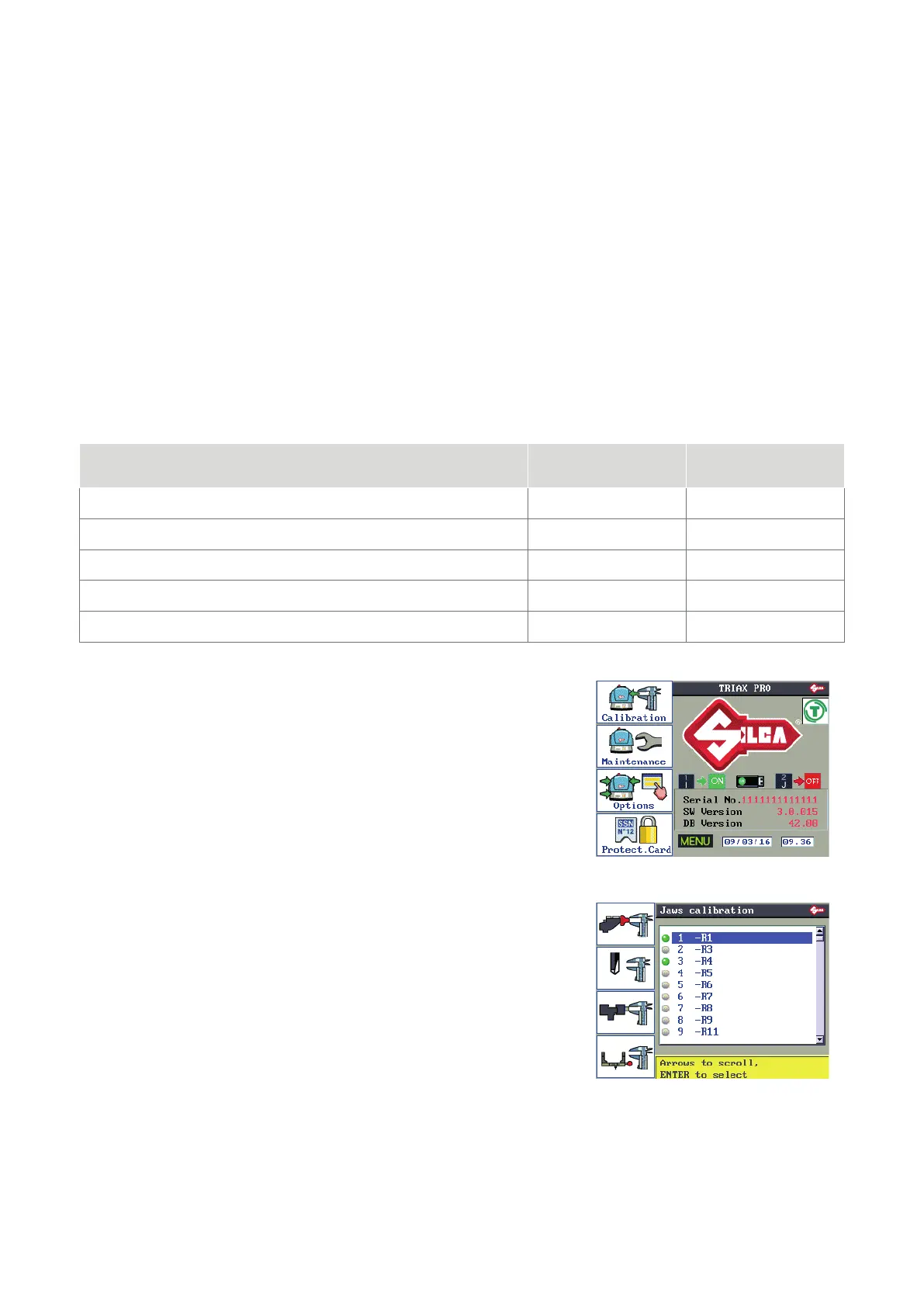
From the initial screen press MENU.
F1 to enable the function.
F1
F2
F3
F4
CLAMP CALIBRATION
CUTTER CALIBRATION
ADAPTER CALIBRATION
TRACER TOWER AUTOMATIC CALIBRATION
Operating manual TRIAX PRO
Copyright Silca 2016
57



 To Next Page