Chapter 11 DME Operations
697
DME Special Effect Operations
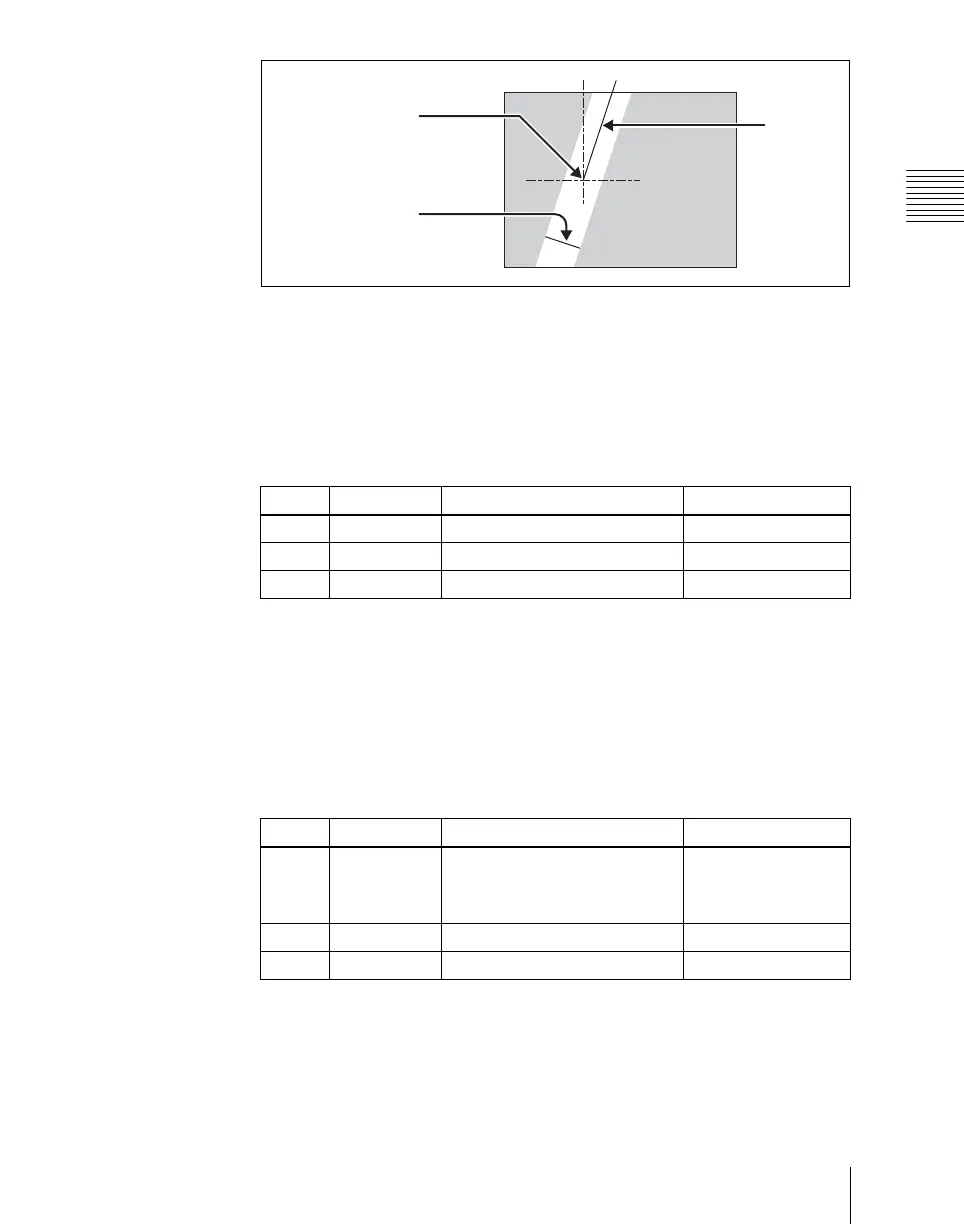
Bar shape parameters
Setting the color of the light in the highlight area
1
Turn [Light Color] on.
2
Adjust the following parameters.
Setting the bar shape of the shade area
When you select [Preset] in step 3 of “Applying the Lighting effect” (see page
694), use the following procedure to set the bar shape of the shade area.
1
Turn [Shade Modify] on.
2
Adjust the following parameters.
a) For SD 4:3 and SD 16:9
b) For HD 4:3
c) For HD 16:9
Center point of bar
Bar width
Bar angle
Knob Parameter Adjustment Setting values
1 Luminance Luminance 0.00 to 100.00
2 Saturation Saturation 0.00 to 100.00
3 Hue Hue 359.99 to 0.00
Knob Parameter Adjustment Setting values
1 X X-value of bar center point
–8.00 to +8.00
a)
–24.00 to +24.00
b)
–32.00 to +32.00
c)
4 Width Width of bar 0.00 to 100.00
5 Soft Softness of edges 0.00 to 100.00












 To Next Page