Chapter 4 Keys
258
Key Setting Operations With the Key Control Block
a) The pattern is the same as a standard wipe. (See “Wipe Pattern List” (page 496).)
Using the subsidiary mask
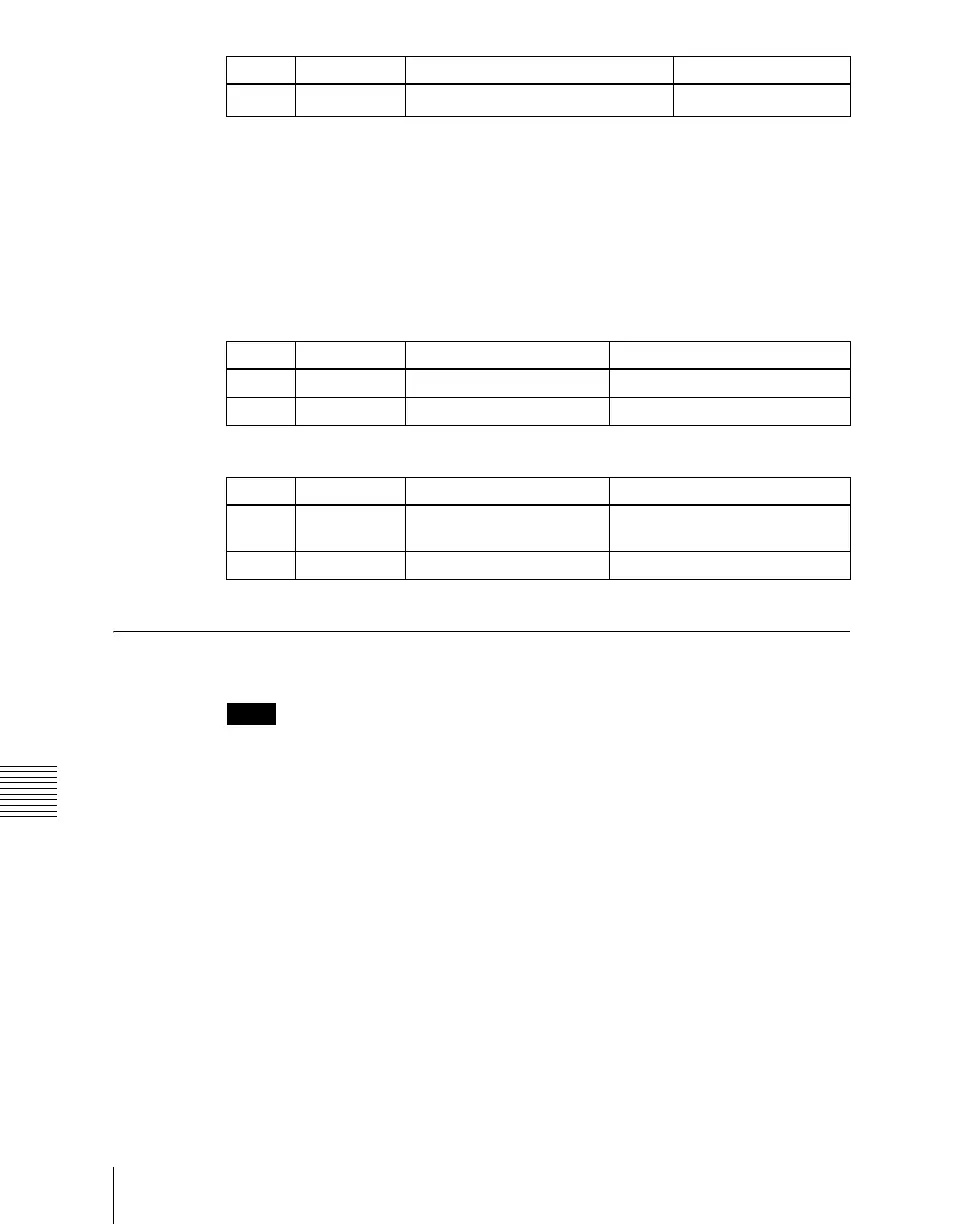
In the key control block, press the [SUB MASK] button, turning it on. The
parameter settings depend on the mask source selected as [Wipe] or [Utility 1
Bus] in the <Mask Source> group of the Sub Mask menu for the key.
• When wipe is selected
• When utility 1 bus is selected
Applying a DME Effect to a Key
Notes
For one M/E bank, DME effects (including DME wipes) can be used in up to
two places simultaneously.
For example, if one DME channel wipe pattern is selected for the background,
a DME can only be used in one place on keys 1 to 4. If two or more channels
are selected, then no DME can be used on keys 1 to 4.
Assigning a DME to a key
1
In the key control block, press the delegation buttons [M/E1] and [KEY1].
2
Using the DME channel selection buttons, select the DME channel (DME1
to DME8) for applying the effect.
The lit colors of the [DME1] to [DME8] buttons indicate the DME
assignment.
Lit green: Shows the DME assigned to the currently selected key.
3 Pattern Pattern number
1 to 24
a)
Knob Parameter Adjustment Setting values
Knob Parameter Adjustment Setting values
1 Size Pattern size 0 to 100
2 Soft Edge softness 0 to 100
Knob Parameter Adjustment Setting values
1 Clip Reference level for
creating mask signal
+109 to –7
2 Gain Gain –100 (shown as –00) to +100














 To Next Page