Chapter 9 Color Corrector
463
Color Corrector Functions
Secondary Color Correction Operations
For the six colors R (red), G (green), B (blue), Y (yellow), C (cyan), and M
(magenta), adjust the luminance and saturation, and also the hue within a range
of ±30 degrees of the center value for each color.
You can mask a part of the region to be corrected.
Applying secondary color correction
1
In the CCR menu, press VF1 ‘CCR1’ and HF3 ‘Secondary CCR.’
The Secondary CCR menu appears.
2
In the <Secondary CCR> group, press [Secondary CCR], turning it on.
3
In the <Secondary CCR Adjust> group, select the color for which you
want to make the setting.
4
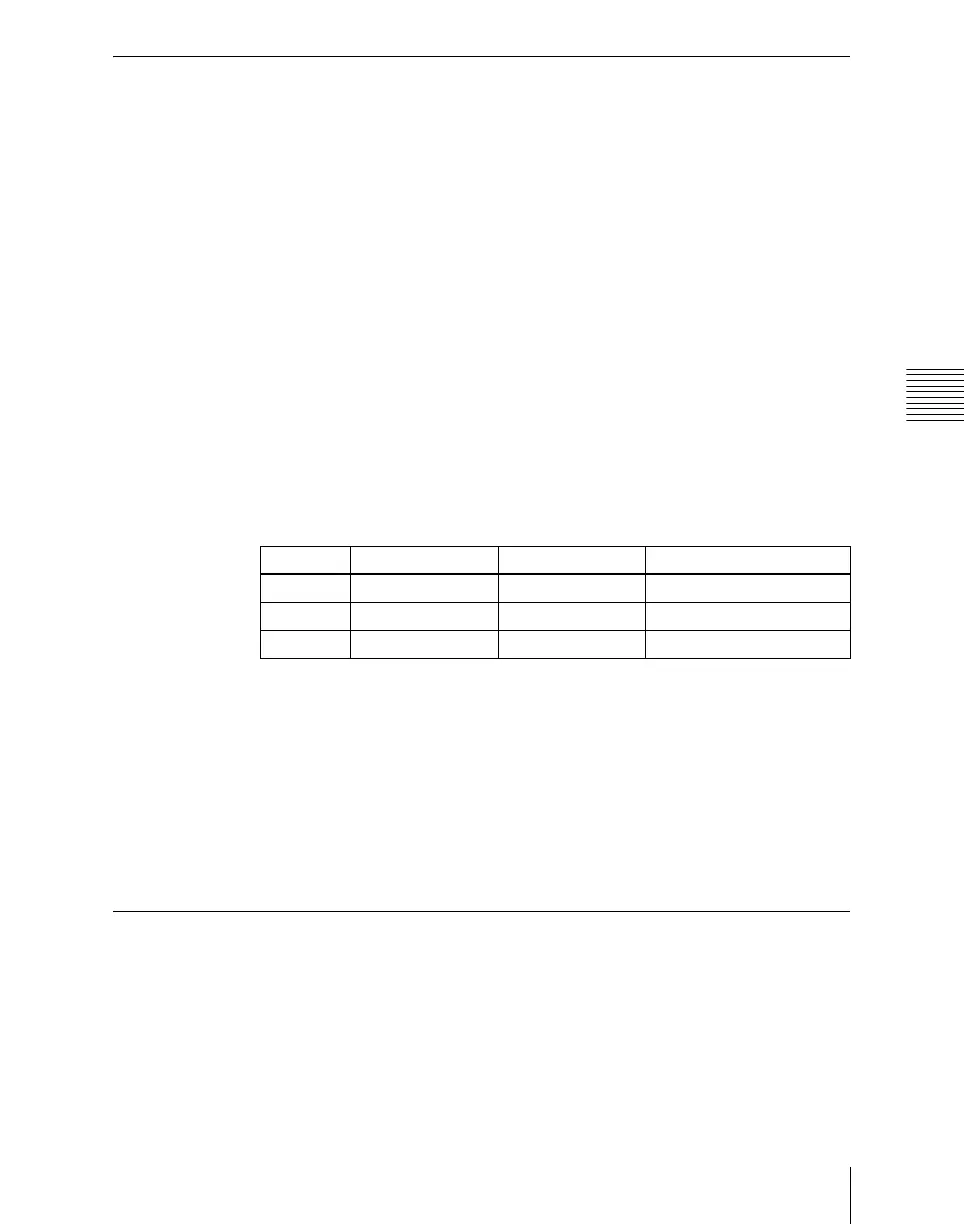
Adjust the following parameters.
To return the parameter settings to their default values
In the <Secondary CCR> group press [Unity].
Masking a part of the secondary color correction
Set [Mask] to On in the Secondary CCR menu, then carry out the same
operation as described under “Masking a part of the primary color correction”
(page 460).
Luminance Processing Operations
After converting a signal to which RGB color correction has been applied to a
YUV signal, divide the luminance levels into three regions, referred to as Dark,
Middle, and Bright, and apply video signal adjustments to these regions.
Knob Parameter Adjustment Setting values
1 Luminance Luminance –100.00 to +100.00
2 Saturation Saturation 0.00 to 200.00
3 Hue Delay Hue delay –180.00 to +180.00














 To Next Page