Chapter 7 Frame Memory
394
Still Image Operations
2
In the frame memory selection area, select the FM to be assigned. (See
page 389.)
3
If [Direct Recall] is on, press and turn it off.
4
Select the desired folder in the folder selection area.
By pressing [More] to switch the display, you can select from a maximum
of 12 folders.
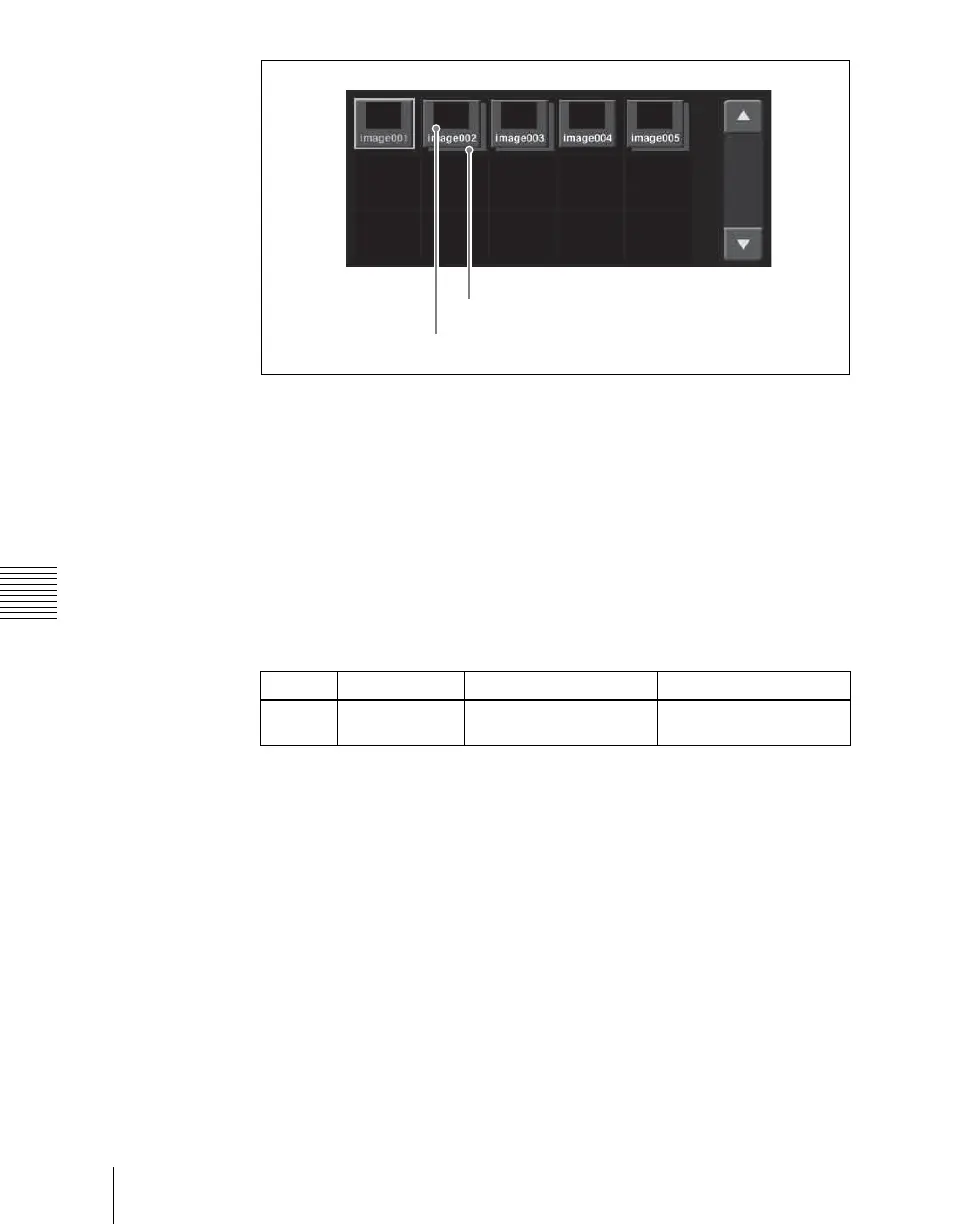
Thumbnails of the files within the selected folder appear.
5
Using the arrow keys or turning the knob, scroll the file thumbnail display.
6
Press the thumbnail of the clip you want to recall.
7
Press [Recall].
This recalls the still image file, which is assigned to the FM you selected
in step 2.
To recall in direct recall mode
Direct recall means that pressing a thumbnail immediately recalls the file.
In this mode, only the front thumbnail file is recalled.
1
In step 7 above, instead of pressing [Recall], press [Direct Recall].
2
Press the thumbnail for the file you want to recall.
Knob Parameter Adjustment Setting values
1 Scroll Thumbnail display
scrolling
1 and upwards
Main file
Sub file














 To Next Page