126 Maintenance
2005995 Rev O – 210712
Items Needed to Prepare a CoPilot 500 Ink Tray for Shipping or Storage:
• Non-Abrasive, Lint-Free Wipes
• Bag of Internal Flush Fluid Appropriate for the Ink Used (see “Inks and Fluids” on page 133).
• Waste Ink Receptacle
• Nozzle Cap (P/N 2006023)
To Prepare a CoPilot 500 Ink Tray for Shipping or Storage:
1. Remove the Ink bag from the Ink Tray, and insert a bag of appropriate internal flush fluid
instead.
2. Place a container suitable for capturing ink beneath the Nozzle side of the Ink Tray.
3. Disconnect the Ink Line from the Ink Tray Nozzle.
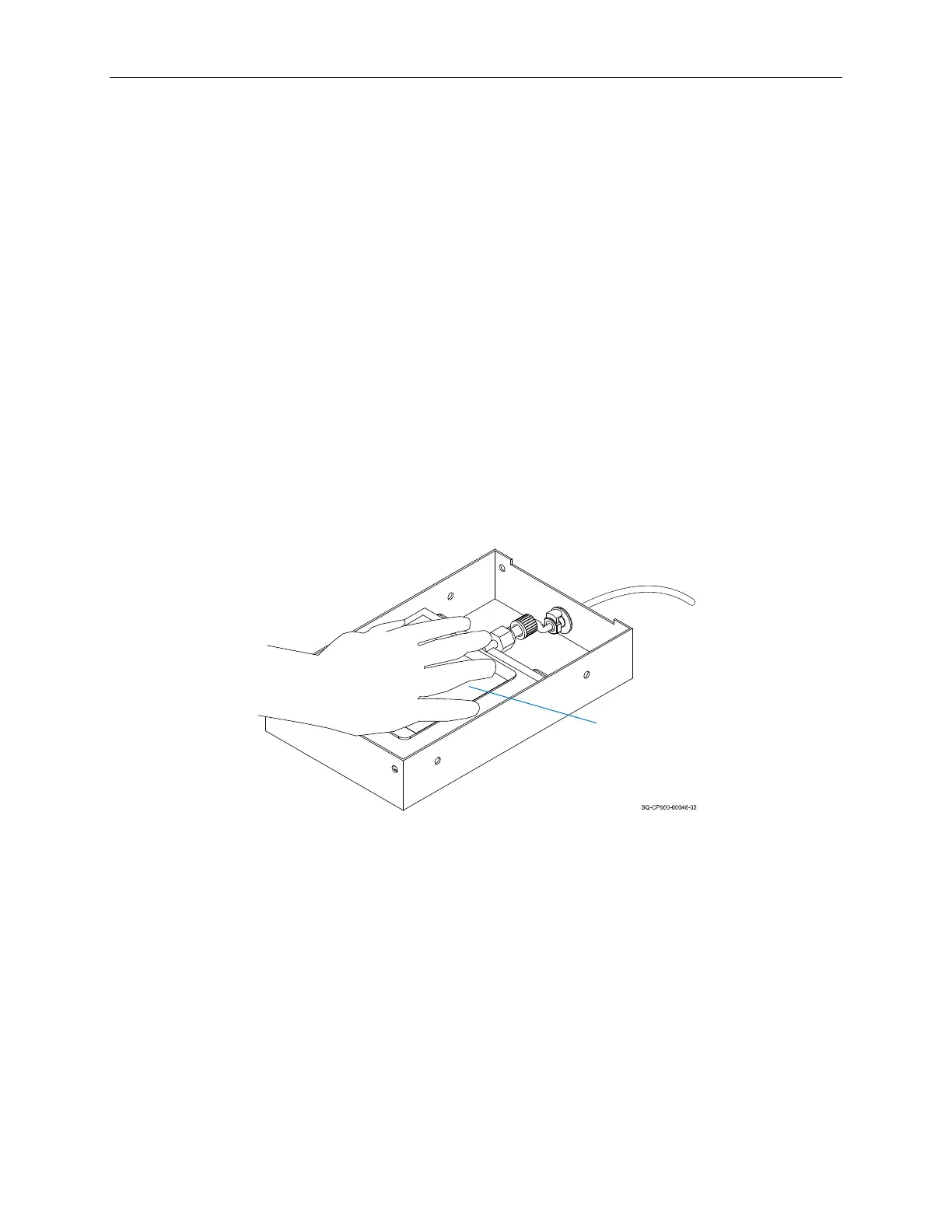
4. Gently but firmly press down on the Flush Bag until the fluid coming out of the Nozzle is
clear and free of ink. This should happen fairly soon, if not immediately.
5. Remove the Flush Bag from the Ink Tray.
6. Dampen a non-abrasive, lint-free wipe with internal flush fluid and gently wipe any
ink residue off the inside and outside Nozzles.
7. Cap the outside Nozzle.
Pressing the Flush Bag
Flush
Bag



 To Next Page