70 Software Interface
2005995 Rev O – 210712
Button Function
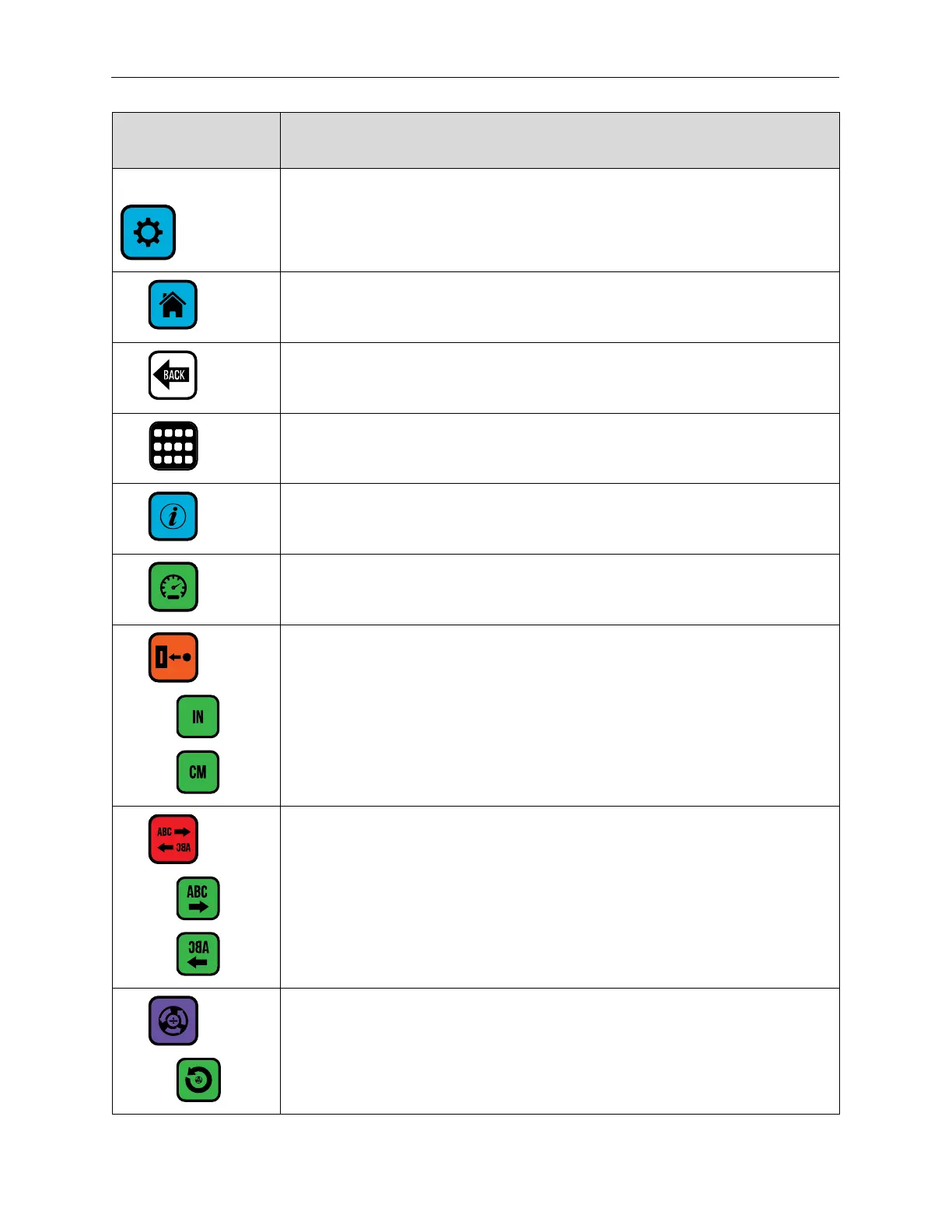
Settings Screen
Select the Settings Screen to configure Printer settings.
Return to the Home Screen.
Return to previous screen.
Switch between the Settings Page One Screen and the Settings Page Two
Screen.
Information.
Set line speed.
Set distance from Printhead to trigger (Photocell).
Show distance in centimeters.
Set print direction.
Set print direction: left to right.
Set print direction: right to left.
Encoder settings.



 To Next Page