Software Interface 71
2005995 Rev O – 210712
Button Function
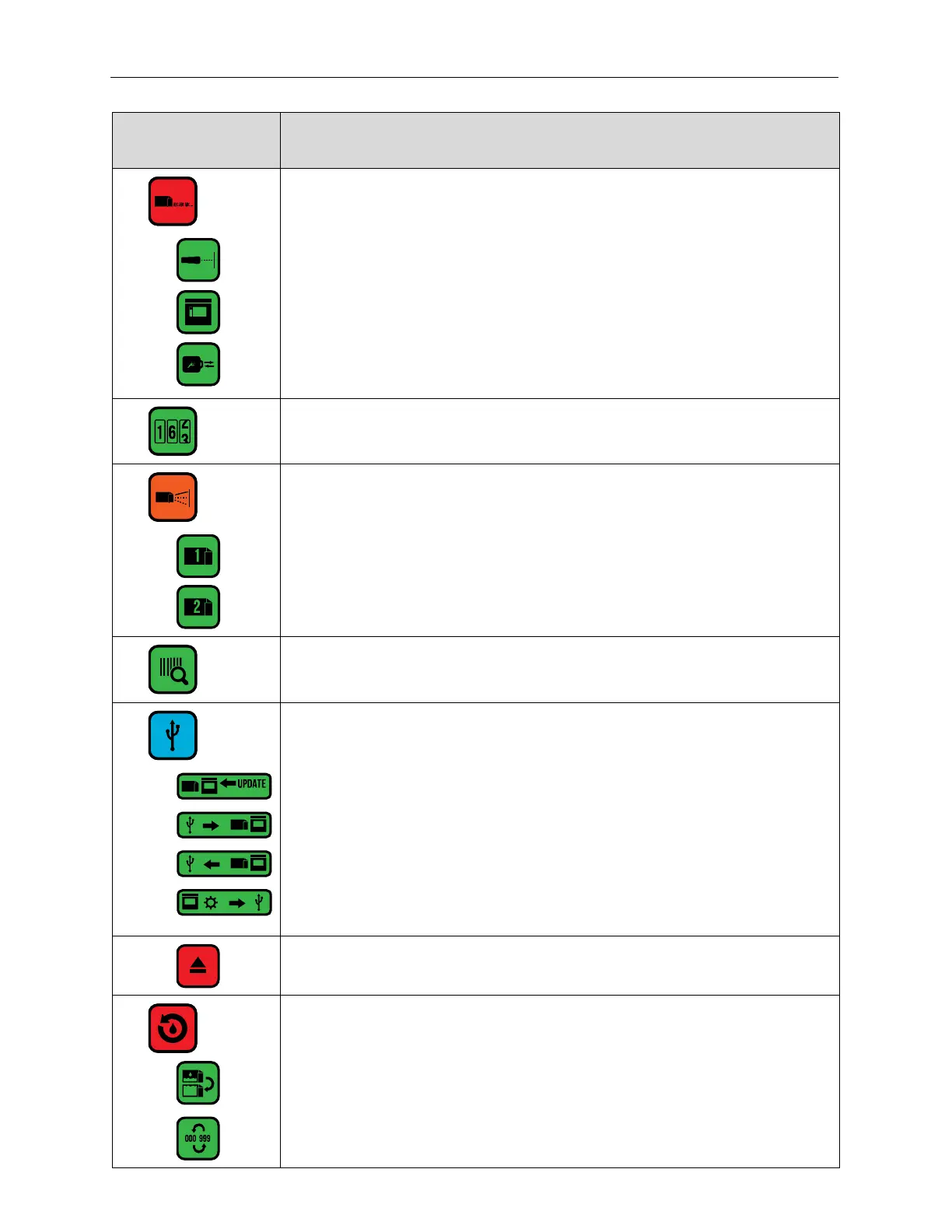
Repeat and Squid Connect trigger settings.
Select Photocell as trigger
Select screen as trigger
SquidConnect Dongle Active
Open the Counters Screen.
Spit settings.
Selects Printhead 2.
Barcode validation.
Connect to USB: only enabled if a USB Drive is present.
A USB Drive is connected.
Copy messages and fonts from USB to Controller.
Copy messages and fonts from Controller to USB.
USB Debug Report: Copies the current message and configuration to a Zip file
on a connected USB Drive to help diagnose any printer problems.
Eject the USB Drive.
Reset production counter to zero and ink supply to “full.”
Reset ink supply to “full.”
Reset production counter to zero.



 To Next Page