72 Software Interface
2005995 Rev O – 210712
Button Function
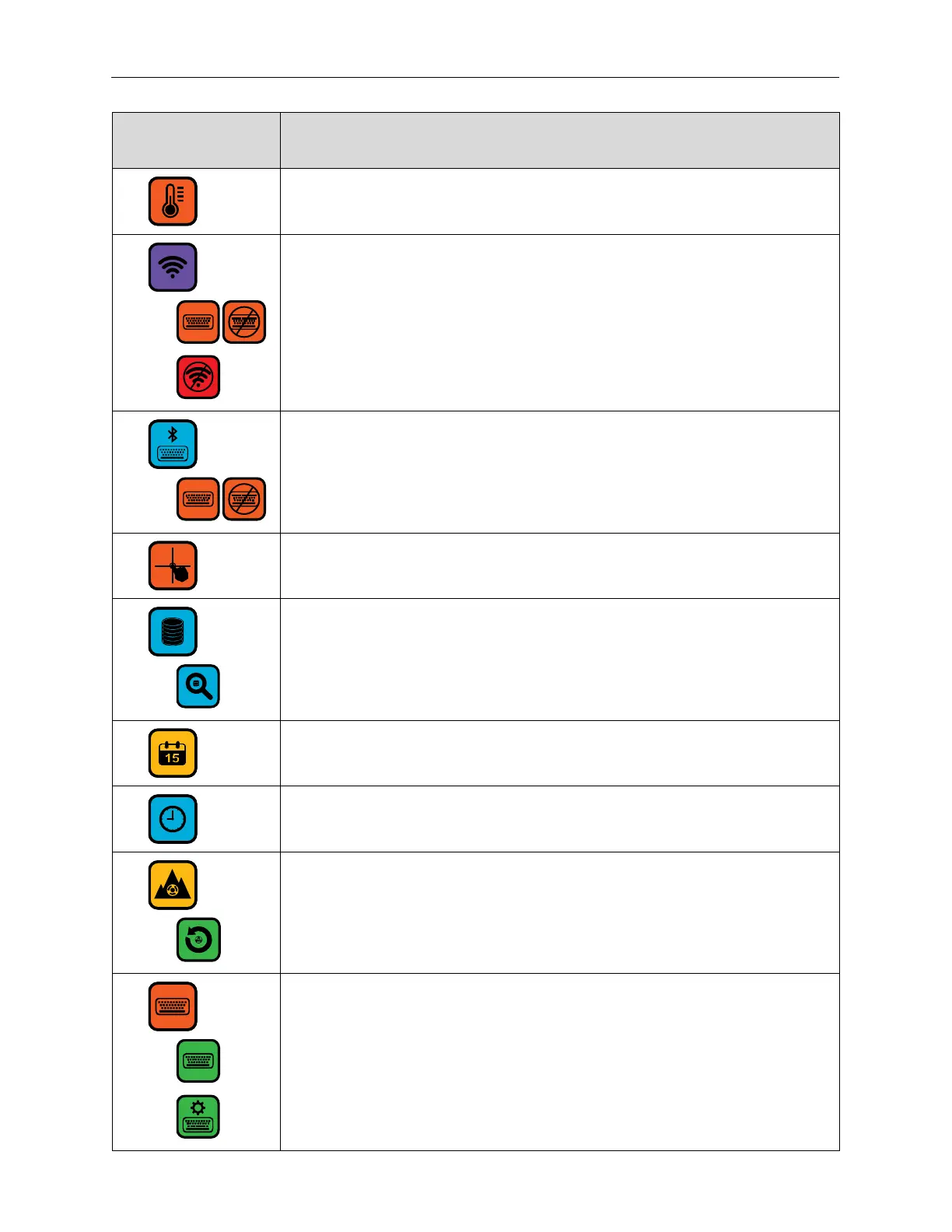
Printhead temperature.
Open the Wireless Connect Screen.
Access or dismiss the on-screen keyboard.
Disconnect from WiFi.
Open the Bluetooth Connect Screen.
Access or dismiss the on-screen keyboard.
Recalibrate the Touchscreen.
Access a remote database server.
Search the remote database.
Show or change the current date.
Show or change the current time.
Select the Peak Encoder Speed Screen.
Reset the peak Encoder speed.
Select the Custom Keyboard Screen.
Select standard keyboard.
Select custom keyboard.



 To Next Page