Software Interface 73
2005995 Rev O – 210712
Button Function
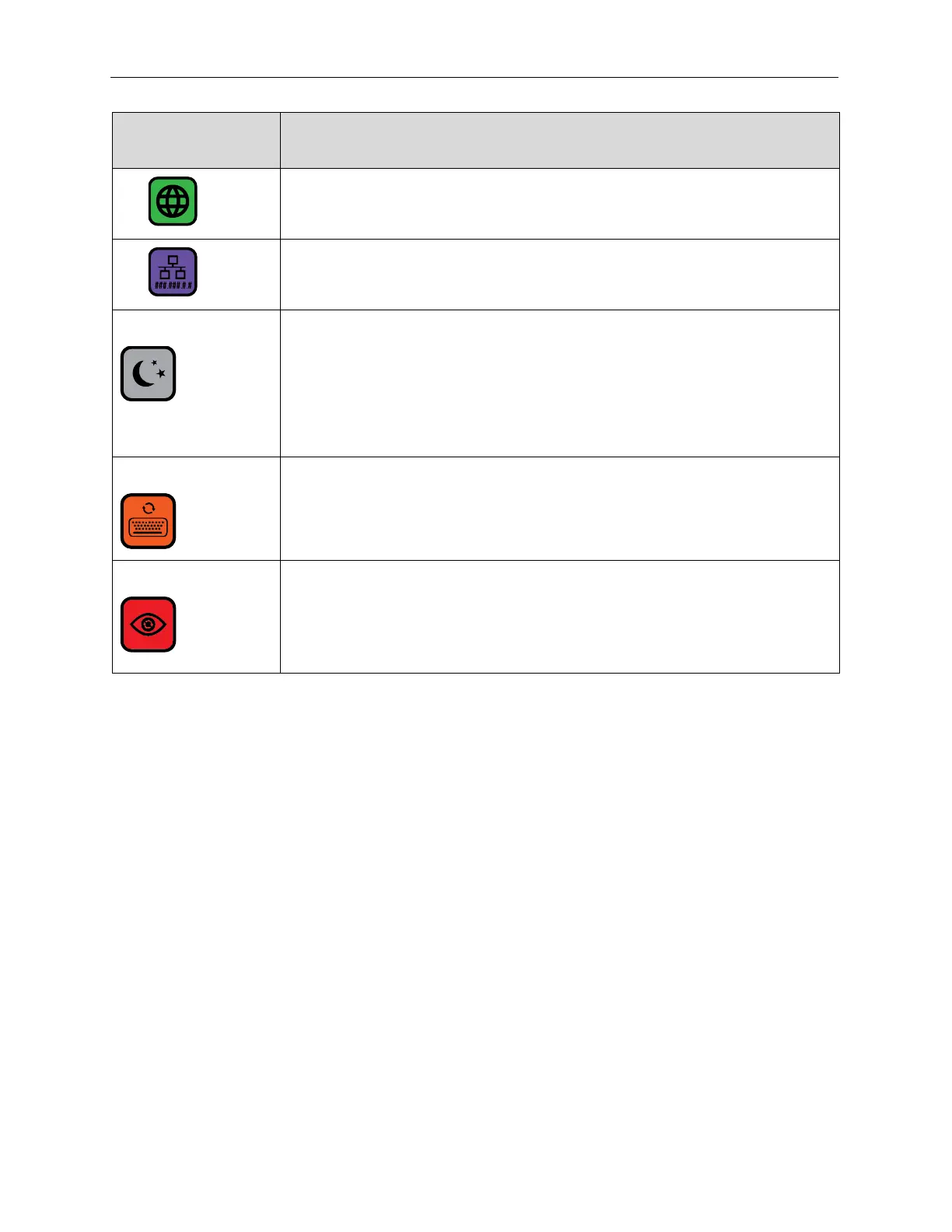
Select the Language Screen.
Use a static IP address.
Sleep
Select the Sleep button to place the Printer into Sleep Mode. This is a soft
shutdown. Sleep is useful for long periods of idle time. Touch the Controller
Touchscreen to restart.
If the Spit Mode is turned on, the Printer continues to spit ink while in Sleep
Mode (see “Spit Settings” on page 87), reducing the chance of some types of
ink drying in the Print Nozzles.
User Data
If the current message contains user data, the User Data button is available to
open the User Data Prompt Screen.
GUI Refresh
Graphic User Interface Refresh. Used to turn GUI Refresh off on messages
over 42" long. This significantly helps GUI response time.



 To Next Page