3-7
Component Identification Operator Manual 920011-649
3.3 Control IMPORTANT:
Become familiar with all control locations and functions
before operating the Reliance EPS (see Figure 3-5).
The Reliance EPS Processor is equipped with a microprocessor
control system. The control system monitors and automatically
controls all cycle operations and functions. The control system offers
three different modes: Operator, Supervisor and Service mode.
3.3.1 Operator Mode The Operator mode section of the control panel is used to control the
main functions of the processor: power ON or OFF, cycle selection,
start, stop and abort cycles, and display status or FAULT messages.
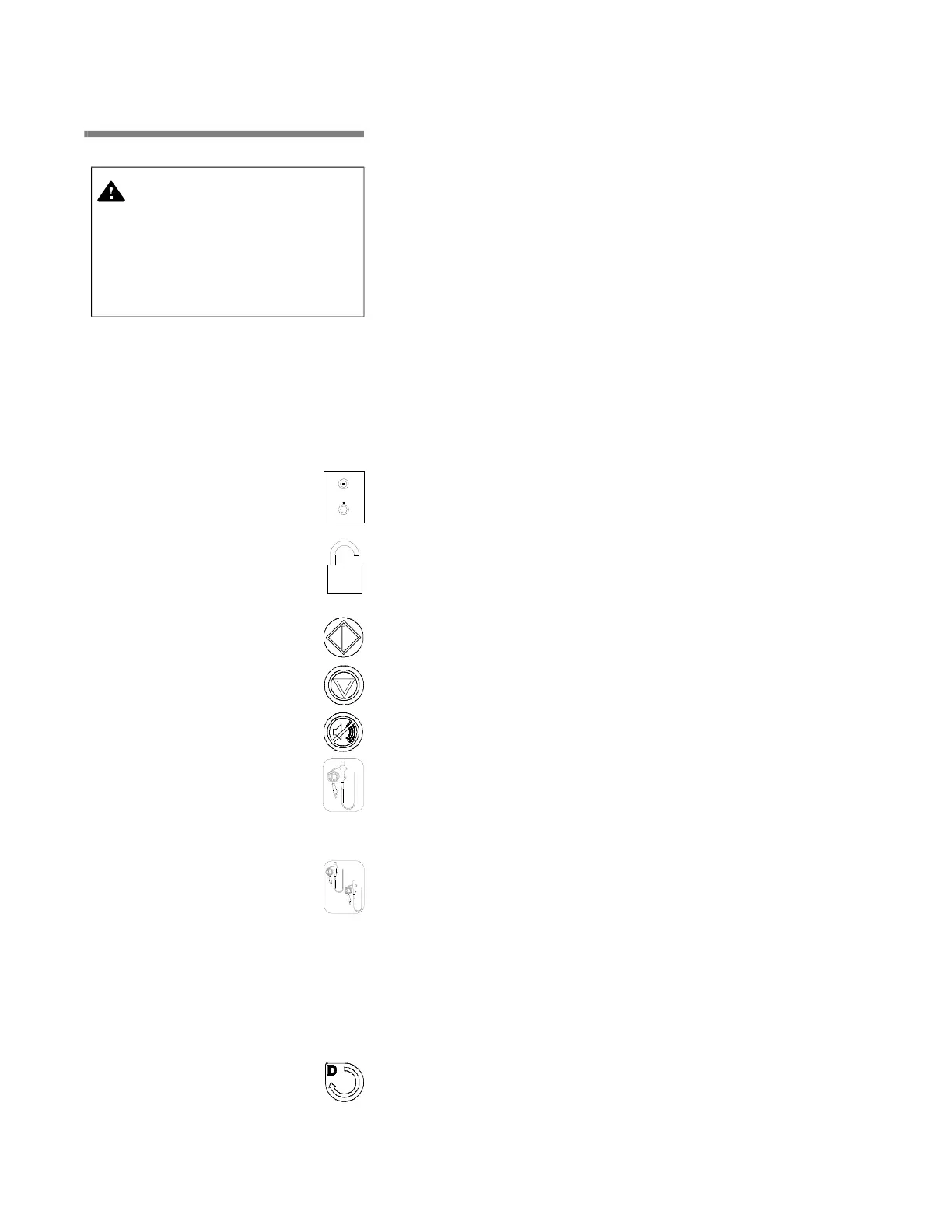
NOTE: A description of the control panel symbols is available behind
the control panel cover.
• POWER (ON/OFF) toggle switch – press top portion to turn
power ON or bottom portion to turn power OFF.
• UNLOCK toggle switch – press to unlock door.
• START touch pad – press once to start a selected cycle.
• STOP touch pad – press once to stop/interrupt cycle in
progress.
• ALARM REPLY touch pad – press to stop intermittent alarm
bu
zzer and acknowledge the displayed FAULT messages.
• SINGLE endoscope processing cycle touch pad – press to
select the preprogrammed SINGLE cycle to process ONE
endoscope. Press once to use WASHING and High Level
Disinfection (HLD) phases; press a second time to process HLD
phase only.
• DOUBLE endoscope processing cycle touch pad – press to
select the preprogrammed DOUBLE cycle to process TWO
endoscopes. Press once to use WASHING and HLD phases;
press a second time to process HLD phase only.
NOTE: The choice of selecting the WASHING phase is available
only if WASHING SELECT is set to YES in Supervisor mode. If
WASHING SELECT is set to NO, pressing the touch pad a
second time will have no effect and cycle will always process
WASHING and HLD phases (refer to S
ECTION 5.2.3, SETTING
MISCELLANEOUS VALUES).
• DECONTAM cycle touch pad – press repeatedly to toggle
between the standard preprogrammed D-SHORT and D-LONG
cycles.
CAUTION – POSSIBLE EQUIPMENT
DAMAGE:
Use a soft damp
cloth and a mild detergent to
clean control panel touch
pads. Splashing water or any
other liquid will damage
control panel touch pads.













 To Next Page