5-4
920011-649 Operator Manual Cycle and Control Value Programming
then:
then:
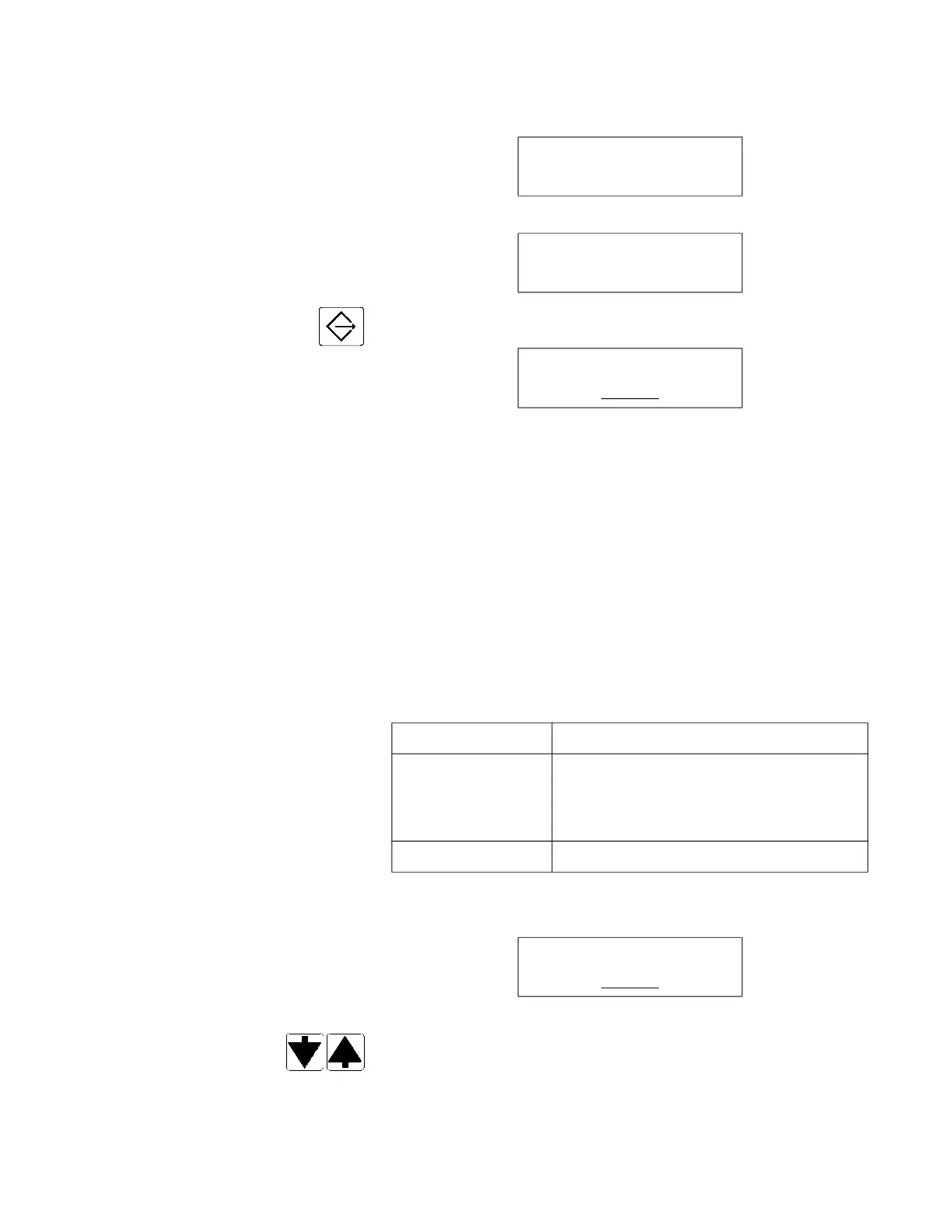
3. Press CHANGE VALUES touch pad to enter Supervisor mode.
Display shows for example:
__ blinking
and printer records:
===========================
HH:MM:SS XM MM-DD-YY
===========================
= SUPERVISOR MODE =
===========================
5.2.2 Changing Cycle Values Changes affect only the selected cycle. Repeat procedure to
change values of other cycles.
Change Cycle Values displays are used for following functions (see
Table 5-1, Cycle Description Chart, for available value ranges):
1. Access Supervisor mode as explained in S
ECTION 5.2.1,
A
CCESSING SUPERVISOR MODE. Display shows:
__ blinking
2. Press SCROLL arrows (up or down) to choose SINGLE or
DOUBLE.
NOTE: It is also possible to select cycle by pressing directly on
corresponding cycle touch pad.
STERIS CORP
COPYRIGHT (C) 2011
READY
MM-DD-YY HH:MM XM
SCROLL TO MODIFY
SINGLE
DISPLAY FUNCTION
Recirculation Time To set recirculation time for WASHING
segments WASH 1 and 2 (from 5 to
10 minutes) and AIR PURGE (from 4 to
30 minutes).
Print Cycle To print values of currently modified cycle.
SCROLL TO MODIFY
SINGLE













 To Next Page