Working with the Tools Page Light
Page 94
© Copyright 2020 Stratasys. All rights reserved.
Shutdown
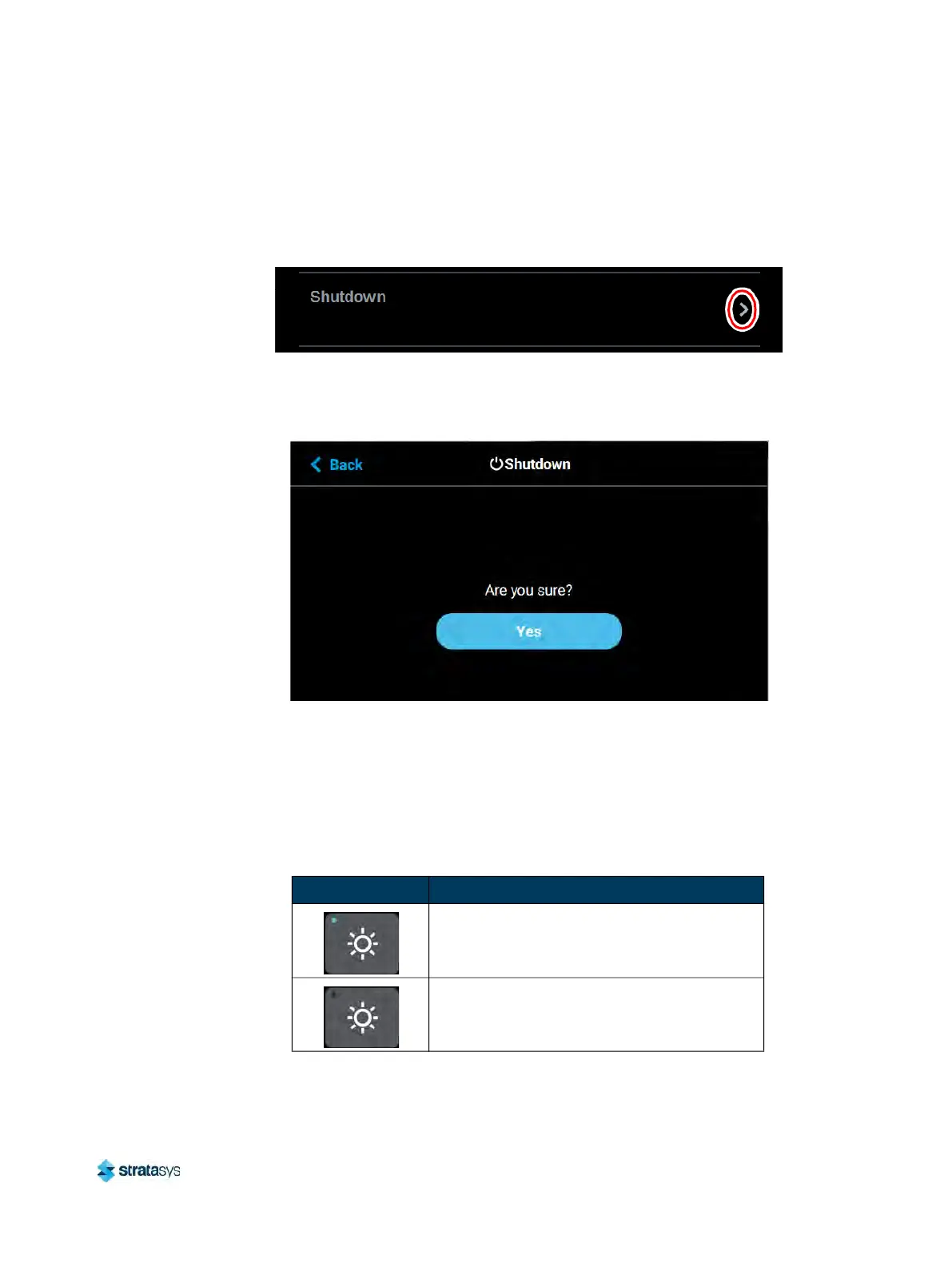
Pressing anywhere within the Shutdown row will open a dialog allowing you to power the
printer down.
Figure 88: Shutdown
Pressing the Ye
s button within this dialog will cause the printer to power down. Press the Back
button to exit the page and return to the Power page.
Figure 89: Restart Confirmation Dialog
Light
The Light button is the only option within the Tools page that does not open a new page after
being pressed. Instead, the Light button allows you to turn the oven light ON and OFF. An
indicator within the upper-left corner of the button displays the current state of the oven light
(ON or OFF). The Light button can appear in the following states:
Table 13: Light Button - Button States
Button State Description
Oven light is ON.
Selecting the Light button in this state will turn
th
e oven light OFF.
Oven light is OFF.
Selecting the Light button in this state will turn
th
e oven light ON.













 To Next Page