Basic User Operations Powering ON the Printer
Page 95
© Copyright 2020 Stratasys. All rights reserved.
5
5 OPERATING THE PRINTER
This chapter explains basic steps in operating the F120 printer
Basic User Operations
Powering ON the Printer
To power the printer ON:
1. Connect the male end of the supplied power cord directly into a grounded electrical outlet.
2
. Connect the female end of the power cord directly into the socket located on the back of
t
he printer (see Figure 4 (page 11) for location).
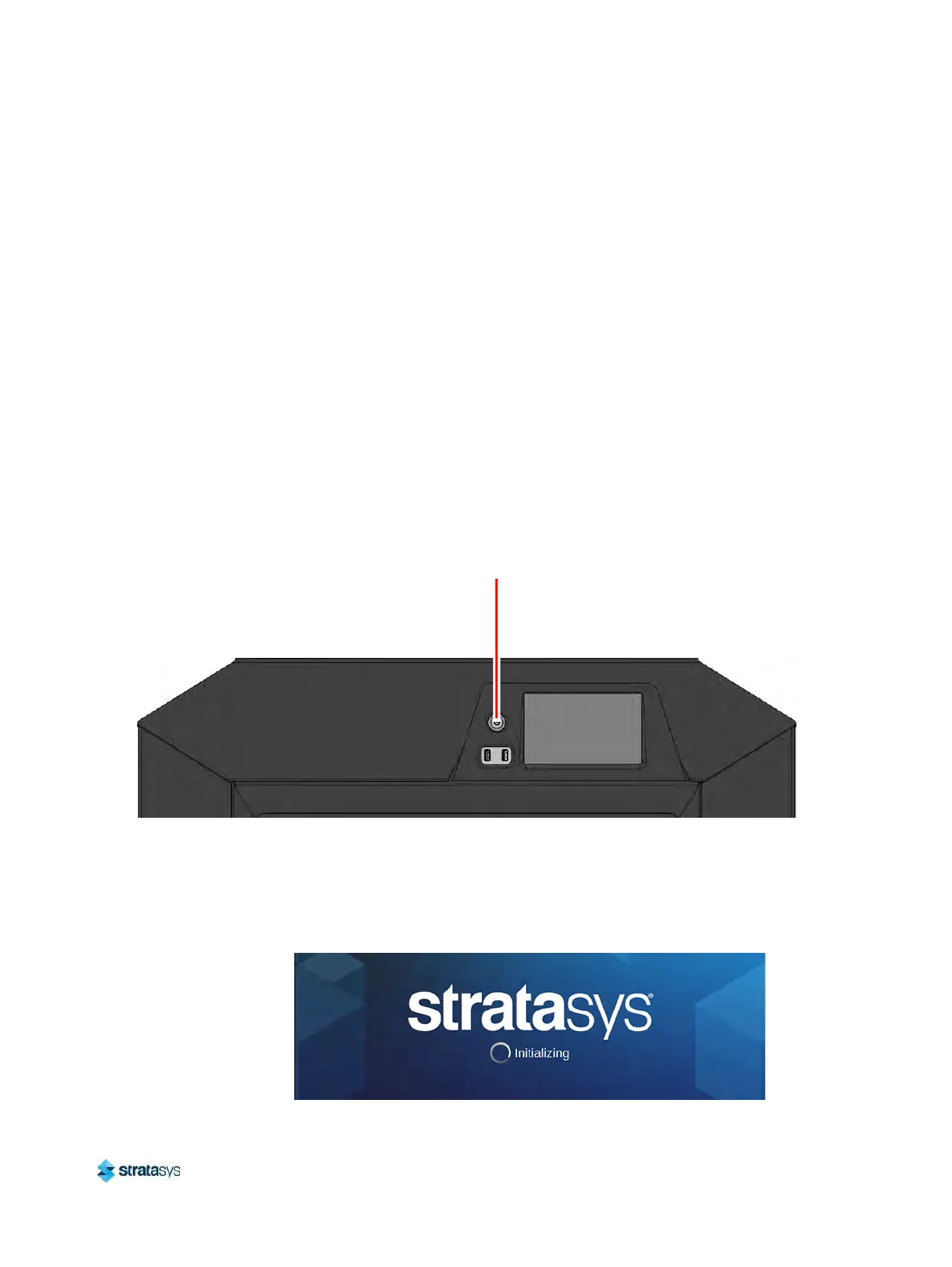
3. Press the power button located on the front of the printer.
F
igure 1: Power Button Location
4. The printer will begin to boot. The touchscreen will turn on and begin initializing.
5
. The first time the printer is powered ON a dialog will be displayed asking you to select your
d
esired language. Select the radio button corresponding to your desired language by
touching its row on the screen, then confirm your selection.
Figure 2: Initializing Start Up Screen
Power Button













 To Next Page