Overview
Page 34
© Copyright 2020 Stratasys. All rights reserved.
4 USER INTERFACE
This chapter provides an overview of the F120 printer’s User Interface (UI). Specific printer
operation information and procedures can be found in Chapter , 5 Operating the Printer
(page 95). You must power ON the printer prior to using the touchscreen, see “Powering ON
the Printer” (page 95) for instructions.
Overview
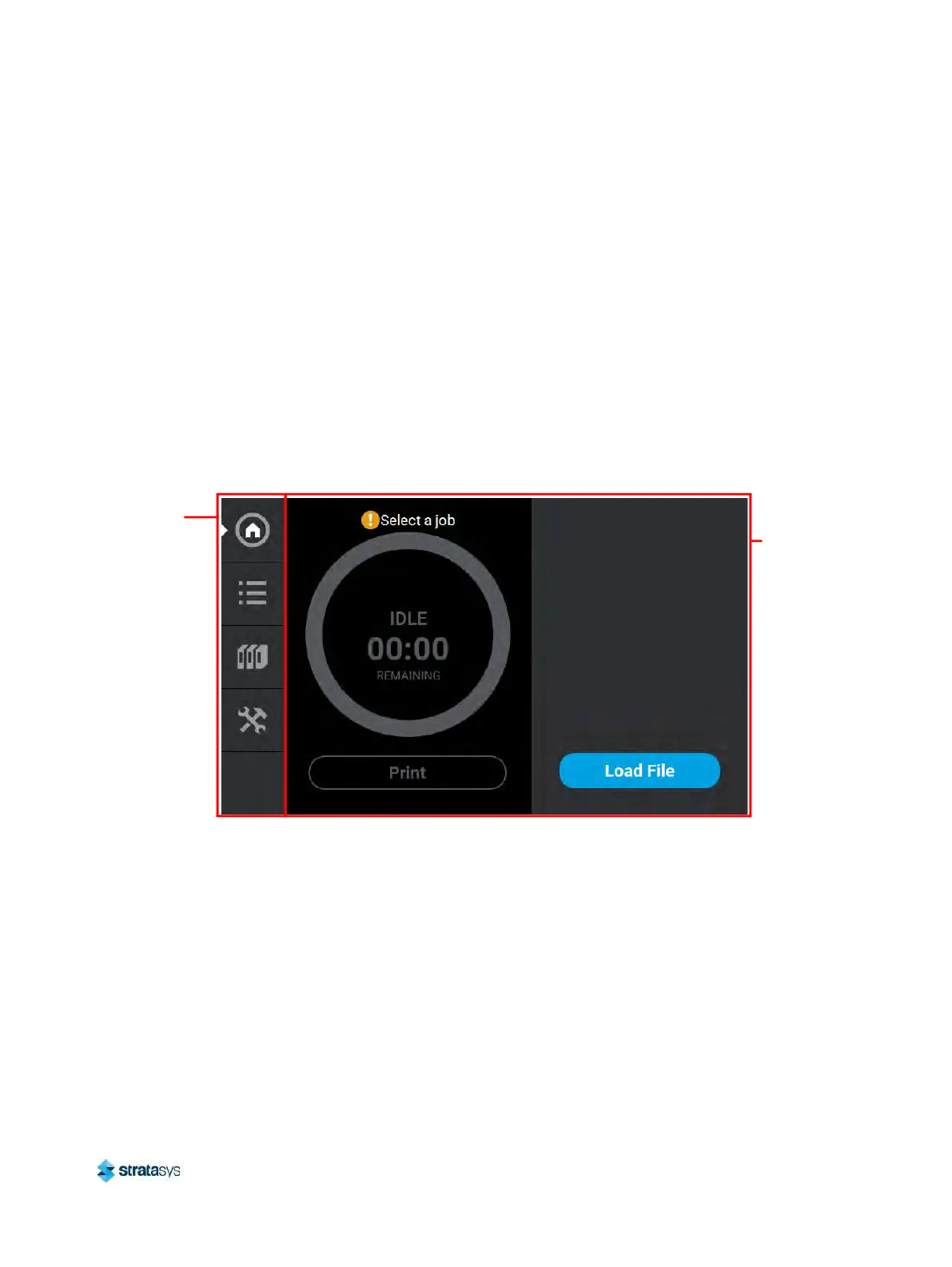
The User Interface is composed of a touchscreen located on the front right face of the printer
(see Figure 1). Each page of the UI is composed of two main areas of functionality; these items
are highlighted in Figure 1.
Figure 1: User Interface Overview
The touchscreen is designed to reduce glare; therefore, it is best to view the touchscreen when
st
anding in front of the printer with the screen to your right. Viewing the touchscreen from any
other angle may inhibit a clear view of the screen's display. The touchscreen is easy to use and
allows you to:
• Access material load, unload, and calibration functions.
•
Monitor printer status.
•
Monitor material/head statuses (types loaded/installed, material coil box volumes, head
o
dometers, etc.) and change materials and/or heads when necessary.
• Monitor build progress (name of job being built, materials usage information, estimated
c
ompletion time, etc.).
• Access network configuration information and change printer defaults.
•
Access the Job Queue and Sample Queue (internal storage).
Navigation
Menu
Display
Area













 To Next Page