Printer Status Software Version
Page 128
© Copyright 2020 Stratasys. All rights reserved.
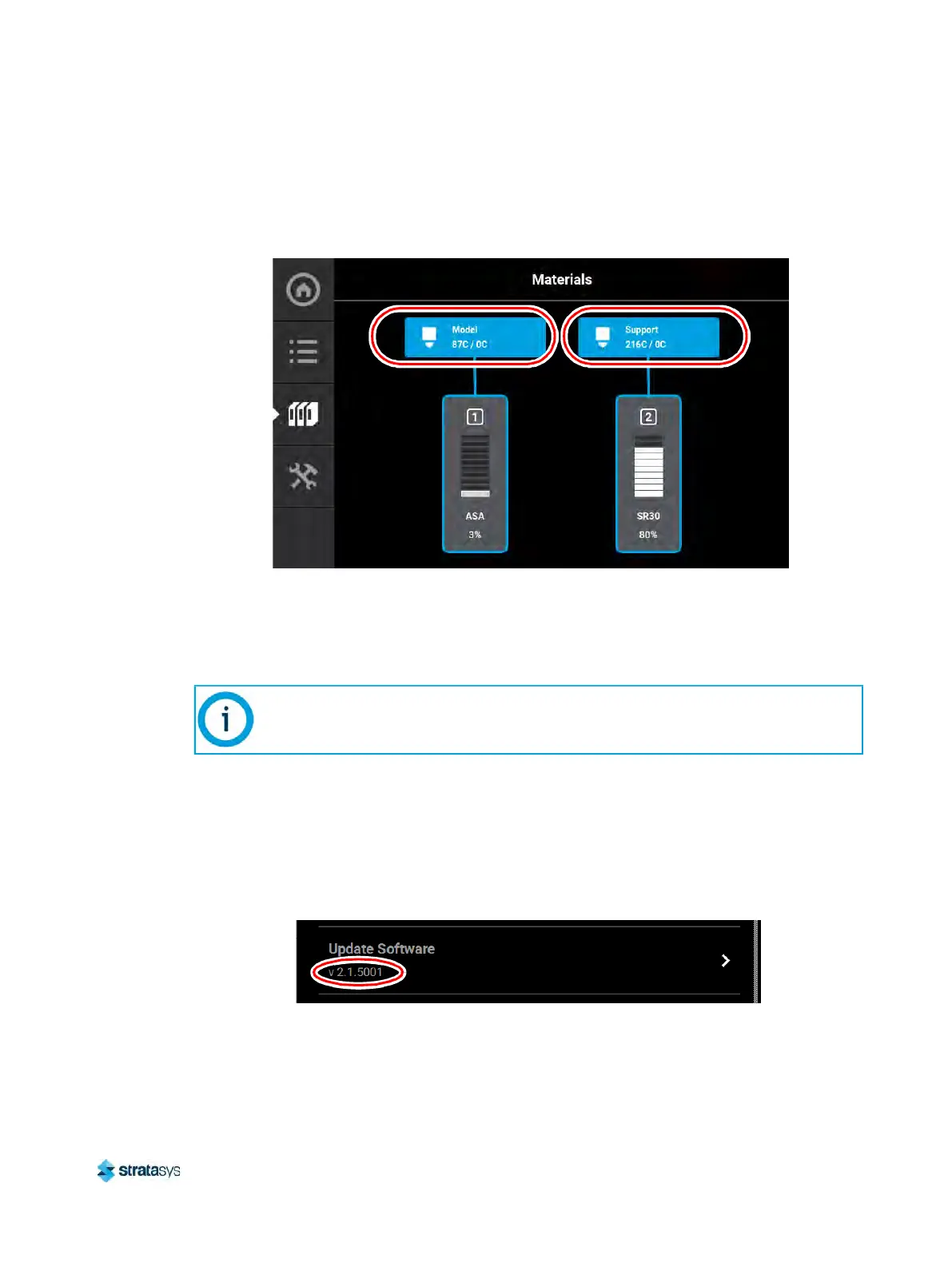
3. Touching one of these icons on the screen will open that head’s Head Details page. The
same temperature information is displayed within this page for both the model and support
heads.
Figure 33: Materials Page Head Temperatures
Software Version
Version information for the software used to control the printer (Controller Software) can be
accessed via the Maintenance page:
1. To access the Maintenance page, press the M
aintenance button within the Tools page
(see “Working with the Tools Page” (page 69)).
2. Locate the Update Software row within the page (see “
Maintenance” (page 83)).
3. The printer’s Controller Software version information is displayed within the Update
S
oftware row.
Figure 34: Controller Software Version Information
Controller Software is installed on a flash device located on the Controller board and
should not be confused with GrabCAD Print software, which is installed on the
workstation PC.













 To Next Page