Working with the Build Page Display Area
Page 36
© Copyright 2020 Stratasys. All rights reserved.
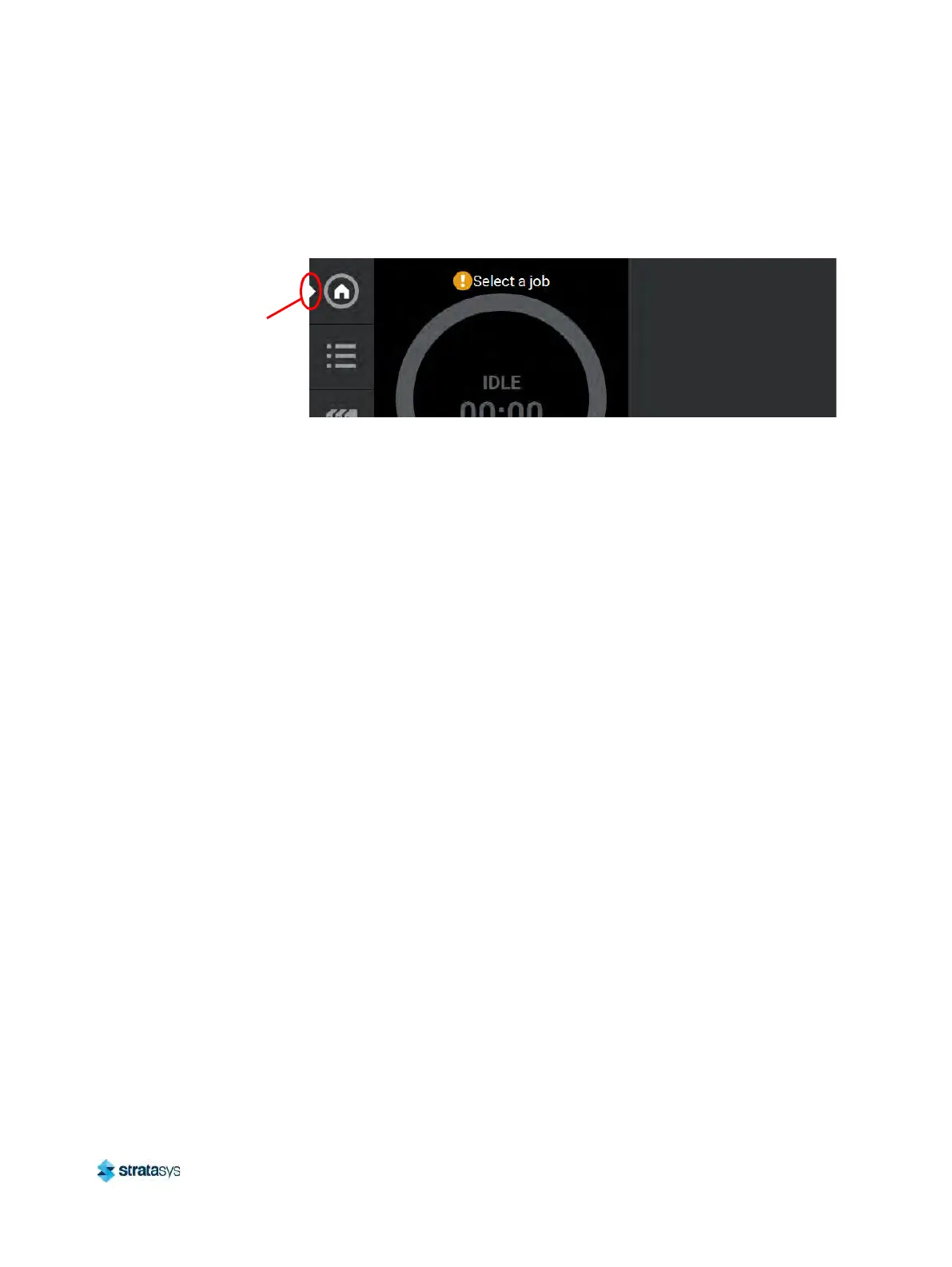
After selecting a button from the Navigation Menu, a white indicator arrow is displayed along
the left-center edge of the button. This arrow indicates which Navigation Menu item is currently
selected, making it easy for you to recognize which page of the UI you are viewing.
Figure 2: User Interface Overview
Display Area
The Display Area contains the body portion of each page of the User Interface; this is where
you can select from available functions and view current status. After selecting a button from
the Navigation Menu, the Display Area will refresh and the main page corresponding to the
selected button will be displayed. The information and buttons/icons shown within the Display
Area will vary depending on which main page of the UI was selected.
Working with the Build Page
The Build page is composed of the three main areas of functionality that are necessary for
building parts on the printer; these items are highlighted in Figure 3. Within the Build page you
can start, pause, and abort a job, view a build time estimate for the selected job, see status and
es
timated action points for a job in progress, and view a visual representation of the completed
part. Please note that you must load a job file to the printer and select the file to be built before
the job’s details will be displayed within the Build page.
The Build page also contains the Notifications Display. Depending on the state of the printer a
va
riety of notifications/warnings will be displayed within this area of the page. Touching the text
on the screen will open a dialog indicating the reason(s) for the notification, and in some cases,
steps to correct the notification (see Figure 4). Once all notifications have been corrected,
press the Cl
ose button within the dialog to exit the dialog.
Navigation
Menu
indicator
arrow













 To Next Page