Working with the Tools Page Calibration
Page 81
© Copyright 2020 Stratasys. All rights reserved.
Remote Access Permissions
This feature is not currently supported by GrabCAD.
Figure 59: Remote Access Permissions
Calibration
The Calibration page allows you to perform a variety of calibration procedures on the printer,
including:
• Tip Calibration
•
Touchscreen Calibration
T
o access the Calibration page, press the Ca
libration button within the Tools page; a screen
similar to the following will be displayed.
Figure 60: Calibration Page
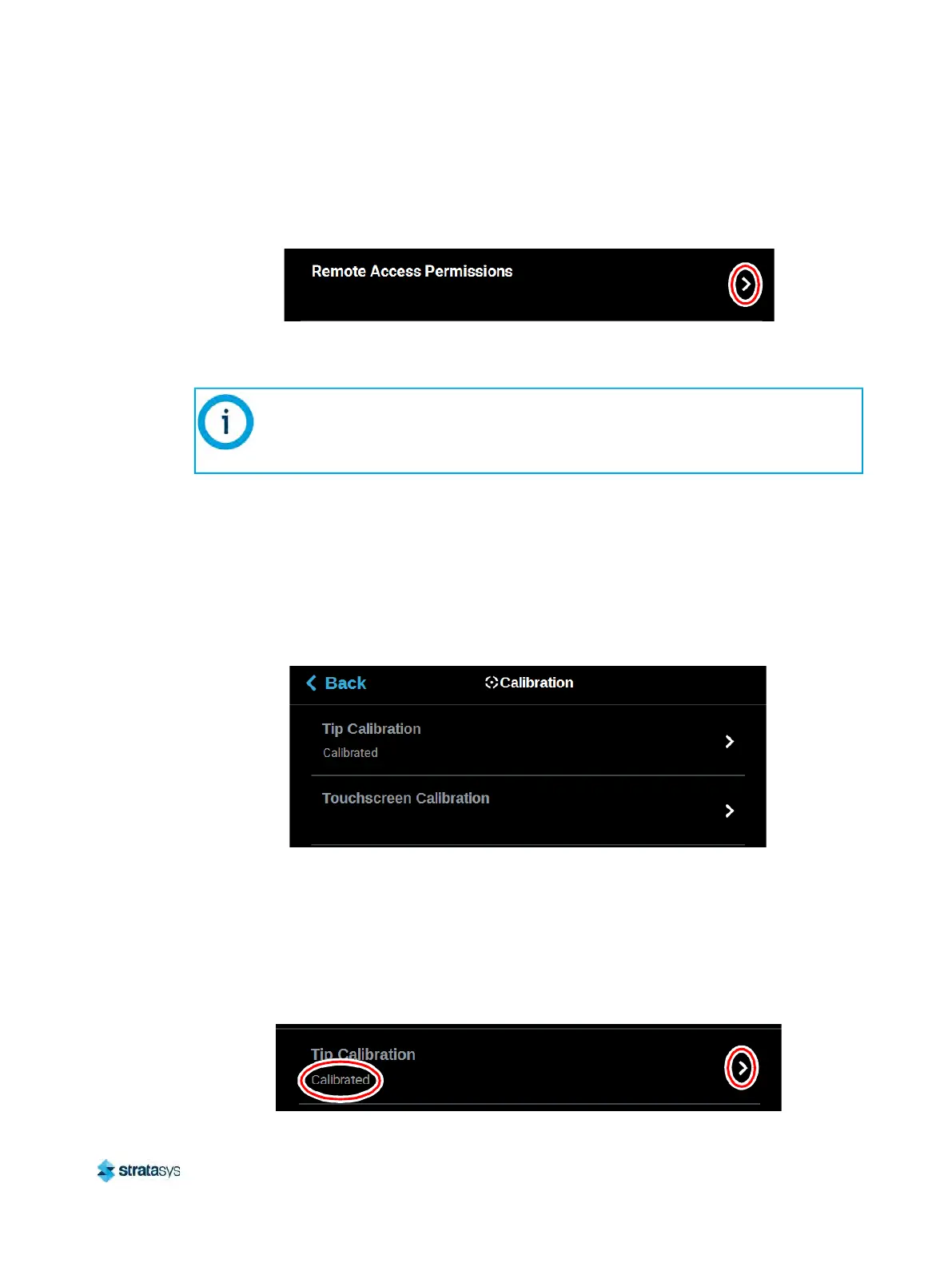
Tip Calibration
The printer’s calibration status will be displayed within the Tip Calibration row. Calibrated or Not
Calibrated will be displayed depending on the printer’s Calibration status.
Pressing anywhere within the Tip Calibration row will open a page allowing you to select from a
va
riety of tip calibration options.
Figure 61: Tip Calibration
This section provides an overview of the Calibration page and its features, but does
not go into detail regarding calibration procedures. See
“6 Calibration and
Adjustments” (page 129) for detailed calibration procedure information and
instructions.













 To Next Page