Working with the Materials Page Material Load Controls
Page 64
© Copyright 2020 Stratasys. All rights reserved.
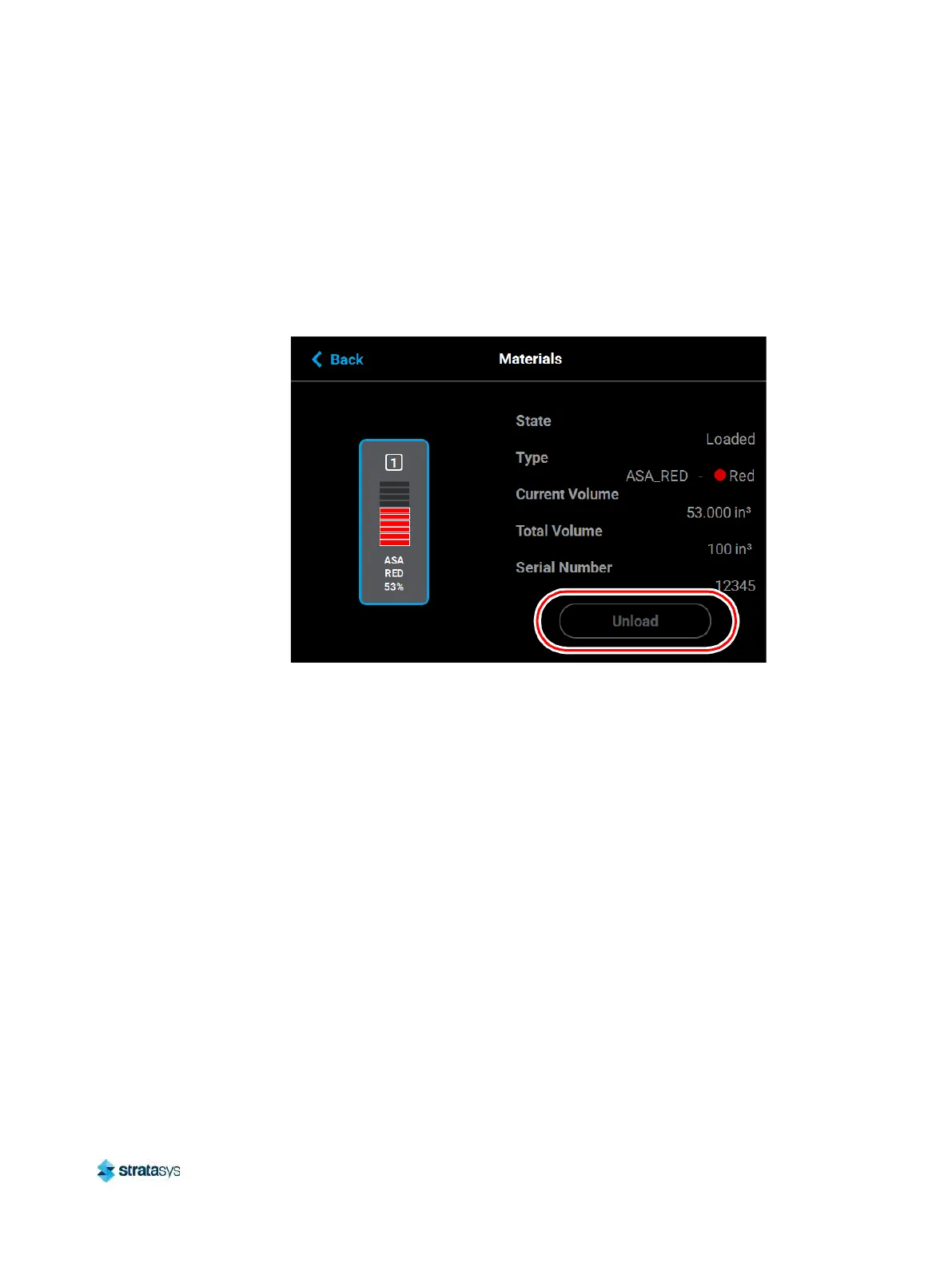
Material Load Controls
The Material Load Control buttons are used to load and unload material to the liquefier within
the head, as well as cancel a material load or unload in process. The Material Load Control
buttons are displayed in the lower-right portion of the Material Details page; however, the
visibility of these buttons is dependent upon the material coil box’s load status. Button states
are explained within the tables below.
Figure 30: Material Load Control Buttons
Pressing the Load button initializes the load wizard. The load wizard instructs the user on the
st
eps necessary to load material into the F120 (see “Loading Material” (page 97) for details). If
the corresponding head is already loaded with material, the Load button will appear in its
di
sabled state.













 To Next Page